Una suite de aplicaciones de gestión de dispositivos que incluye administración de dispositivos, herramientas intuitivas para la gestión del aula, filtrado web seguro y controles parentales integrados.


Registra dispositivos Android, ChromeOS, iOS y Windows rápidamente con opciones de registro diseñadas para cualquier configuración escolar.
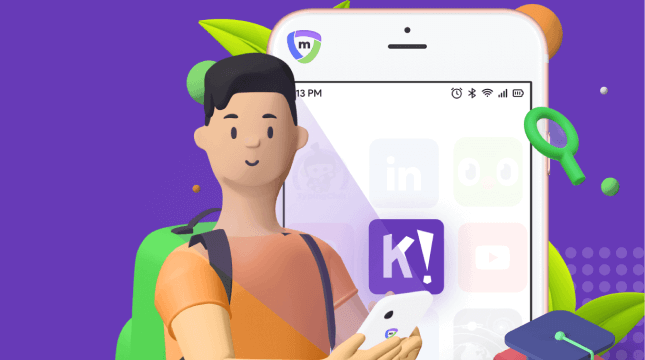
Despliega, gestiona y controla las aplicaciones en los dispositivos de los alumnos, alineándolas con las necesidades del centro y las políticas de uso.
Los informes por dispositivo ofrecen a los directivos una visibilidad clara de cómo se utilizan los dispositivos en todo el programa y las pruebas necesarias para demostrar su uso.
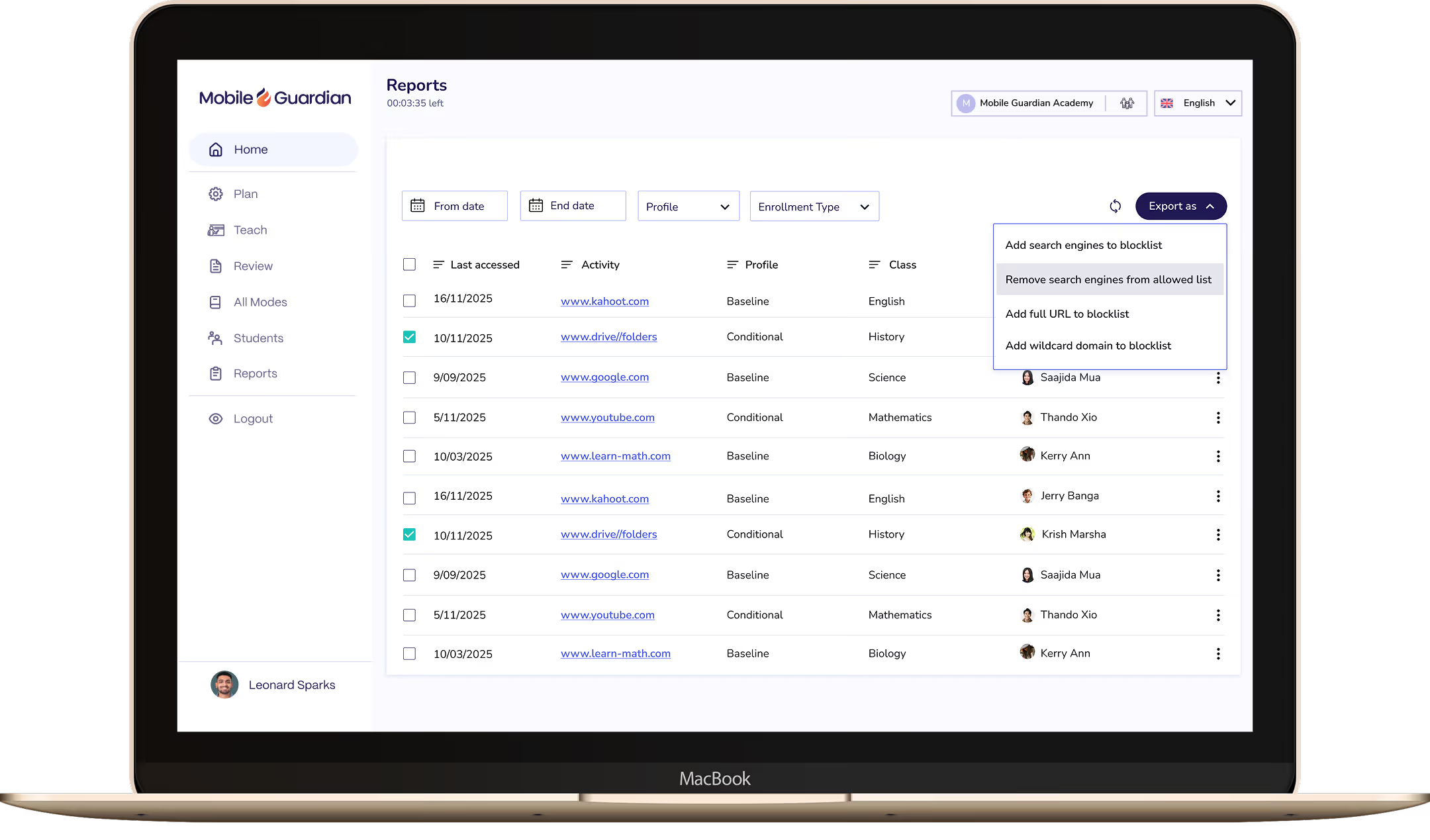
Consulta qué sitios y aplicaciones visitan más los alumnos, con los datos necesarios para identificar riesgos y cumplir con tus requisitos de elaboración de informes.
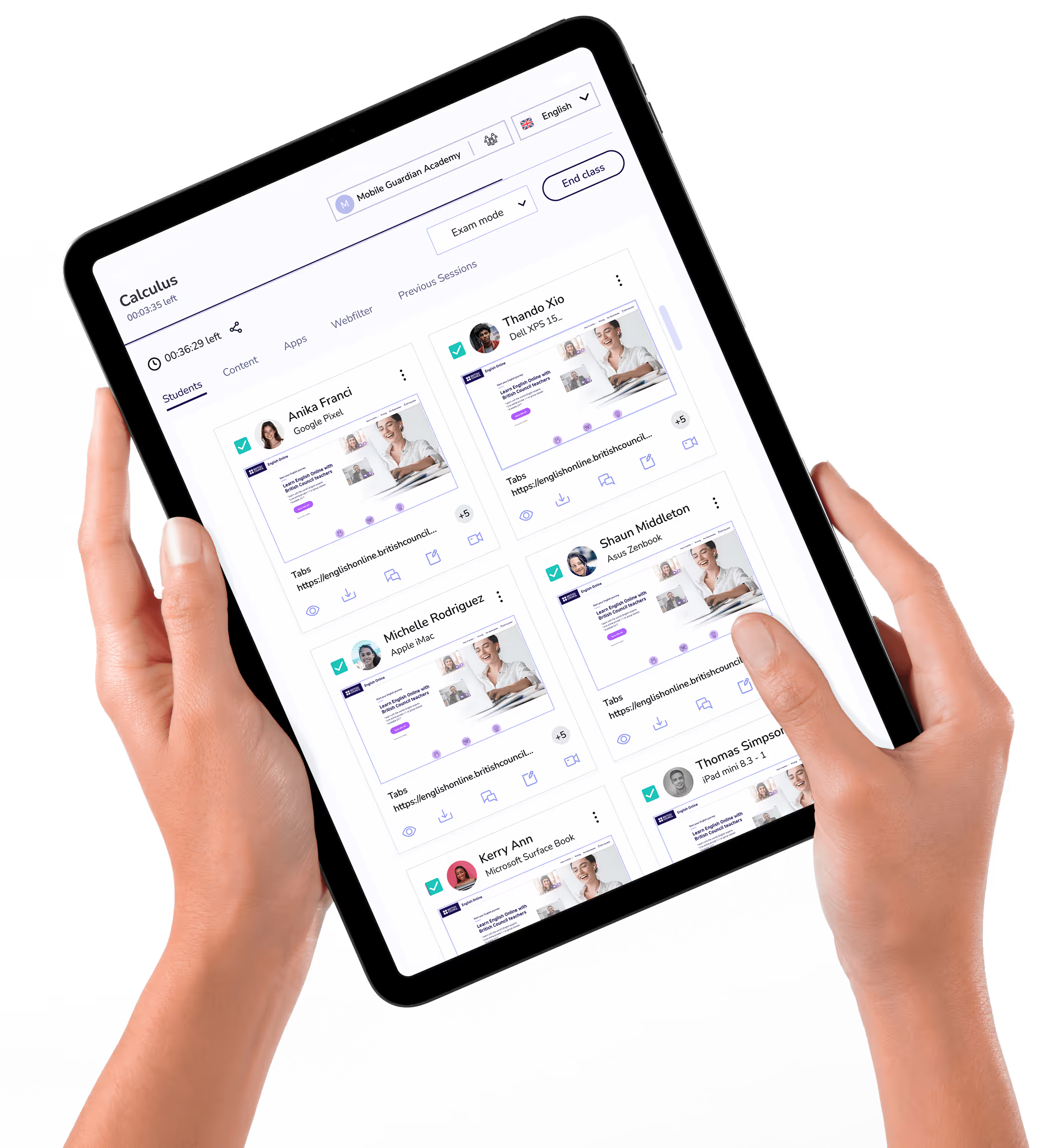
Mira la pantalla de cada alumno en tiempo real durante la clase, detectando al instante quién se ha distraído y quién necesita ayuda.
Establece y controla el acceso a las aplicaciones en los dispositivos de los alumnos según las necesidades del centro y las políticas de uso de los dispositivos escolares.
Incorpora Windows 365 a Mobile Guardian para desplegar y gestionar dispositivos Windows junto con cualquier otro sistema operativo desde un solo lugar.
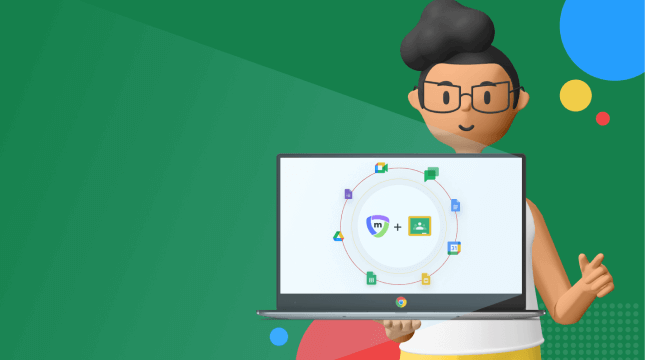
Conecta Google Workspace for Education con Mobile Guardian para gestionar dispositivos y mantener a los alumnos seguros desde una única plataforma.
Vincula Apple School Manager con Mobile Guardian para agilizar el registro y la gestión de dispositivos Apple en tu centro.
Cierra las pestañas que distraigan o envía URLs relevantes a todos los dispositivos de los alumnos en una sola acción, manteniendo el ritmo de la clase sin interrupciones.
"Eyes Up" bloquea instantáneamente todas las pantallas de los alumnos, devolviendo la atención al profesor en el momento exacto en que se necesita.
Gestiona varios colegios en distritos o redes de centros desde un único panel, con información de cada centro y curso en un solo lugar.



Configura restricciones de uso de los dispositivos con Mobile Guardian y Google for Education para crear entornos de aprendizaje óptimos, independientemente de dónde estudien los alumnos.
Mobile Guardian se integra con Apple School Manager para beneficiar tanto a los administradores de TI como a los docentes.
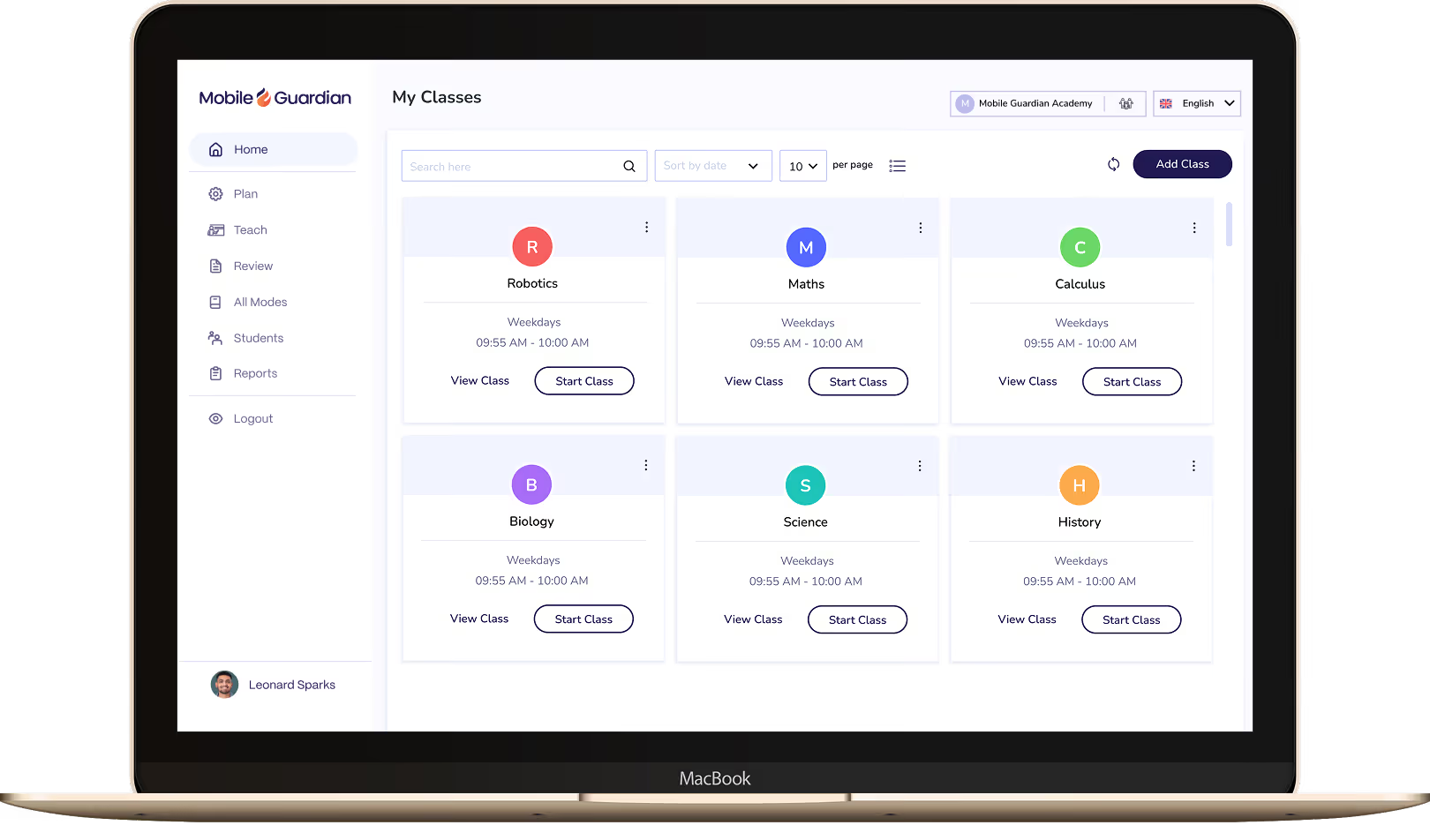

Classroom otorga a los profesores el control de todos los dispositivos del aula, con herramientas diseñadas para que los alumnos se mantengan enfocados y aprendiendo, evitando distracciones.

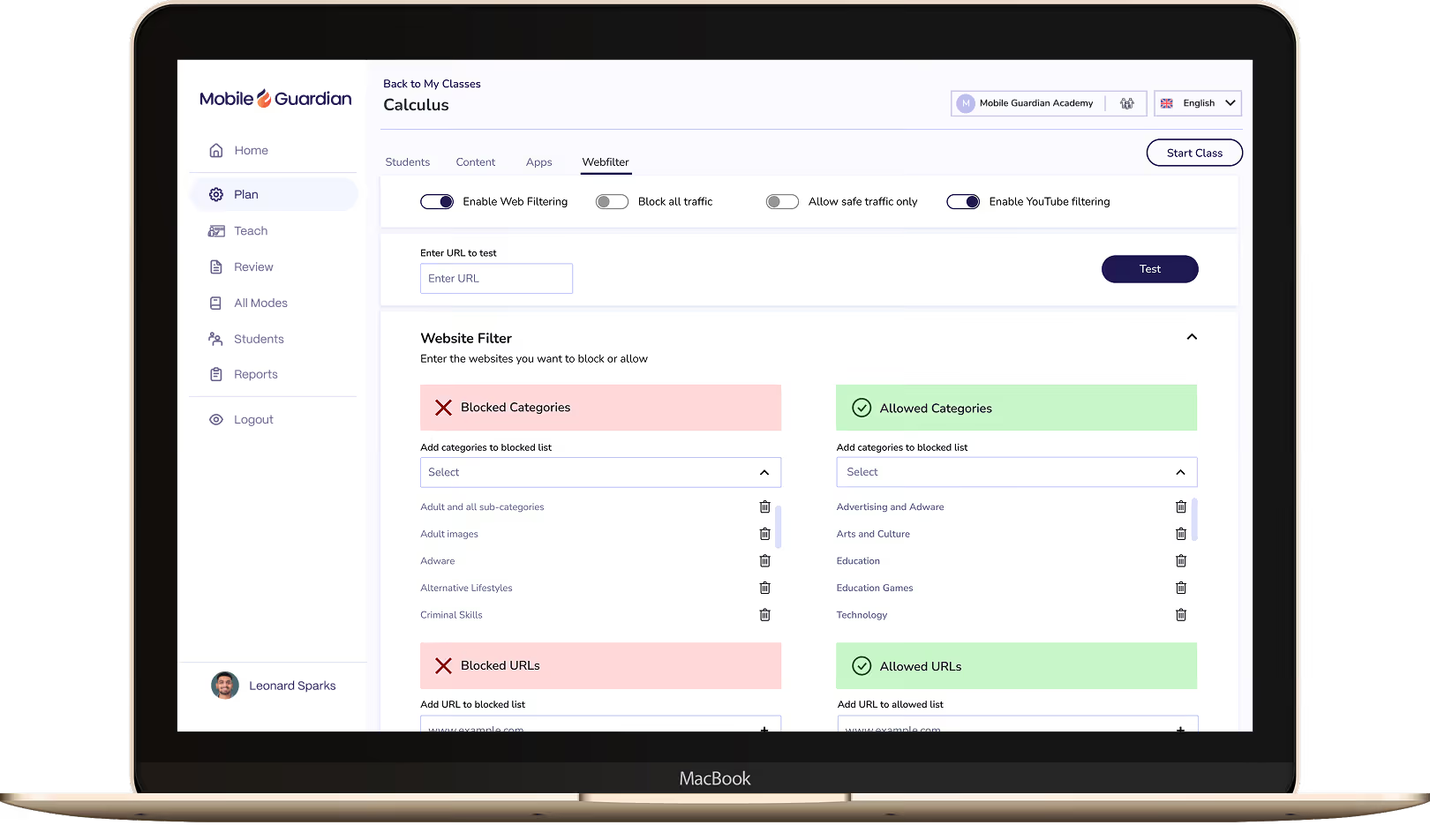
Establece marcos de seguridad para tus alumnos y garantiza su protección y concentración durante el aprendizaje online. Filter aporta la visibilidad y las evidencias necesarias para cumplir con tus requisitos de informes.

Despliega y gestiona dispositivos 1:1 en todos los sistemas operativos desde un único panel de control. Ofrece a tu equipo TIC el control y la visibilidad para gestionar miles de dispositivos sin complicaciones.



.png "X(Twitter)")