Integrate Apple School Manager with Mobile Guardian for an intuitive iOS enrollment and digital learning experience.
Discover all you need to know about Android and Mobile Guardian.
Discover all you need for managing Apple devices with Mobile Guardian.
Discover our full feature set for ChromeOS devices with Mobile Guardian.
Discover how your Windows devices will benefit from our functionality.
Combine Google Classroom content with Mobile Guardian for a secure learning environment.
By integrating Mobile Guardian with Apple School Manager, both I.T administrators and teachers benefit.
Mobile Guardian integrates directly with Microsoft Teams for Education, keeping class rosters and student groups in sync so the right controls apply automatically. Students are focused, teachers are in flow.

From your dashboard, push content like URLs, Youtube links and class content to all your Windows devices.

Easily manage shared device programs by linking multiple students to individual devices for unique user controls.

Through Mobile Guardian and Windows InTune, applications and programs may bedeployed to student devices with ease.

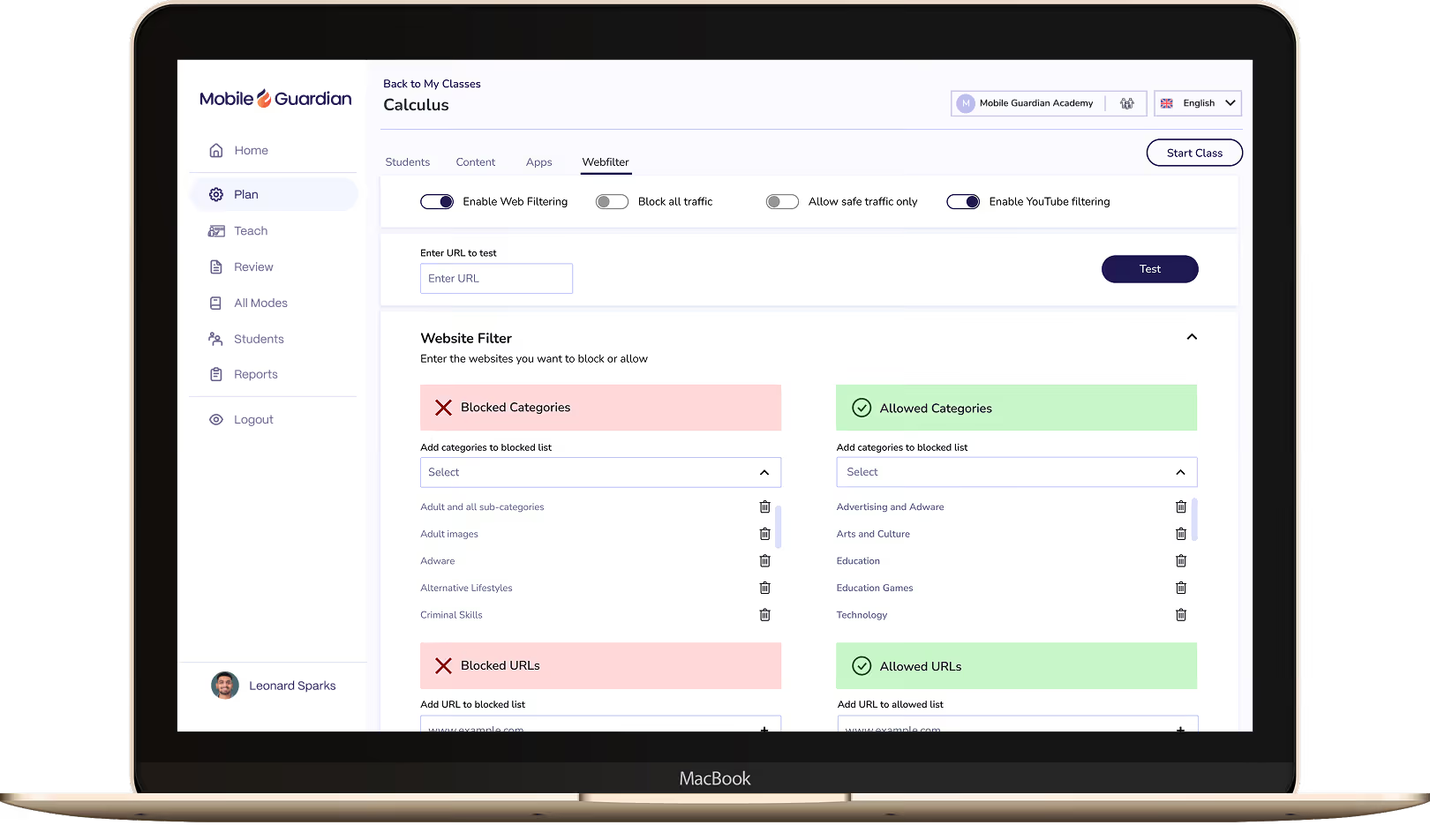
Control and limit web access on Windows devices using keyword and URL filtering. Teachers can grant temporary access to sites during a lesson.

Set device usage restrictions relative to device location and the time of day, to ensure flexible and fluid device management processes.

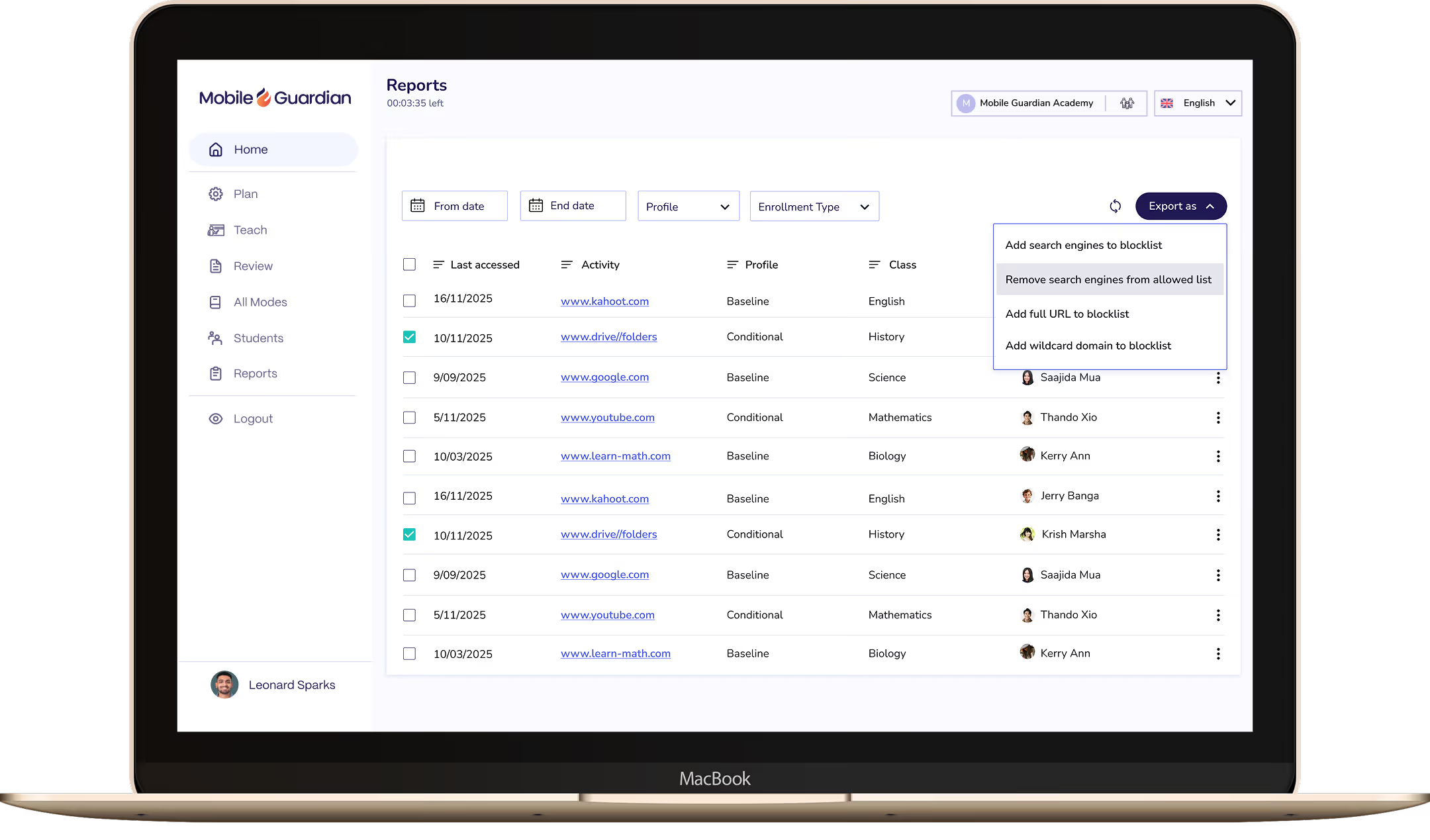
Understand Student Device usage history with web filter reports, application usage reports and changes to settings reports.
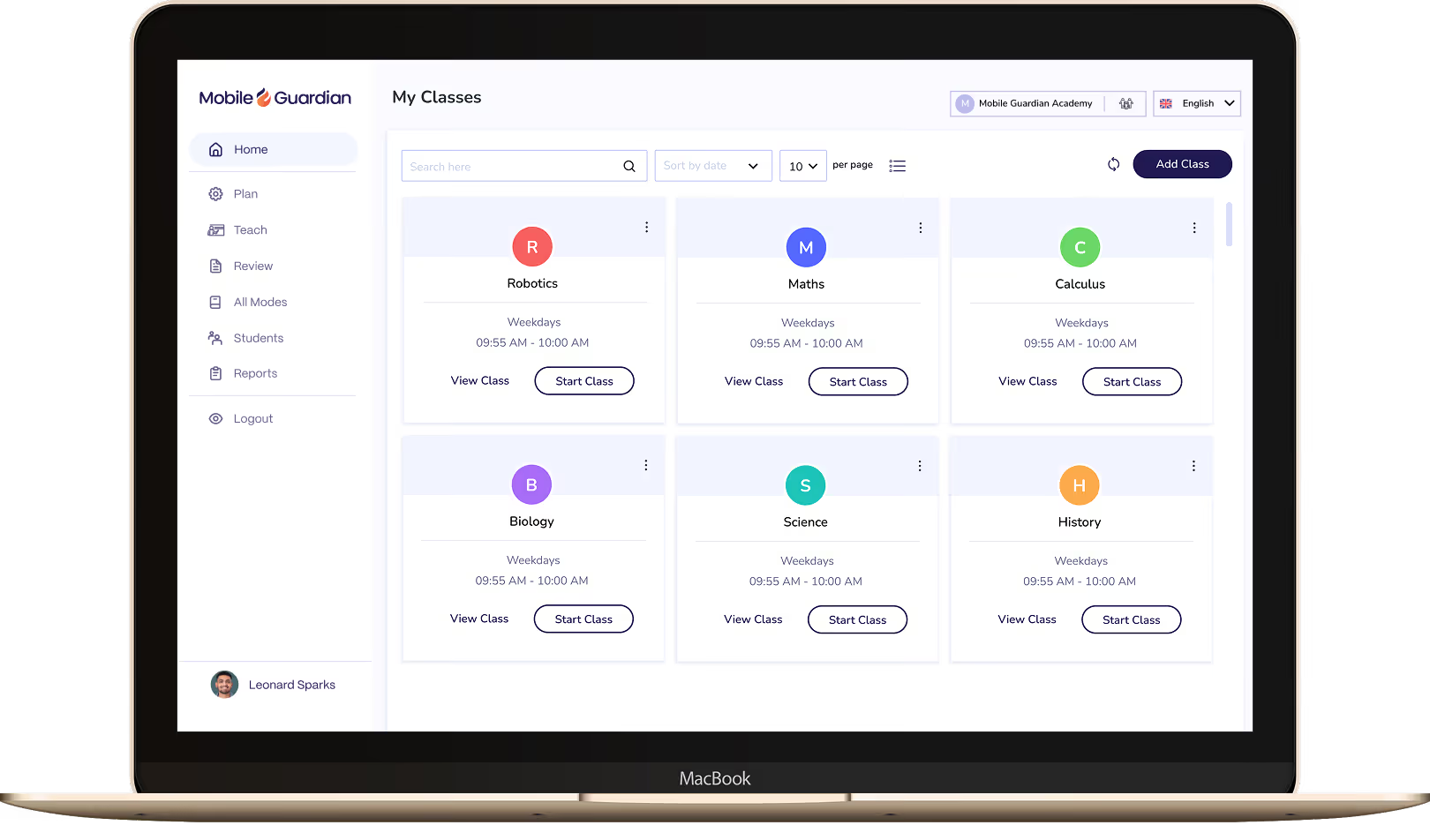

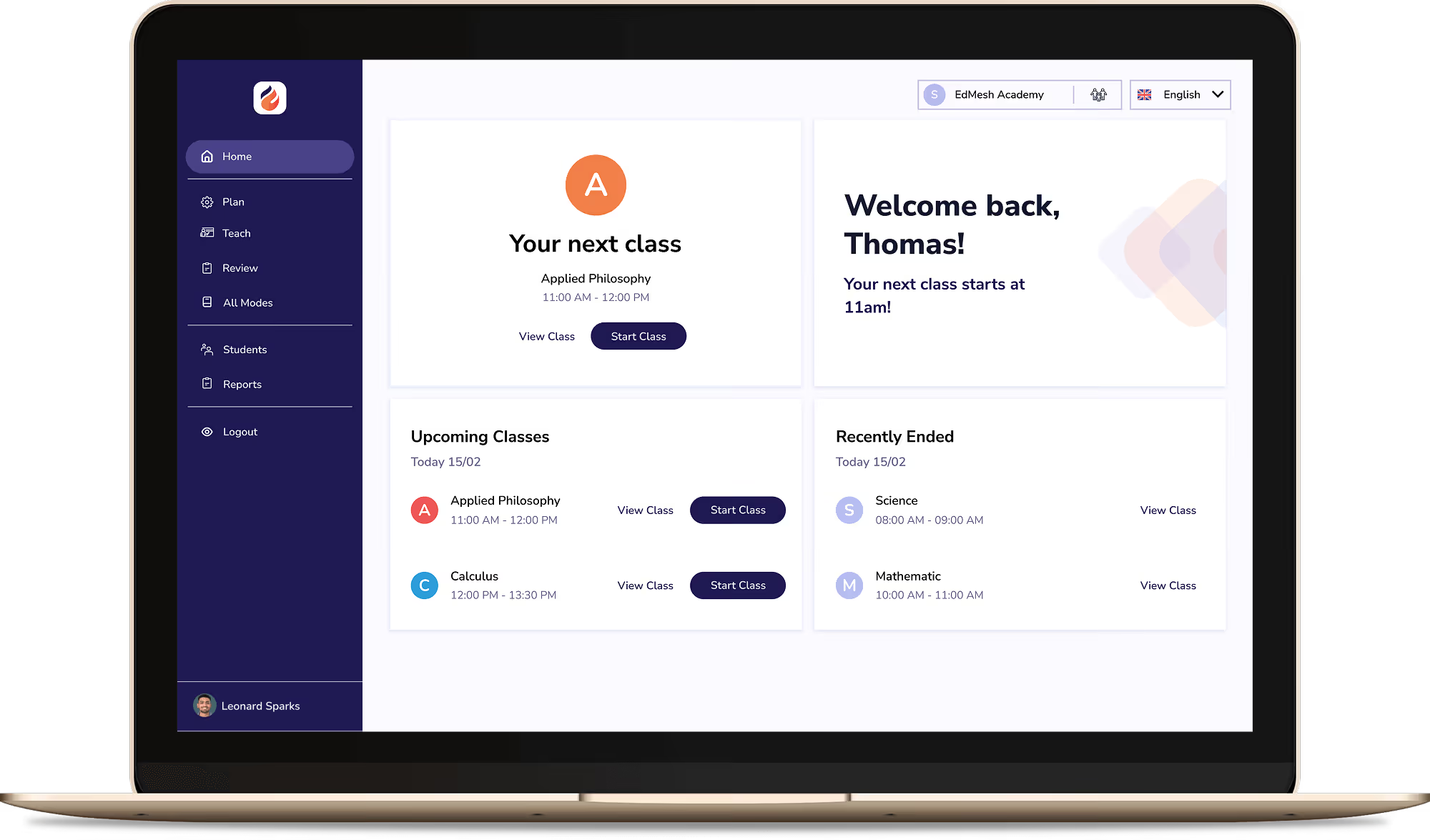
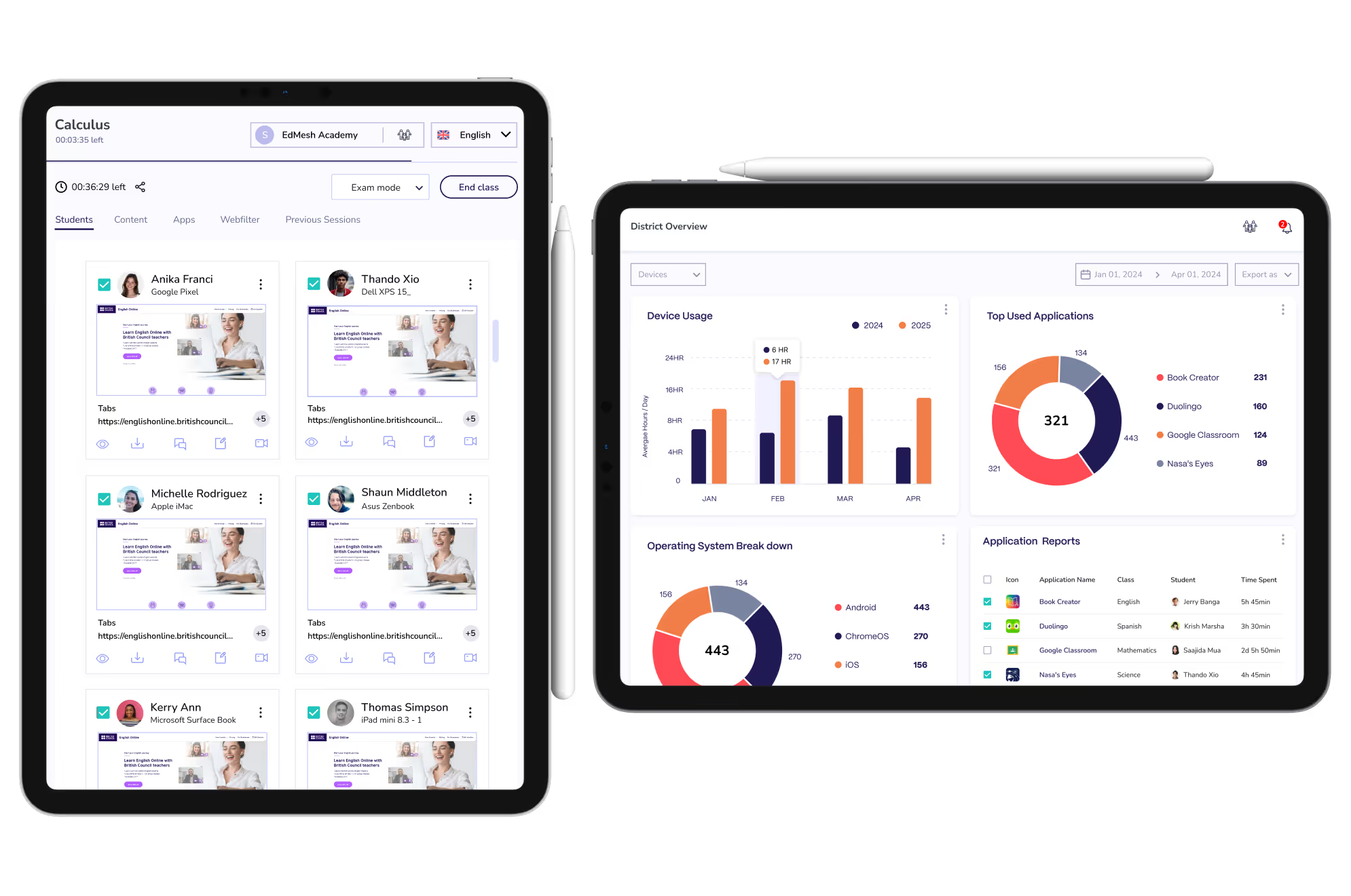
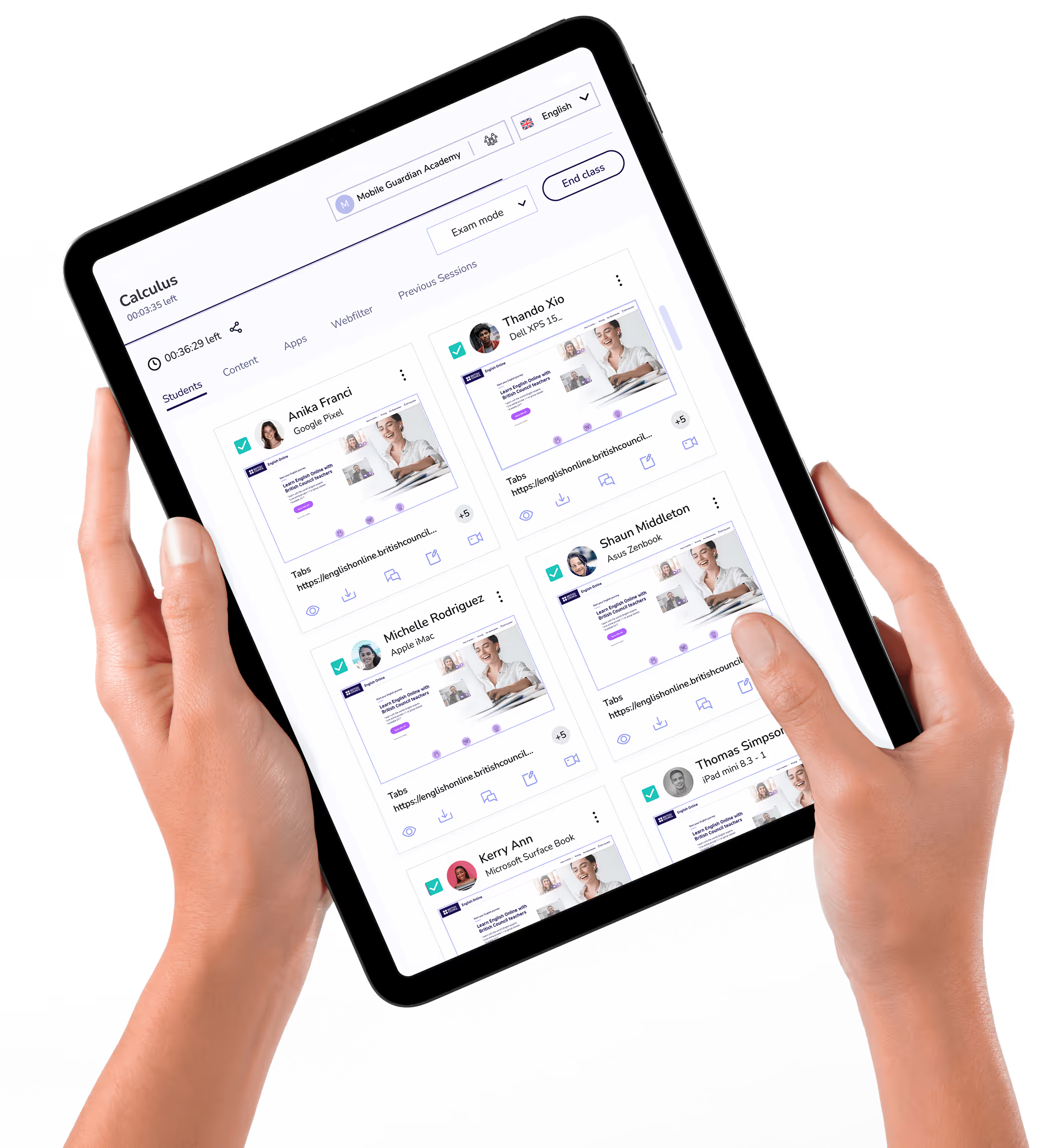
Classroom puts teachers in control of every device in the class, with tools to keep students focused and learning rather than distracted.

Filter keeps students on-task and safe online, with reports and real-time visibility to meet your school's online safety requirements.

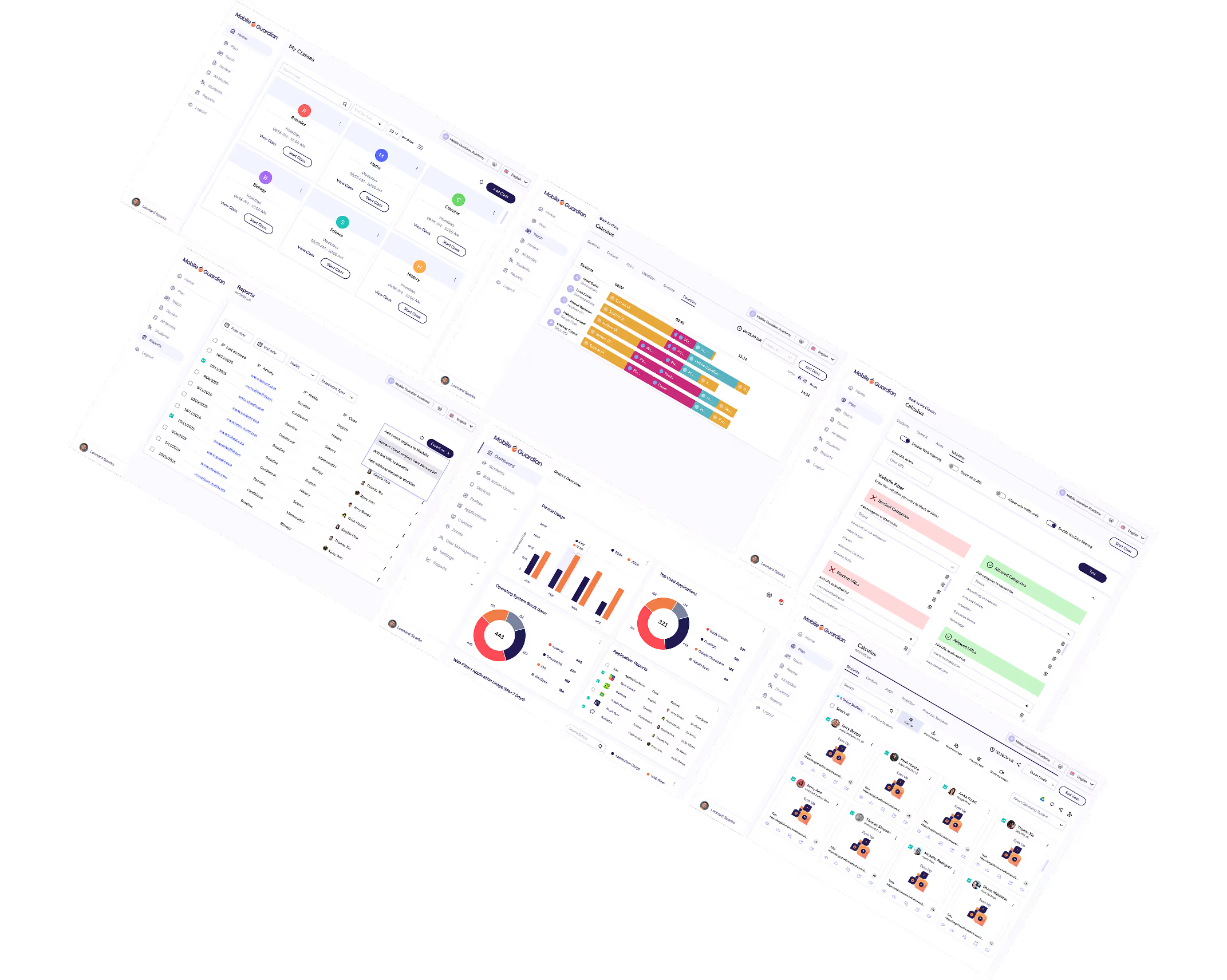
Deploy and manage 1:1 devices across every OS from a single dashboard. Grant your IT team the control and visibility to manage thousands of devices without the complexity.



.png "X(Twitter)")