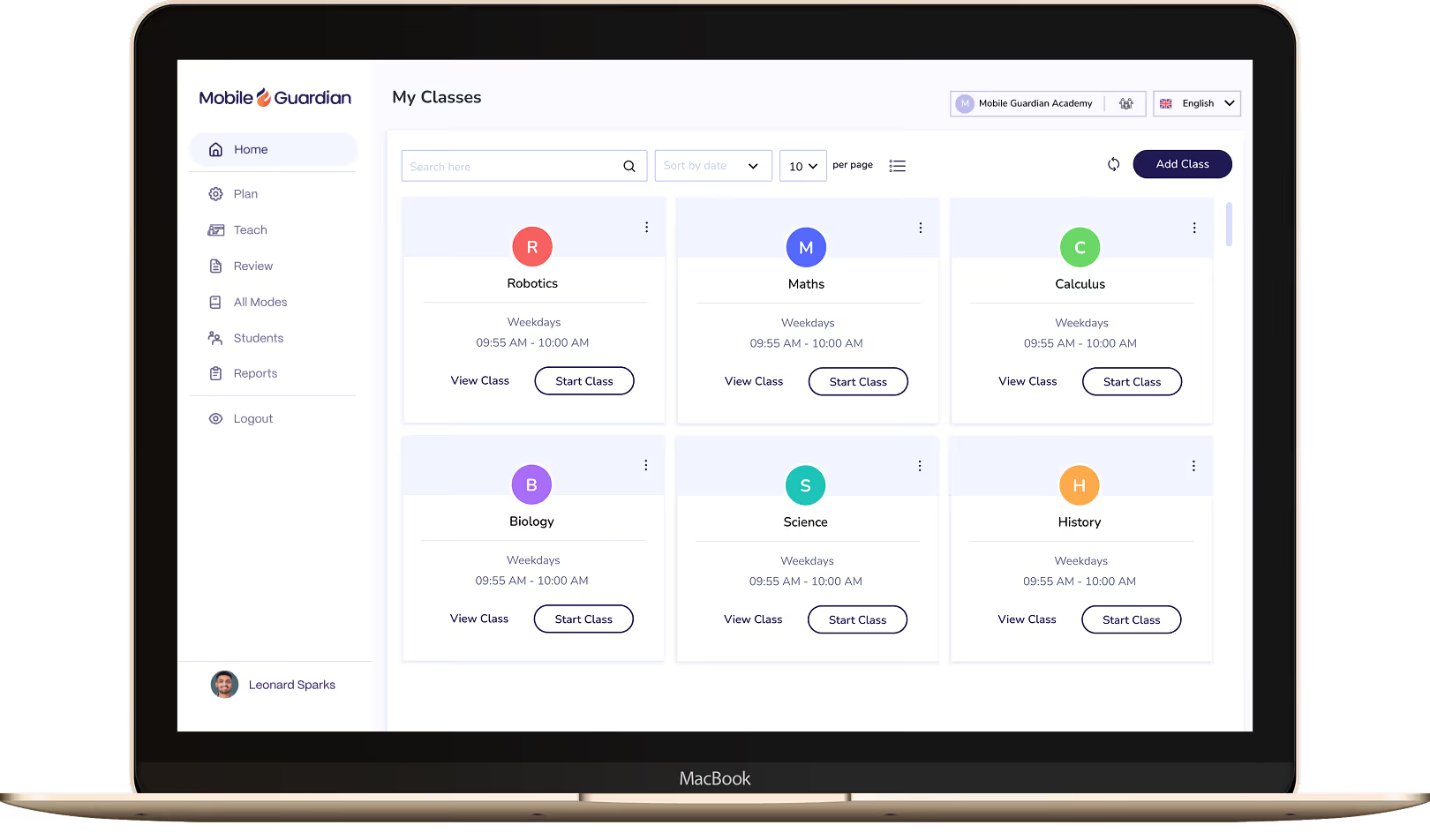
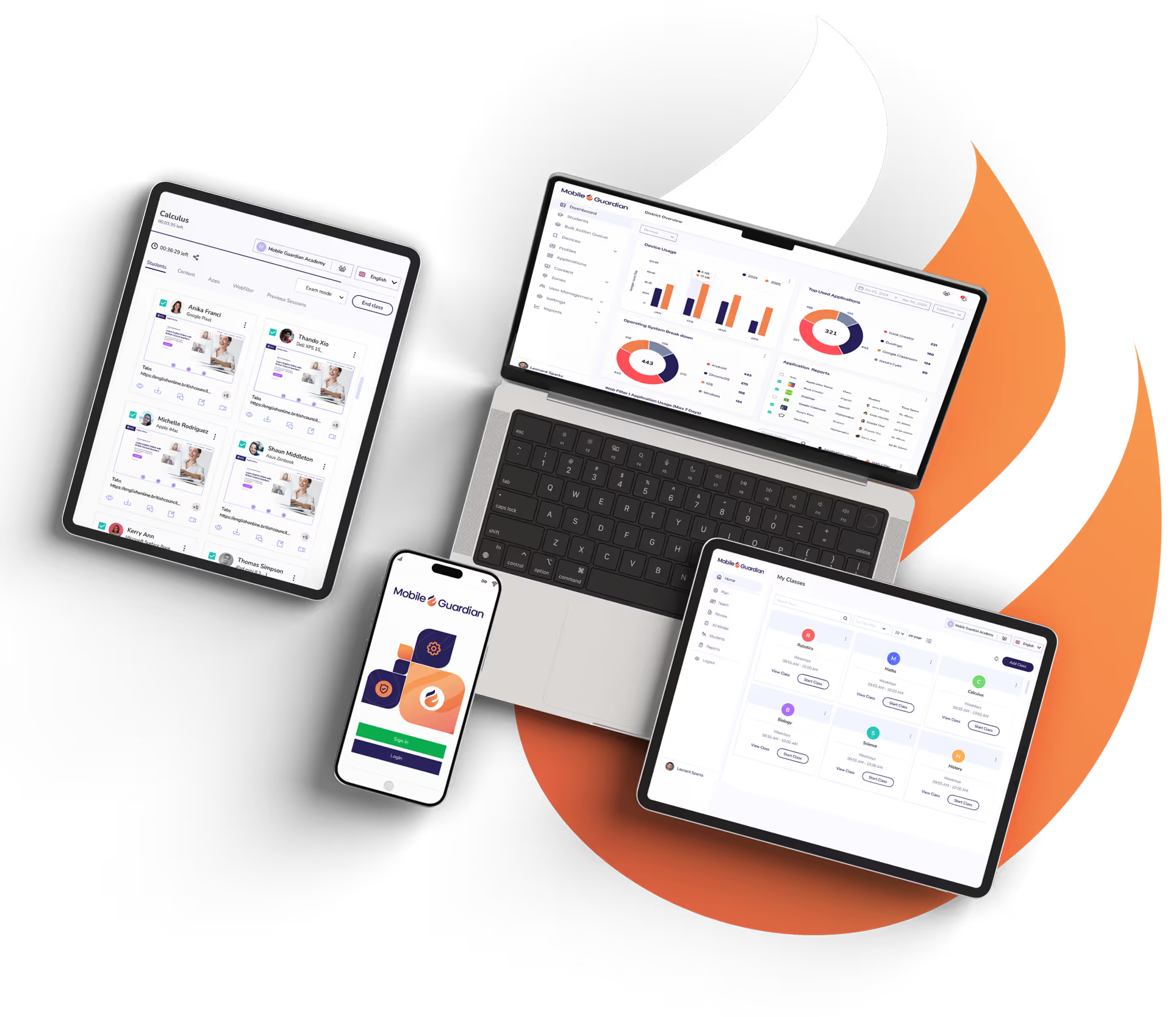
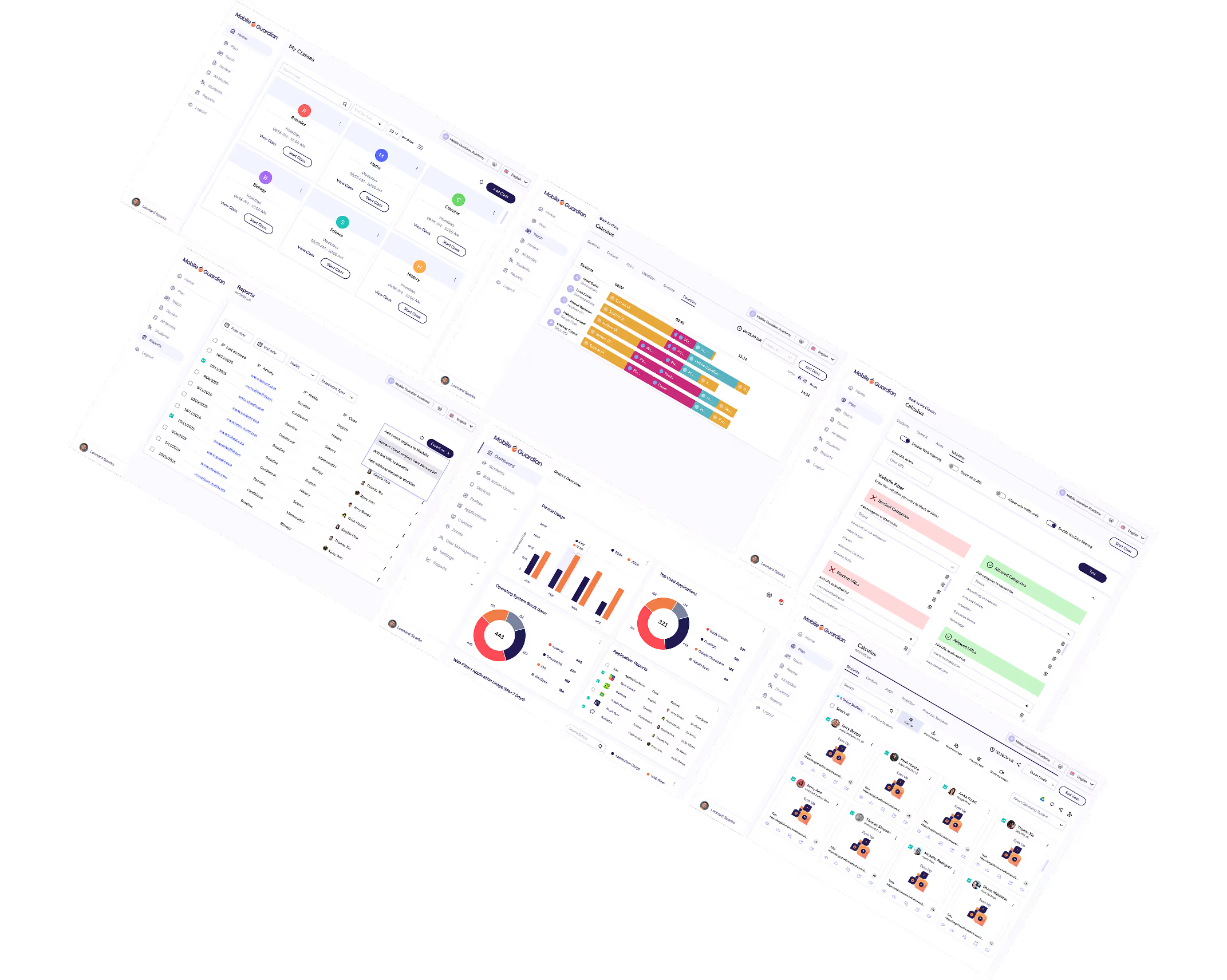
Place teachers in control of every device in the room in real-time. Keep lessons on track and devices serving learning, not distraction.
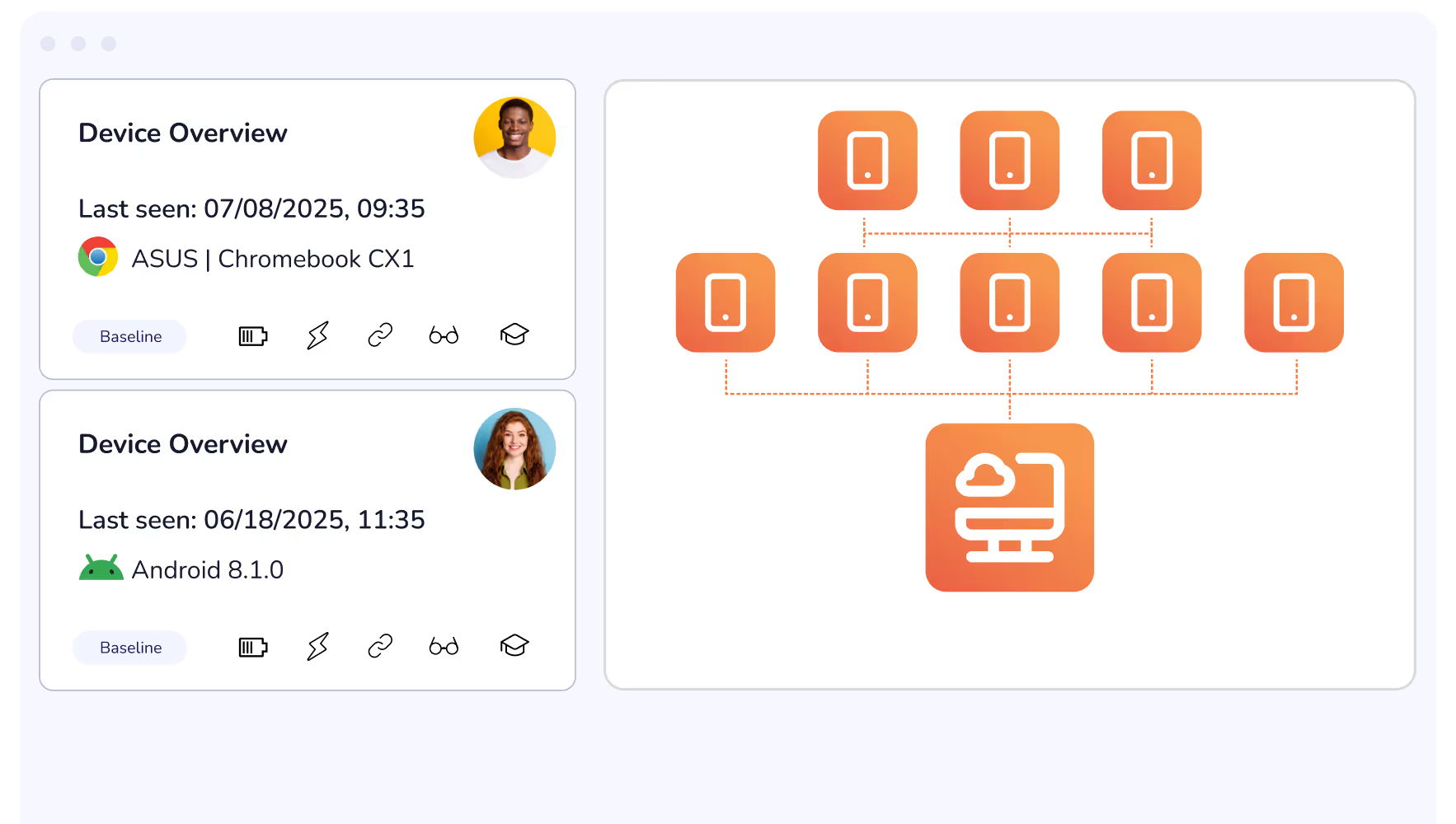
Roll out updates, reconfigure restrictions, adjust district-wide rules remotely and from the cloud. From a single dashboard you can ensure that all devices are up-to-date and lesson ready.
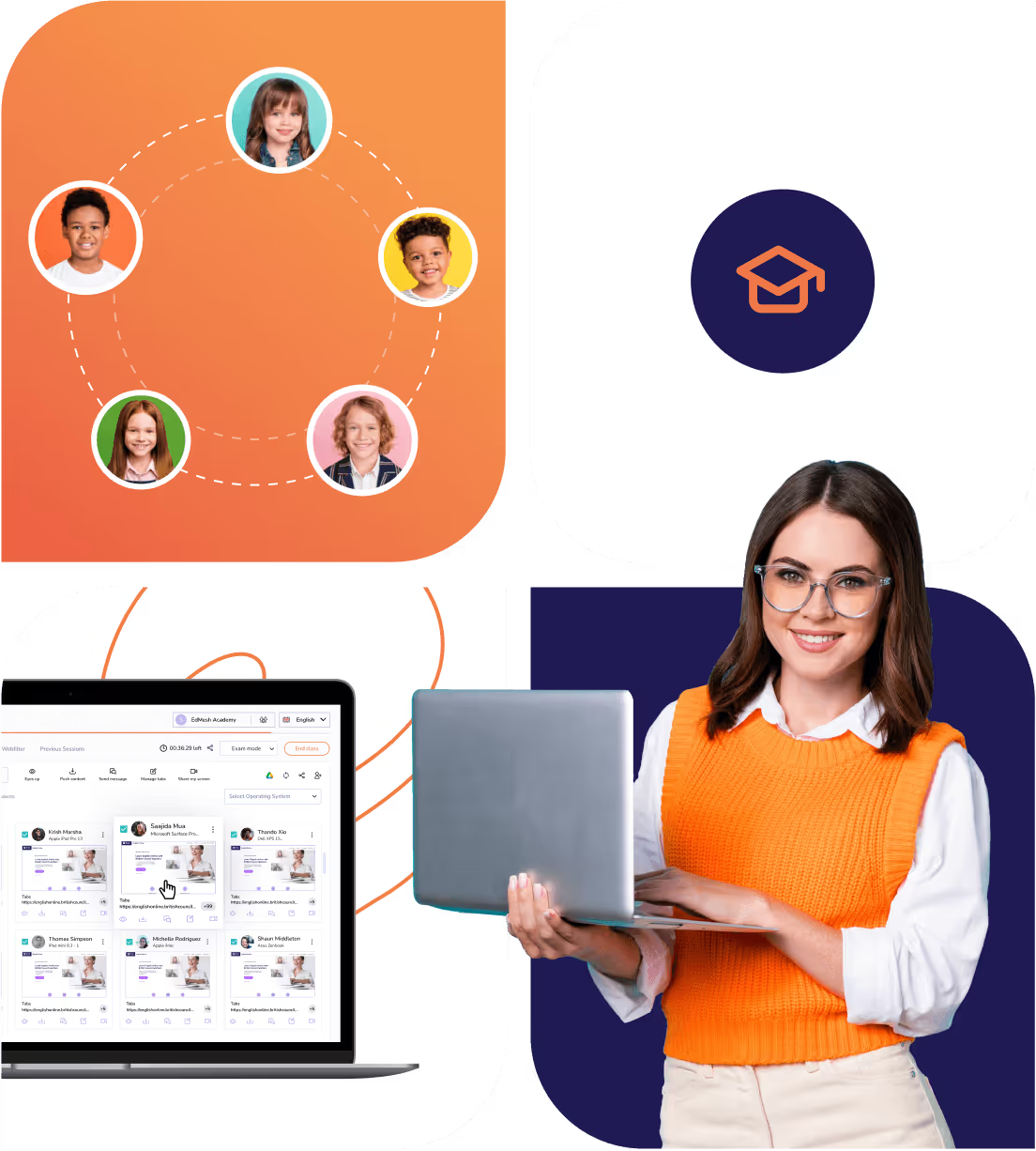
Classroom is a single flexible solution with Classroom management tools, web filtering, and device management to provide teachers with the tools they need to guide students.
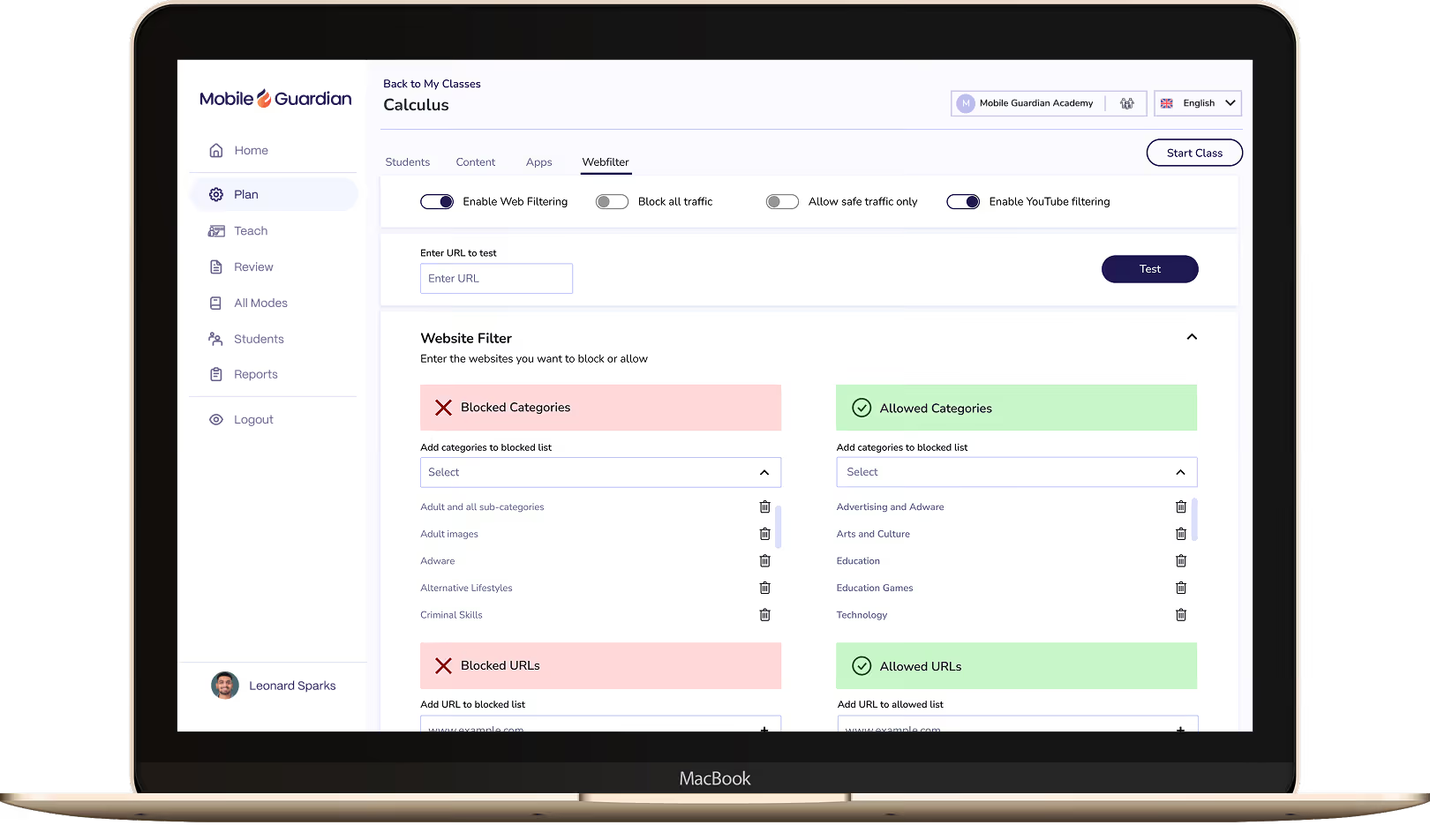
Create safe online learning environments that allow students to explore and learn online, in a safe and assured way with Web Filtering.

Set up guard rails that keep students on task throughout class. Modes allow for teachers to create a restricted learning environment that sets the standards of learning from the start.
Empower teachers and administrators with Profiles that limit large sets of devices according to predefined restrictions which may be triggered by the time of day and the devices location.
Clearly understand in-class behaviour with the Activity Timeline. Visually identify online behavioural traits and understand how students are using their devices in class.
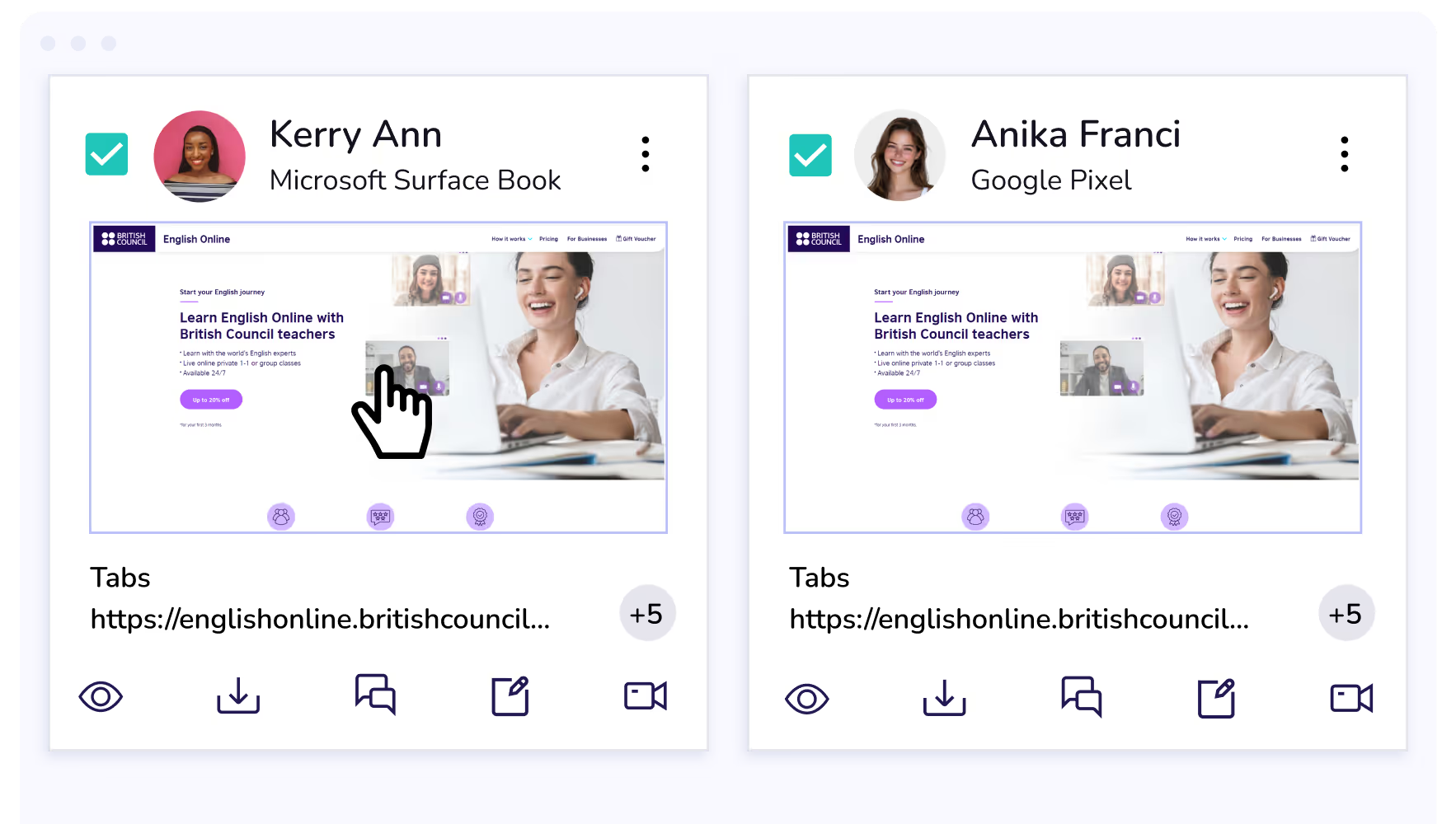
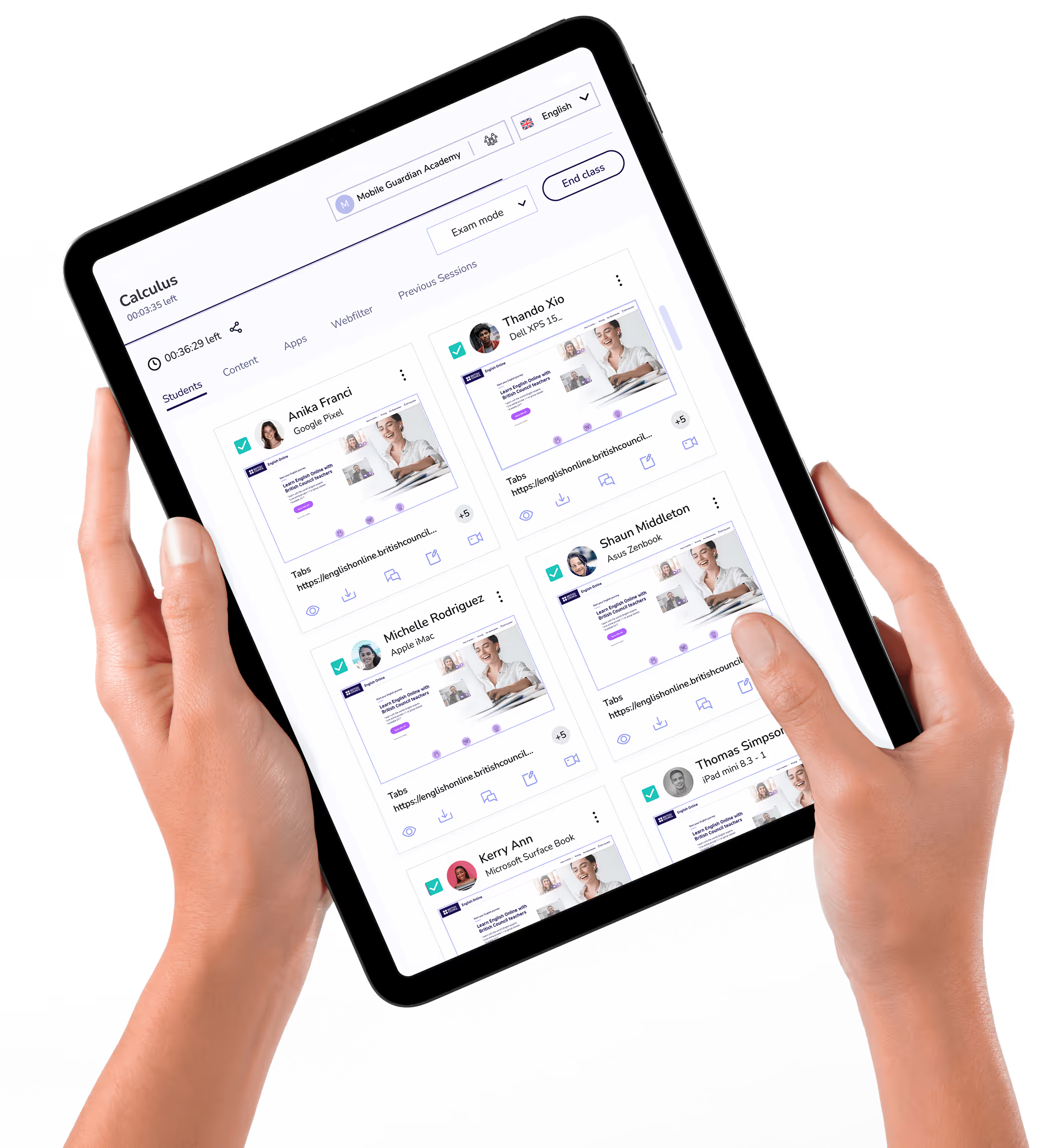
Directly intervene and control student browser tabs to close distracting content or distribute relevant URLs to student devices. Quickly, and easily.
Gain clear insight into student behaviour during class with Mobile Guardian’s Activity Timeline feature. Visually identify online behavioural traits and understand how students are using their devices in class.
In depth device reporting gives leaders clear visibility into device usage and the evidence to demonstrate value for teachers and decision makers.
Manage multiple schools across districts, and MATs from a single dashboard with insights across every school and year group in one place.
Set and control application access on student devices according to class needs and school device usage policies.
Bring Windows 365 into Mobile Guardian to deploy and manage Windows devices alongside every other OS from one place.
Connect Google Workspace for Education with Mobile Guardian to manage devices and keep students safe from a single platform.
Pair Apple School Manager with Mobile Guardian to streamline Apple device enrolment and management across your school.
Lock student devices to a single app or approved content, keeping students focused on the task at hand.
Eyes Up instantly blocks all student screens, pulling attention back to the teacher the moment it's needed.
Dismiss distractions, distribute content, message students, and share your screen with students quickly and easily via instant Actions.
Set device usage restrictions with Mobile Guardian and Google for Education to optimise learning environments wherever students may be learning from.
Mobile Guardian integrates with Apple School Manager to benefit both I.T Administrators and Teachers.
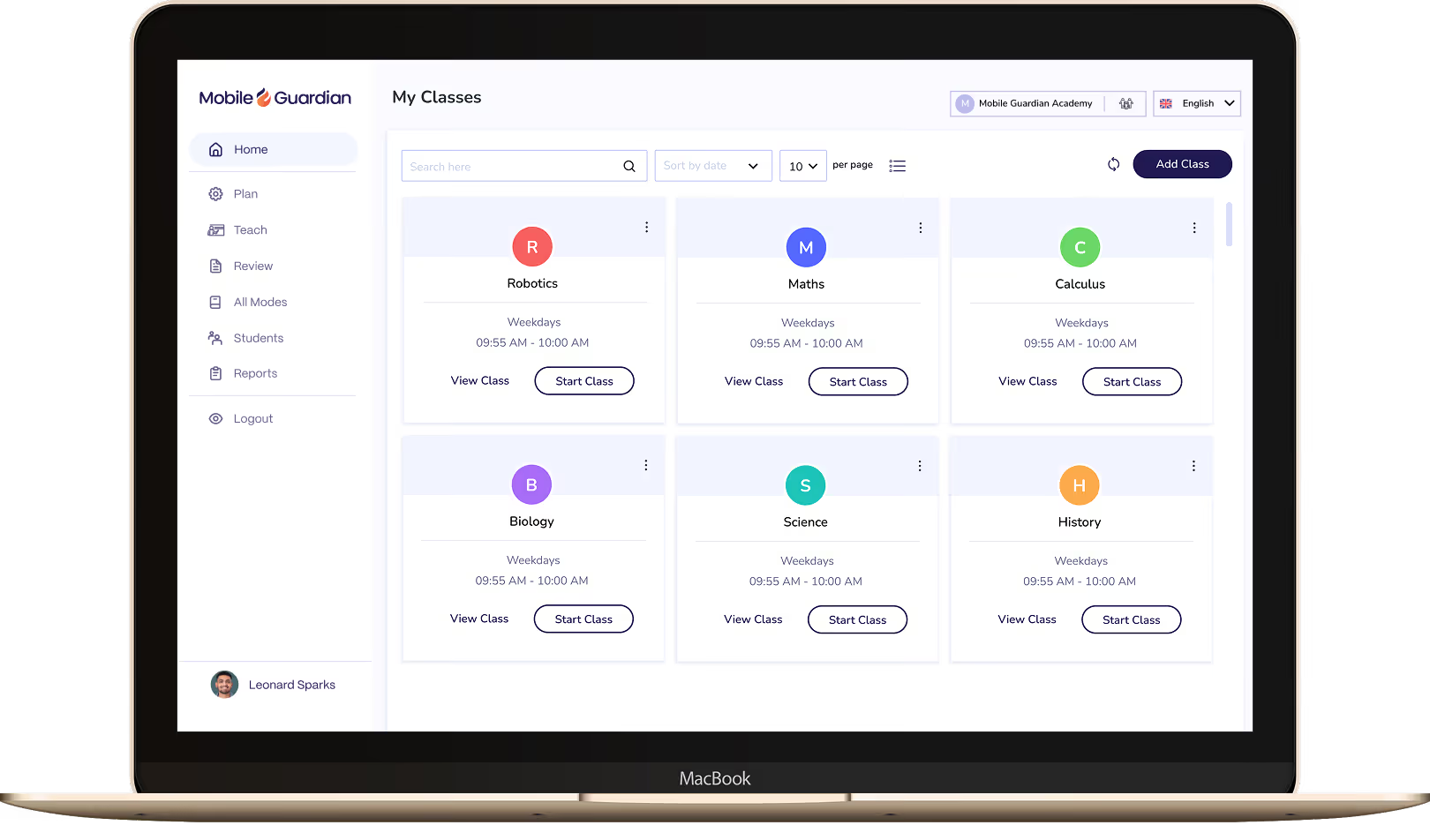

Classroom puts teachers in control of every device in the class, with tools to keep students focused and learning rather than distracted.

Filter keeps students on-task and safe online, with reports and real-time visibility to meet your school's online safety requirements.
Mobile Guardian is a modular solution. This means you're able to select exactly which features you'd like for your digital learning program. The only none-negotiable is a safeguarded digital learning environment.
Start a Free TrialMobile Guardian ensures students experience immediate, real-time filtering for safe devices. Explore our Filter to find out more about how it impacts your environment.
Explore Our FilterAs a multi-OS platform, Mobile Guardian is ideal for consolidation of your device management, filtering, and classroom tool platforms. Bring all operating systems into a single, unified Dashboard for clear device control, visibility, and understanding.
Unify Now


.png "X(Twitter)")