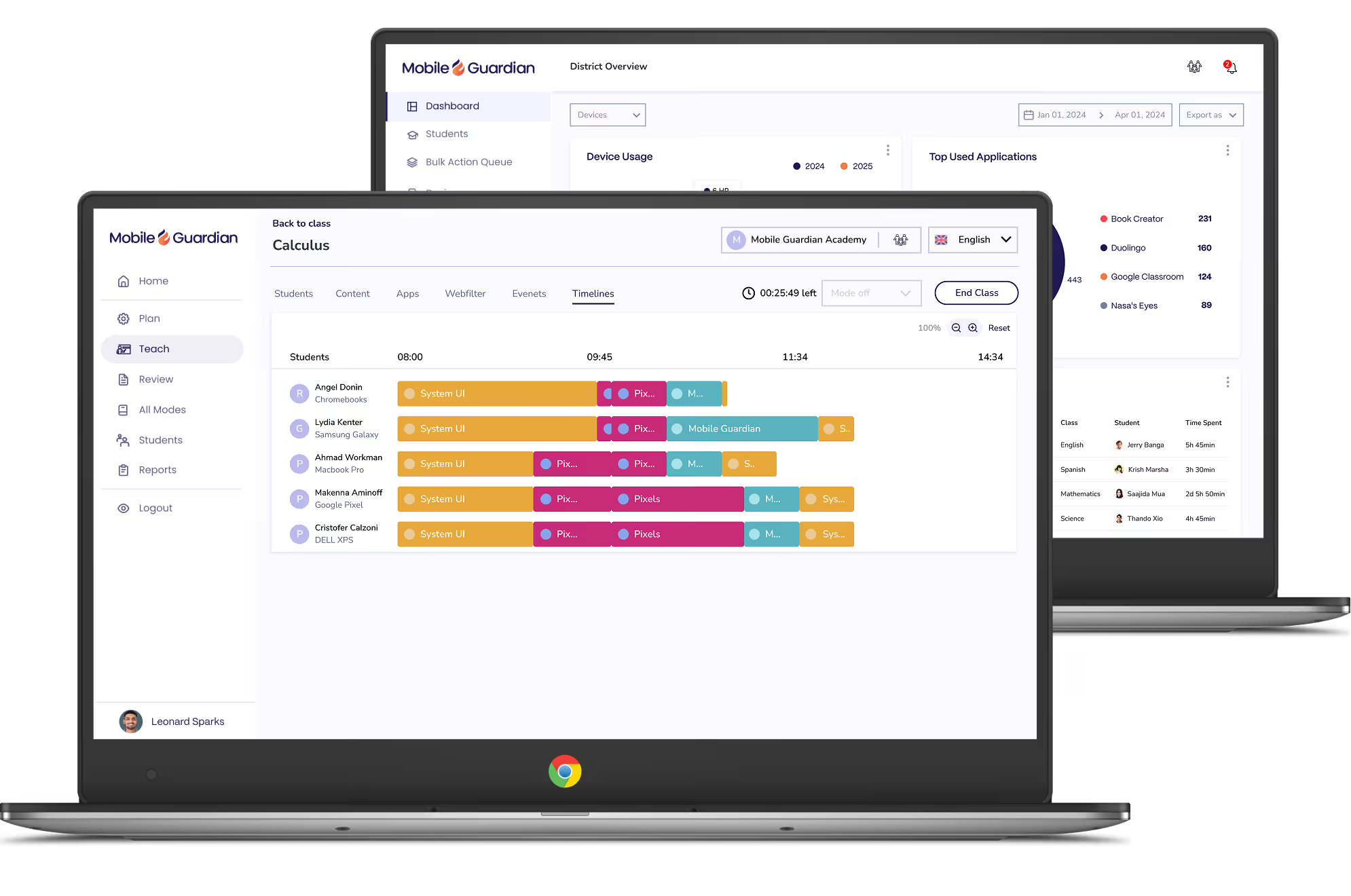
On a Chromebook, the browser is the classroom. Mobile Guardian gives teachers direct control of it. Push URLs, close distracting tabs, lock screens for an assessment. No support ticket needed and built around the way Chromebook classrooms actually work.
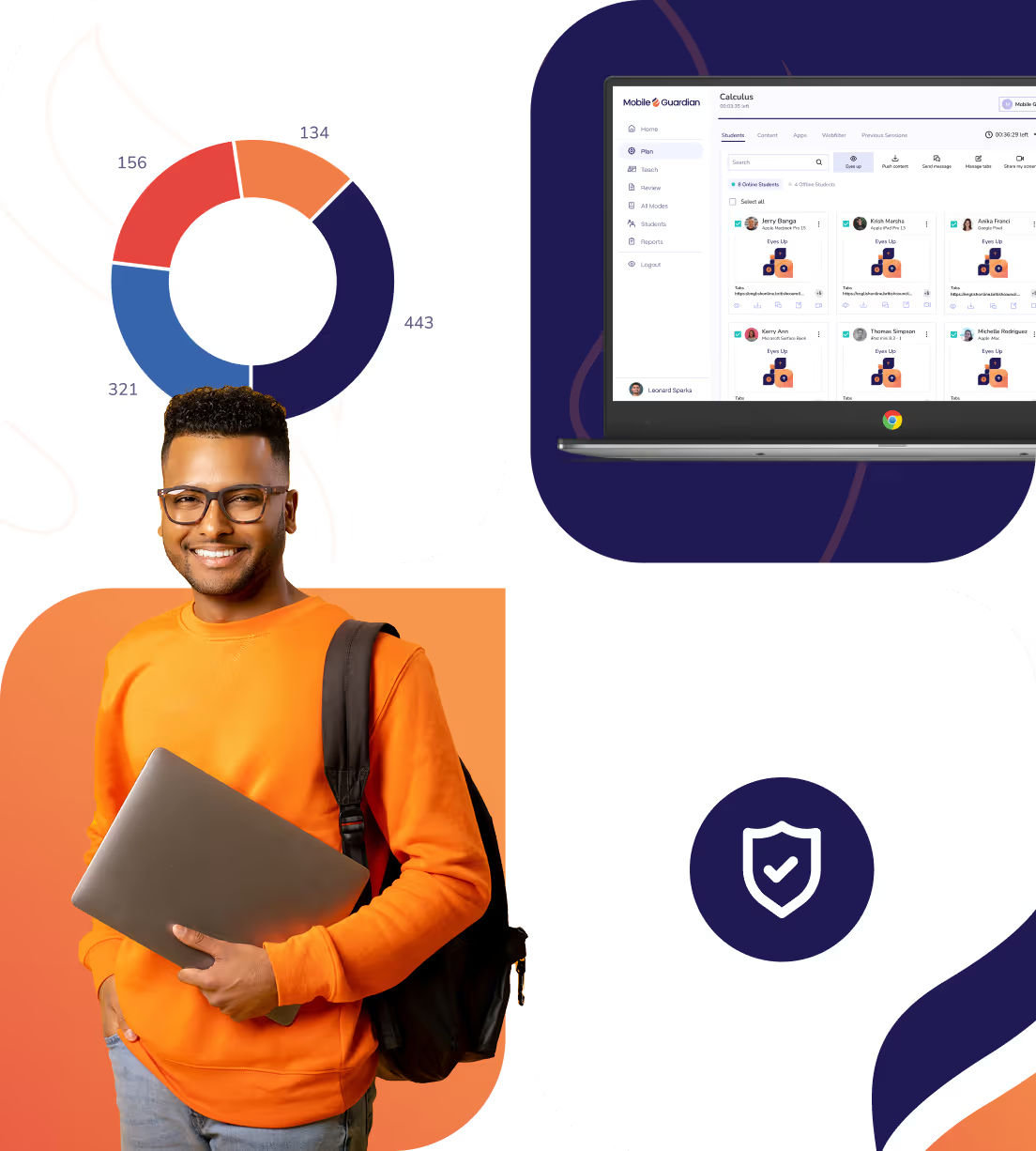
Mobile Guardian works alongside Google Admin — not instead of it. Chromebook policies deploy as Chrome policies, so your existing Google Workspace setup stays intact. Add device management without a migration, without re-enrolment, and without rebuilding what's already working. When you need to push apps, enforce restrictions, or manage profiles at scale, it happens from one dashboard — not three.
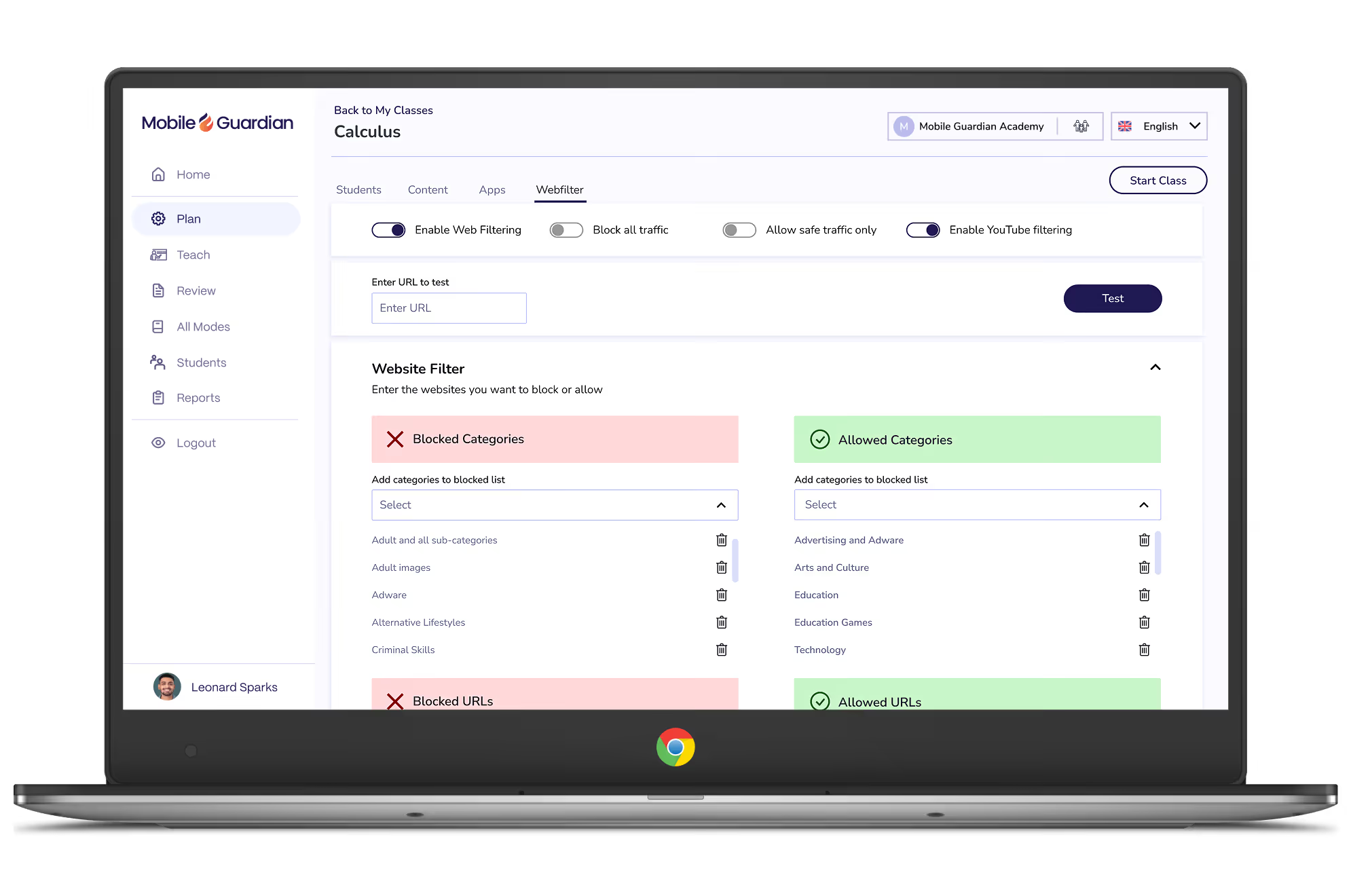
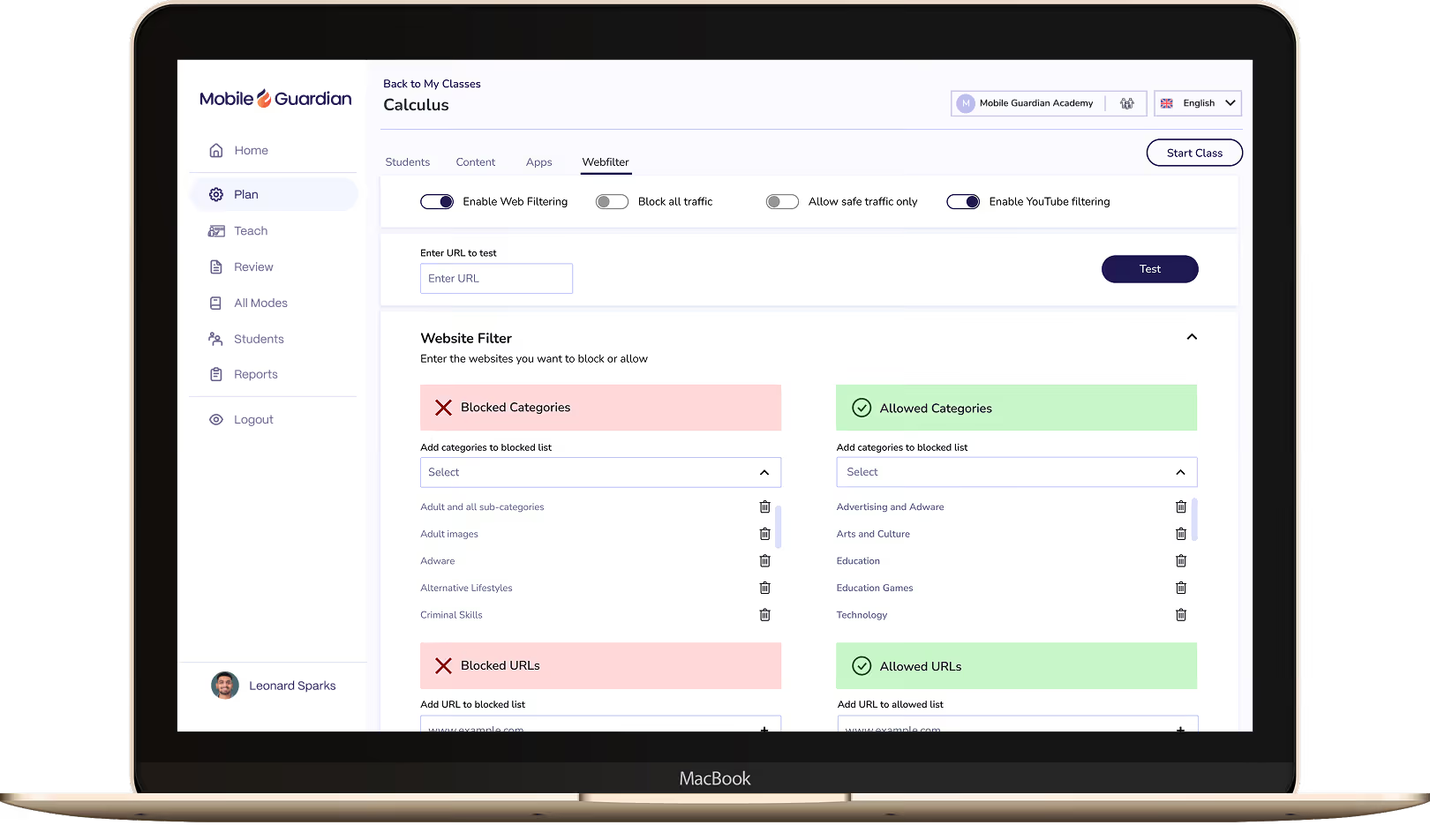
Filter deploys as a Chrome extension. No hardware to install, no certificates to maintain, no network dependency. Filtering follows the student in school, at home, and on any connection. Set rules by year group or time of day, update them instantly, and know they're active on every Chromebook in your estate. No maintenance window required.

Set device restrictions and rules to apply to ChromeOS devices relative to their location through the week.

Wherever and whenever a Mobile Guardian managed device connects to the internet, administrators will know where and when.

Always know where school devices are, with real-time location visibility across your entire fleet.

Simply and easily deactivate location tracking when not required.


Enrol Android, ChromeOS, iOS, and Windows devices quickly with enrolment options built for every school setup.
Deploy, manage, and control applications across student devices, aligned to school needs and usage policies.
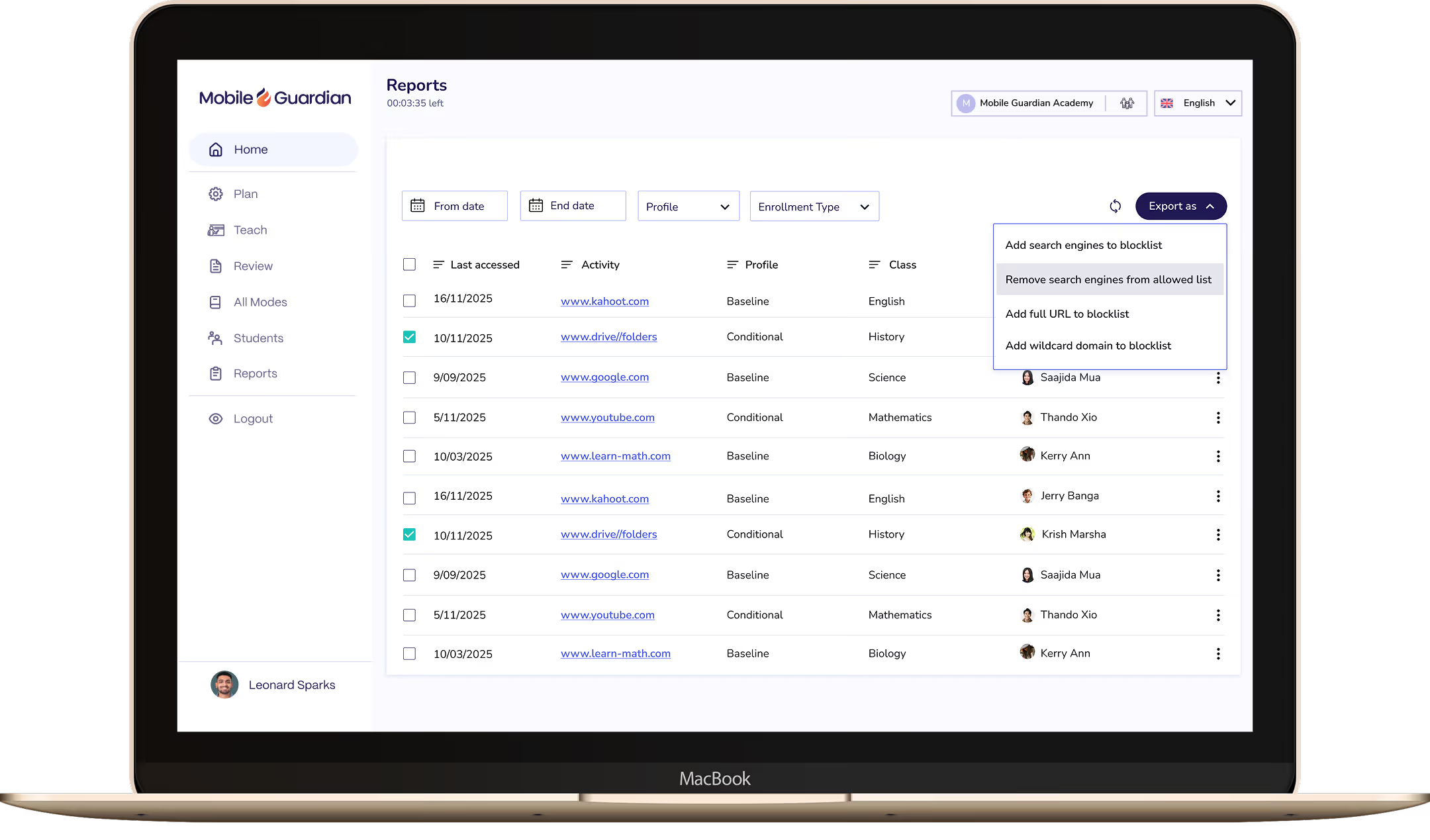
Per-device reporting gives leaders clear visibility into how devices are used across the program and the evidence to demonstrate usage.
See which sites and apps students visit most, with the data needed to identify risk and support your reporting requirements.
See every student screen in real time during class, instantly spotting who's off-task and who needs support.
Set and control application access on student devices according to school needs and school device usage policies.
Bring Windows 365 into Mobile Guardian to deploy and manage Windows devices alongside every other OS from one place.
Connect Google Workspace for Education with Mobile Guardian to manage devices and keep students safe from a single platform.
Pair Apple School Manager with Mobile Guardian to streamline Apple device enrolment and management across your school.
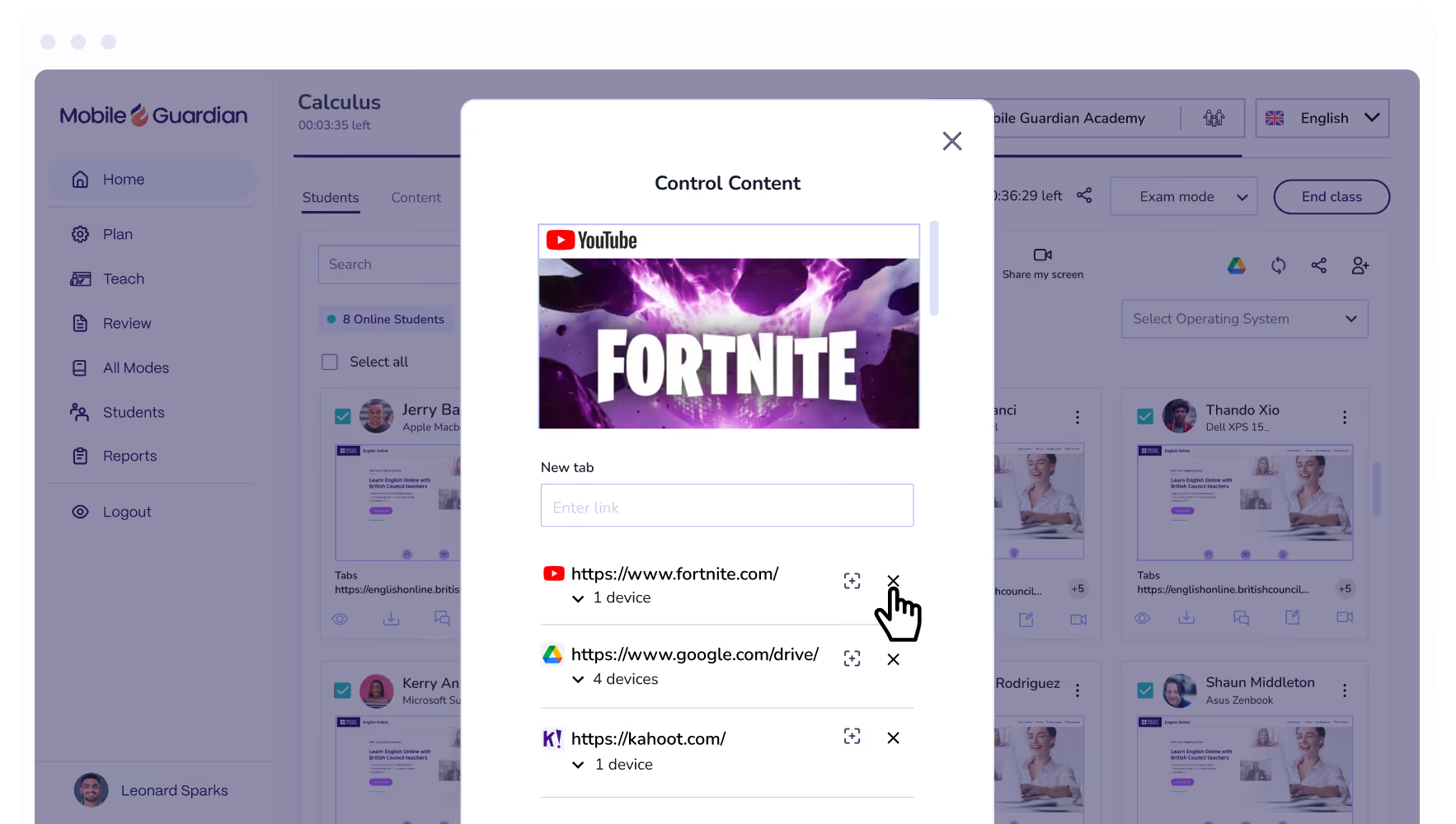
Close distracting tabs or push relevant URLs to every student device in one action, keeping the class on track without breaking flow.
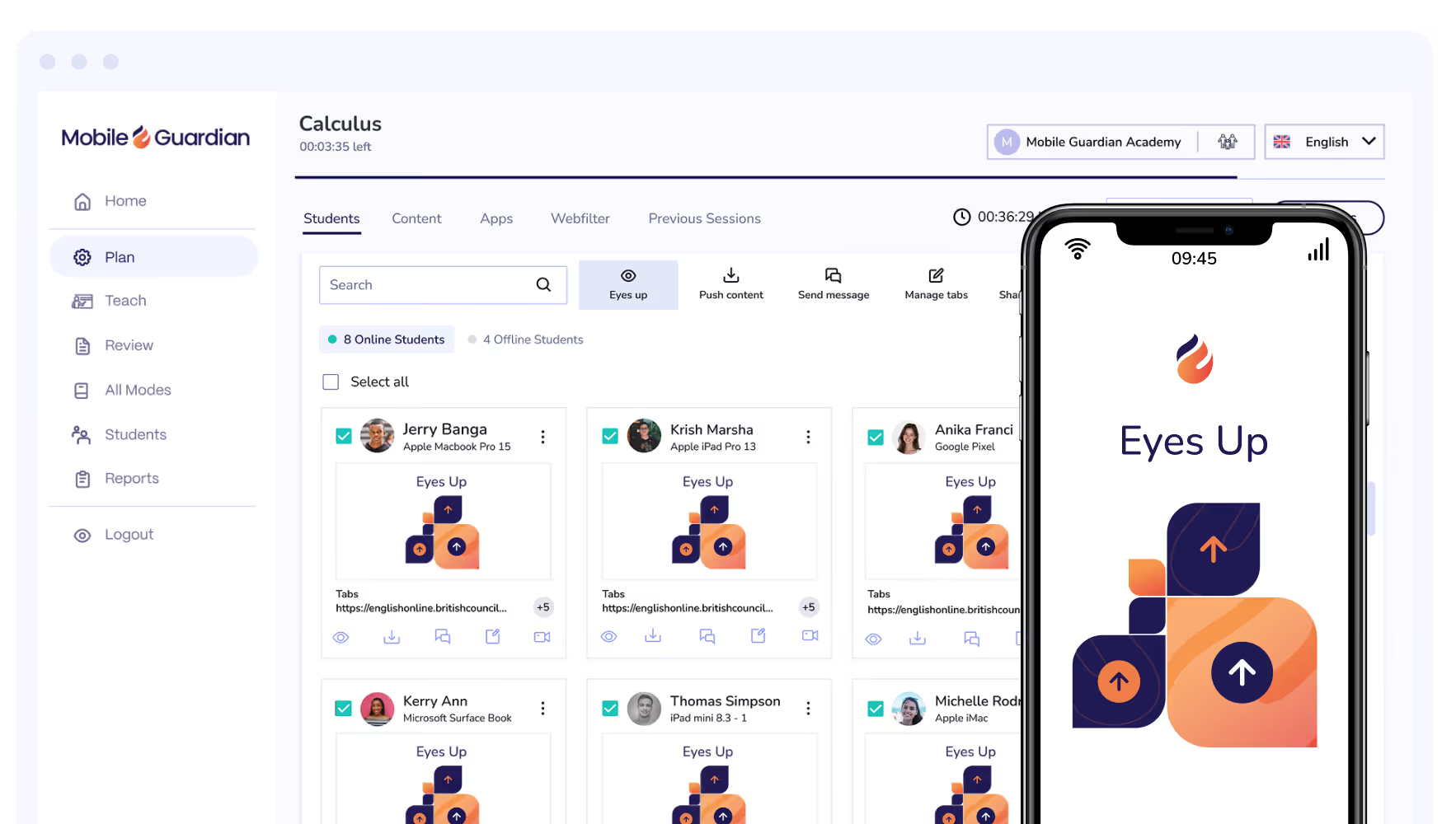
Eyes Up instantly blocks all student screens, pulling attention back to the teacher the moment it's needed.
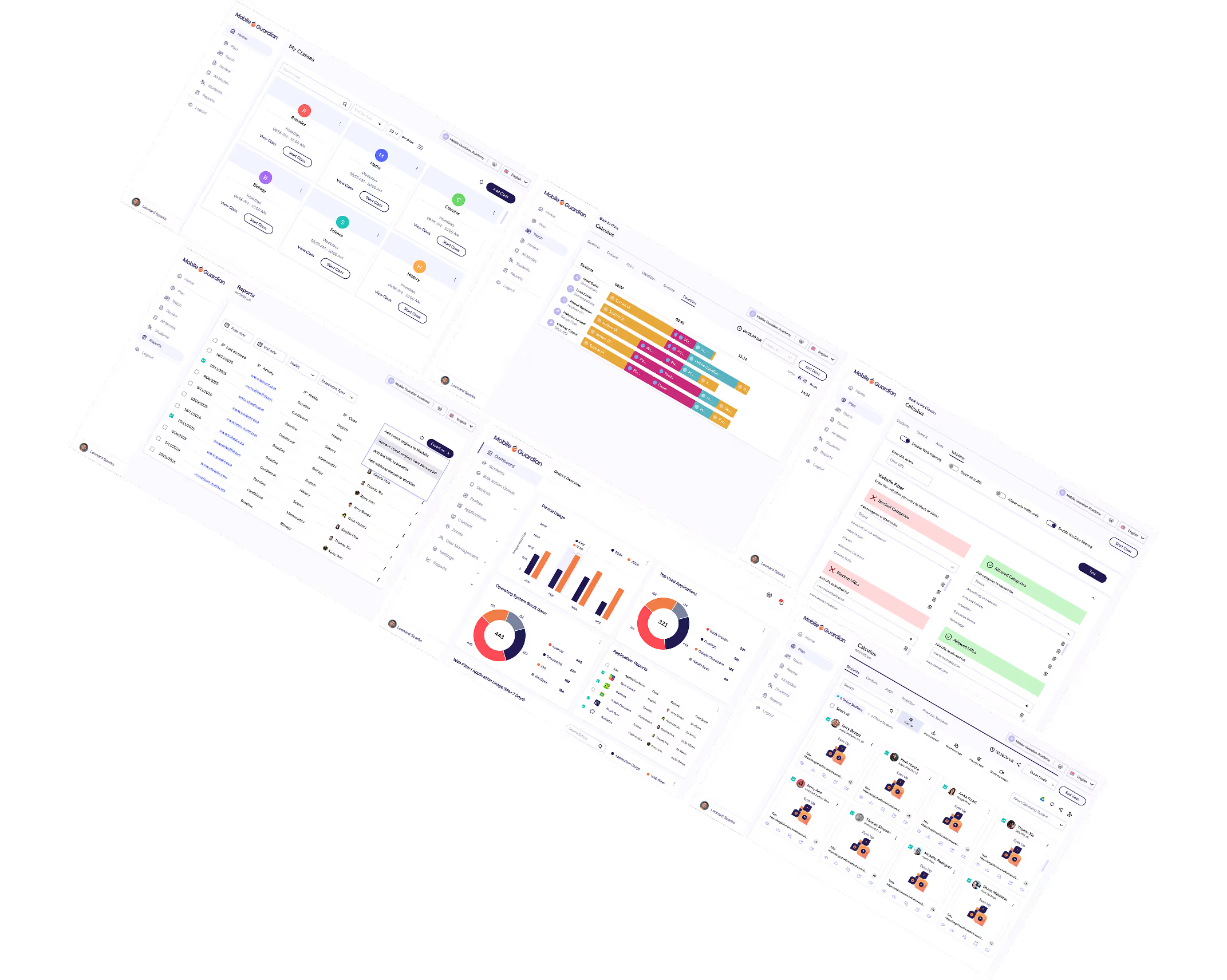
Manage multiple schools across districts, and MATs from a single dashboard with insights across every school and year group in one place.
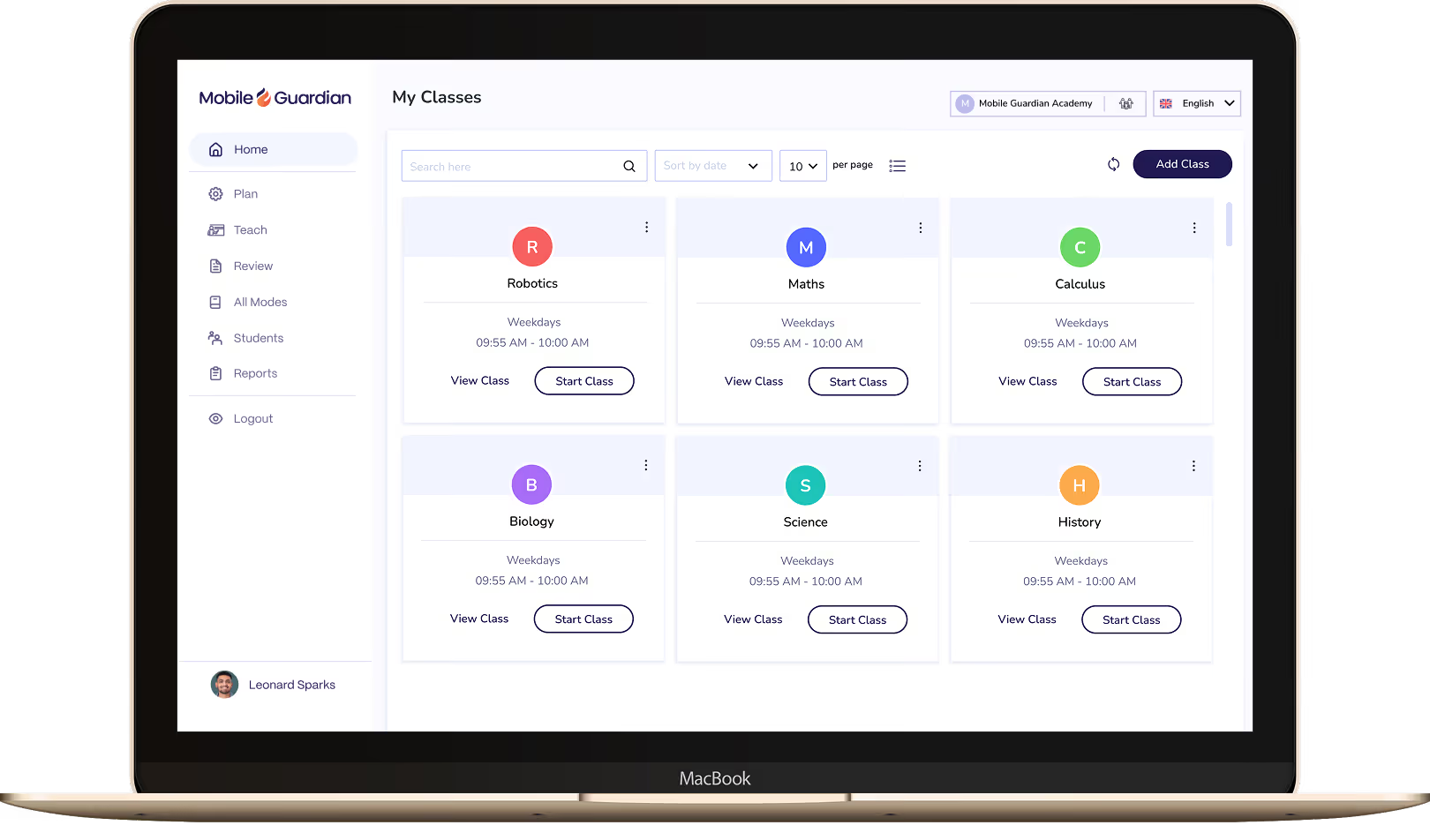

Classroom puts teachers in control of every device in the class, with tools to keep students focused and learning rather than distracted.

Filter keeps students on-task and safe online, with reports and real-time visibility to meet your school's online safety requirements.

Deploy and manage 1:1 devices across every OS from a single dashboard. Grant your IT team the control and visibility to manage thousands of devices without the complexity.
Mobile Guardian offers multiple tiered solutions, to ensure you may access the functionality you require. Select the feature set suitable for your budget and digital learning program. The only none-negotiable is a safe digital learning environment.
Start a Free TrialAs a multi-OS device management platform, Mobile Guardian is able to consolidate your device management, classroom tools, and filtering across all major operating systems in K-12 classrooms.
Find Out HowCentralise your spending and subscriptions onto a single, unified device platform to save both time and budget. Mobile Guardian provides an all-inclusive solution that ensures your time is used wisely and your budget respected.
Unify Now


.png "X(Twitter)")