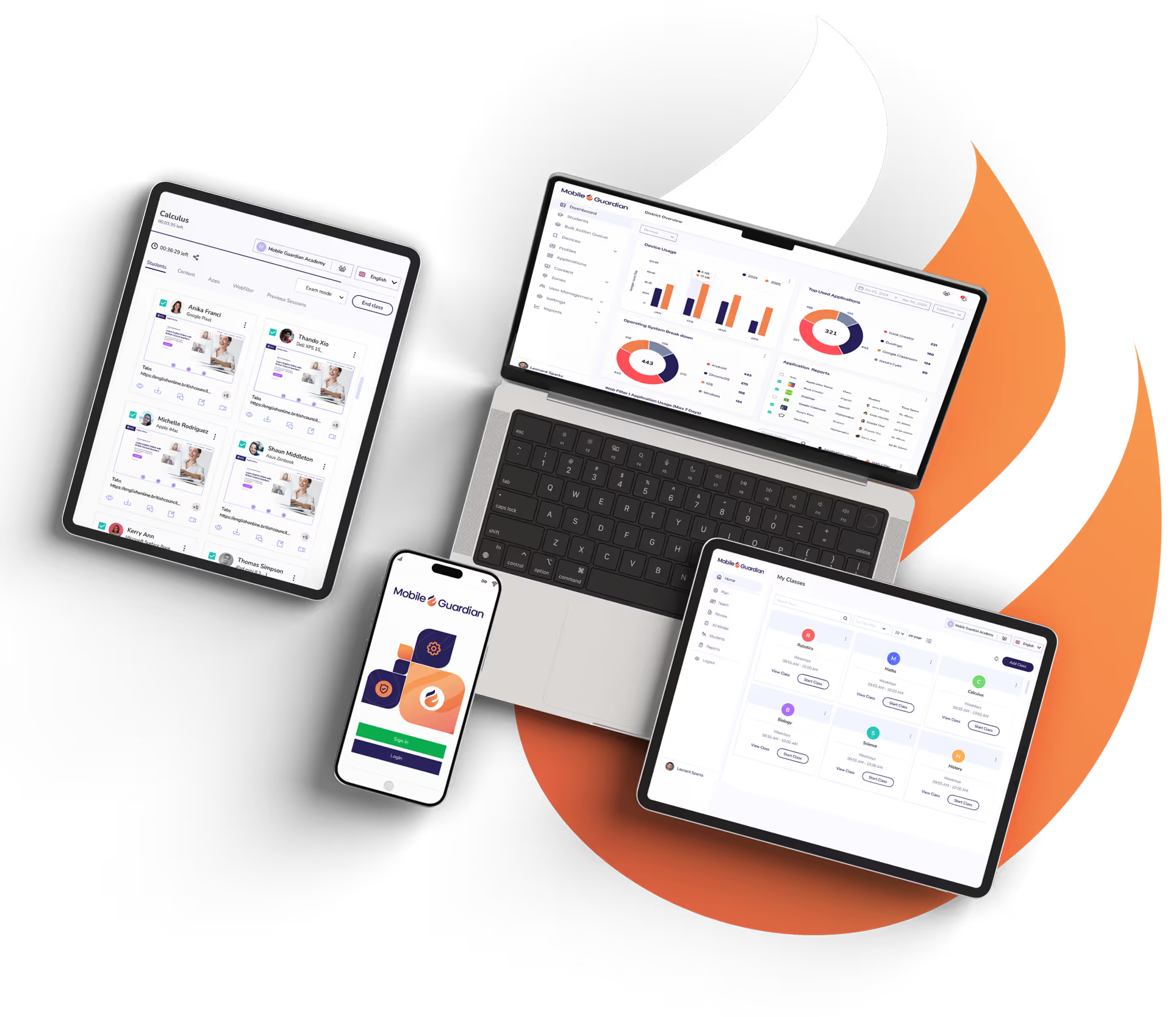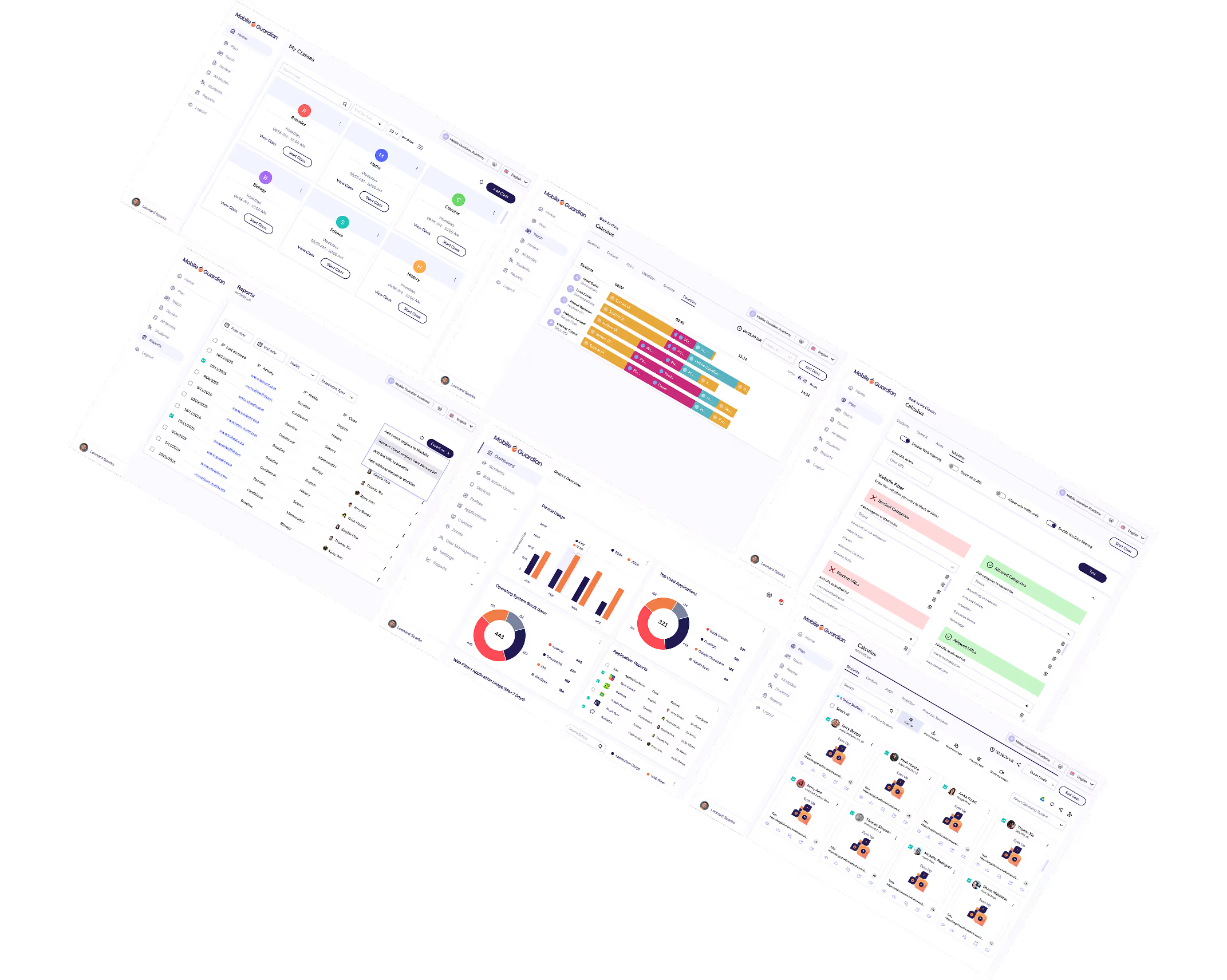
Whether students are on school premises or at home, every device is filtered across Android, Apple, ChromeOS, and Windows devices. Compliance is assured — with the evidence to prove it.
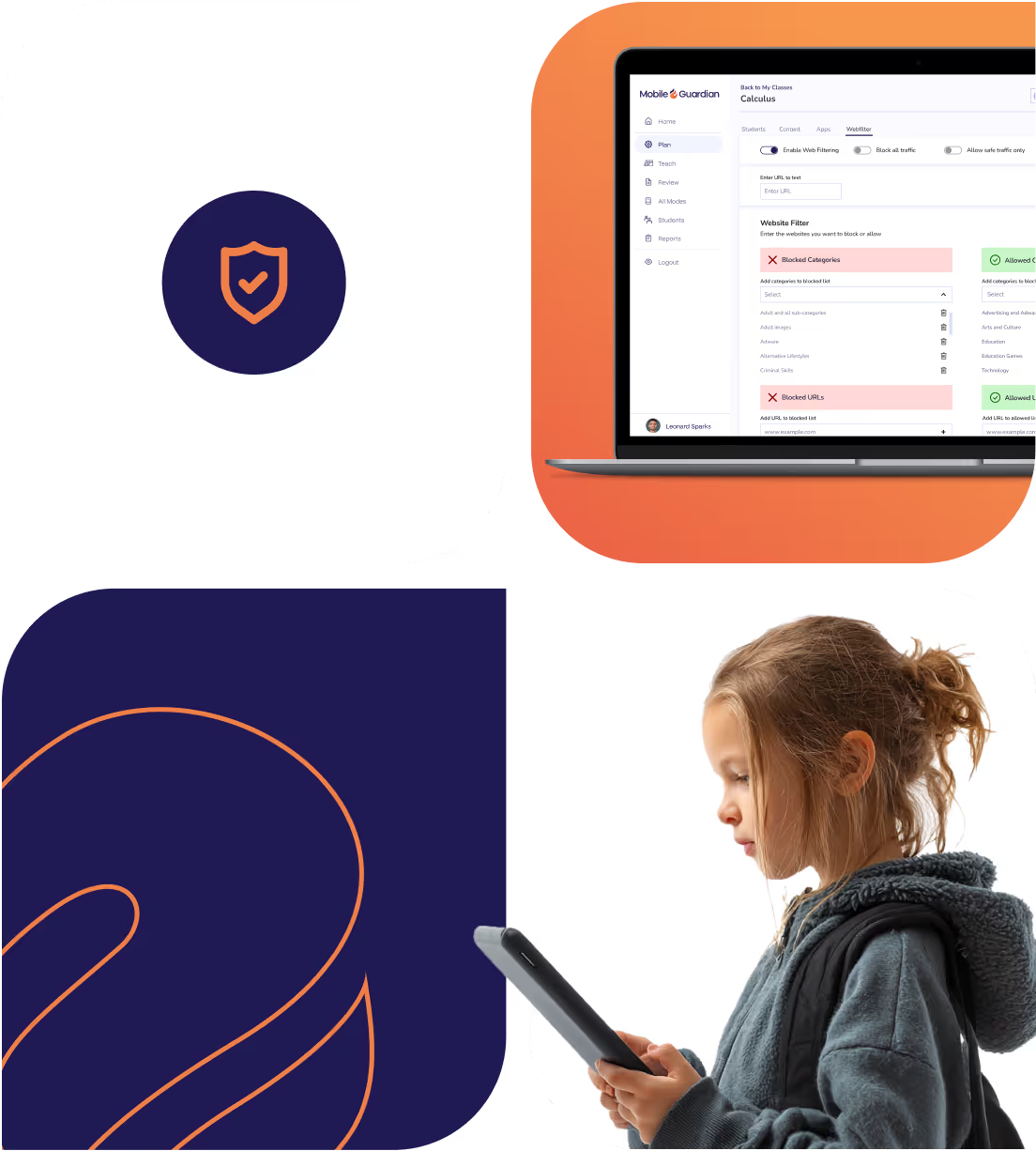
Built on a continuously updated web categorisation database, refreshed daily as new sites emerge so your filter is always current.
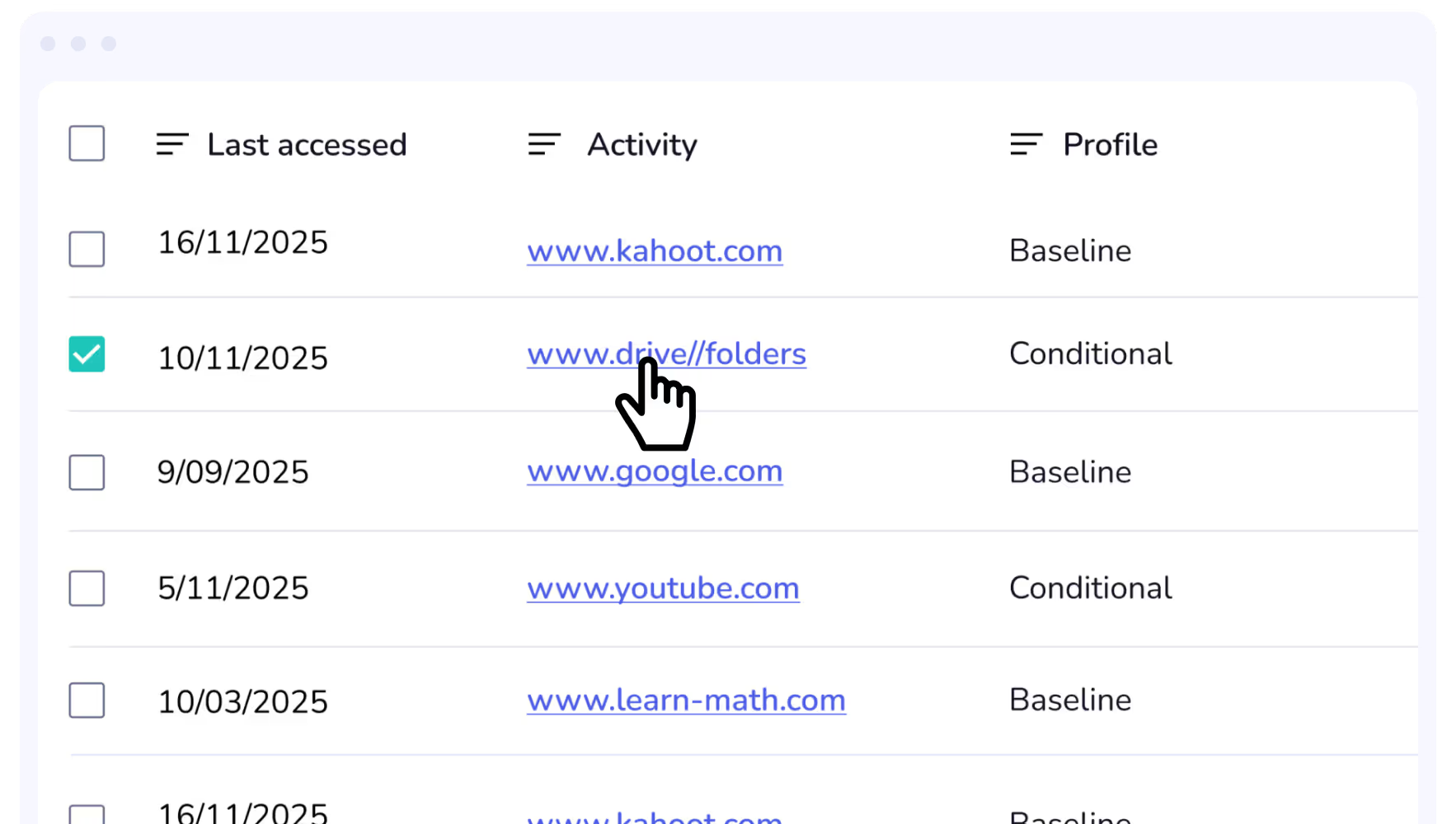
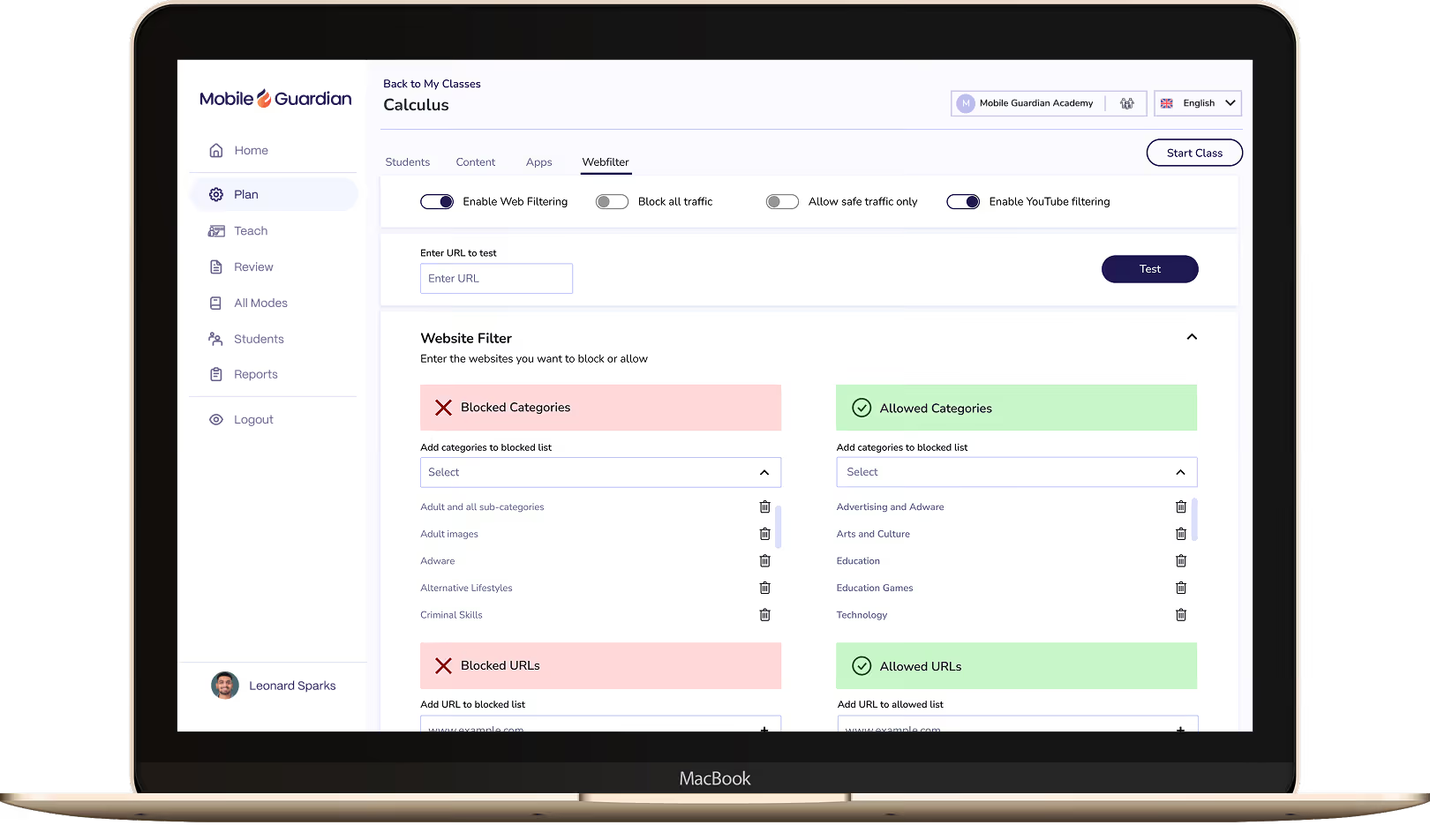
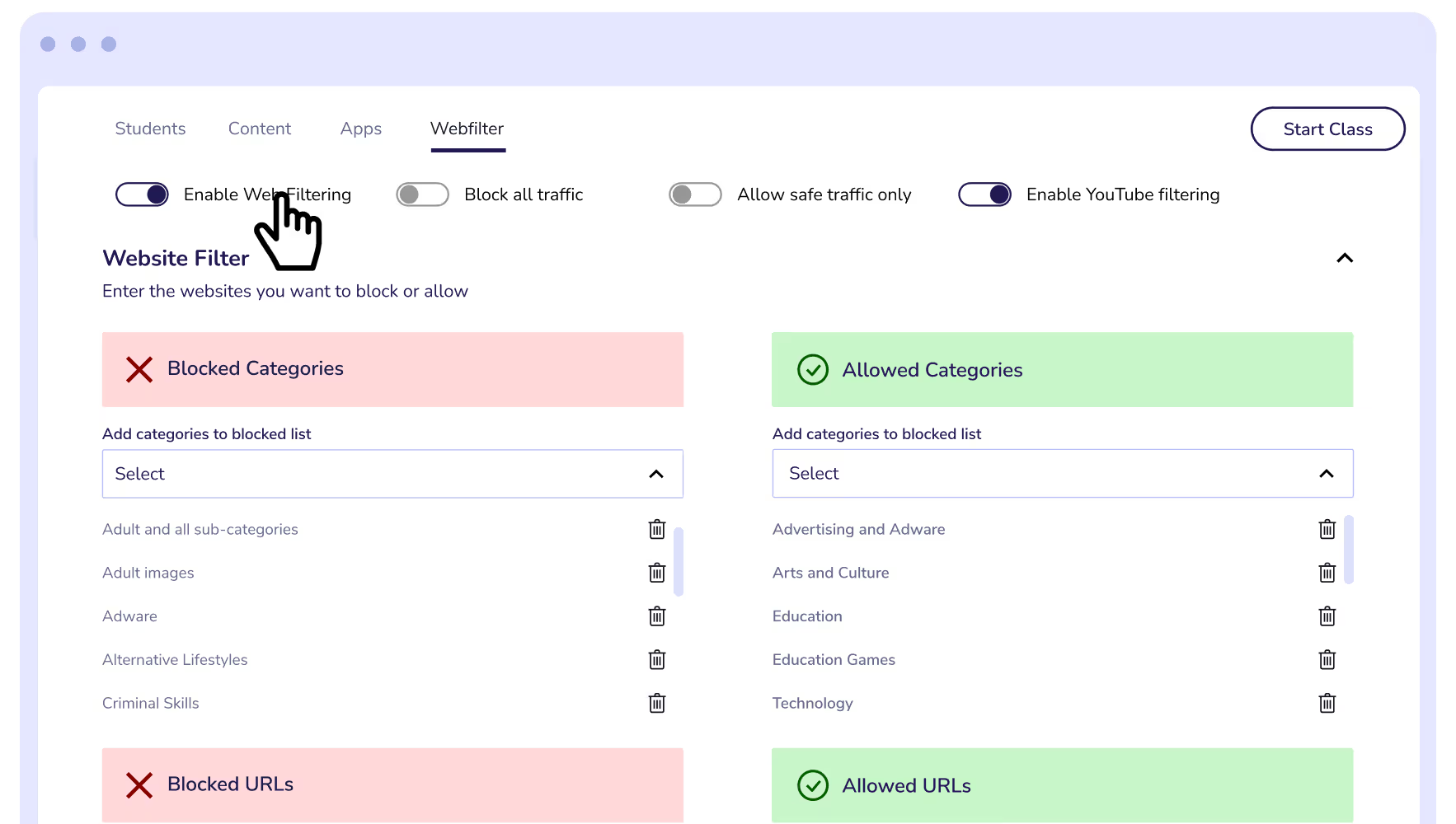
Configure filtering to match your school's exact needs, from broad category-level controls to granular keyword, URL, and YouTube channel filtering, or Safe Traffic mode for a fully controlled browsing environment.
Web filtering keeps harmful and age-inappropriate content off school devices, giving students a safer online experience while empowering school leaders with evidence that device safety is active.
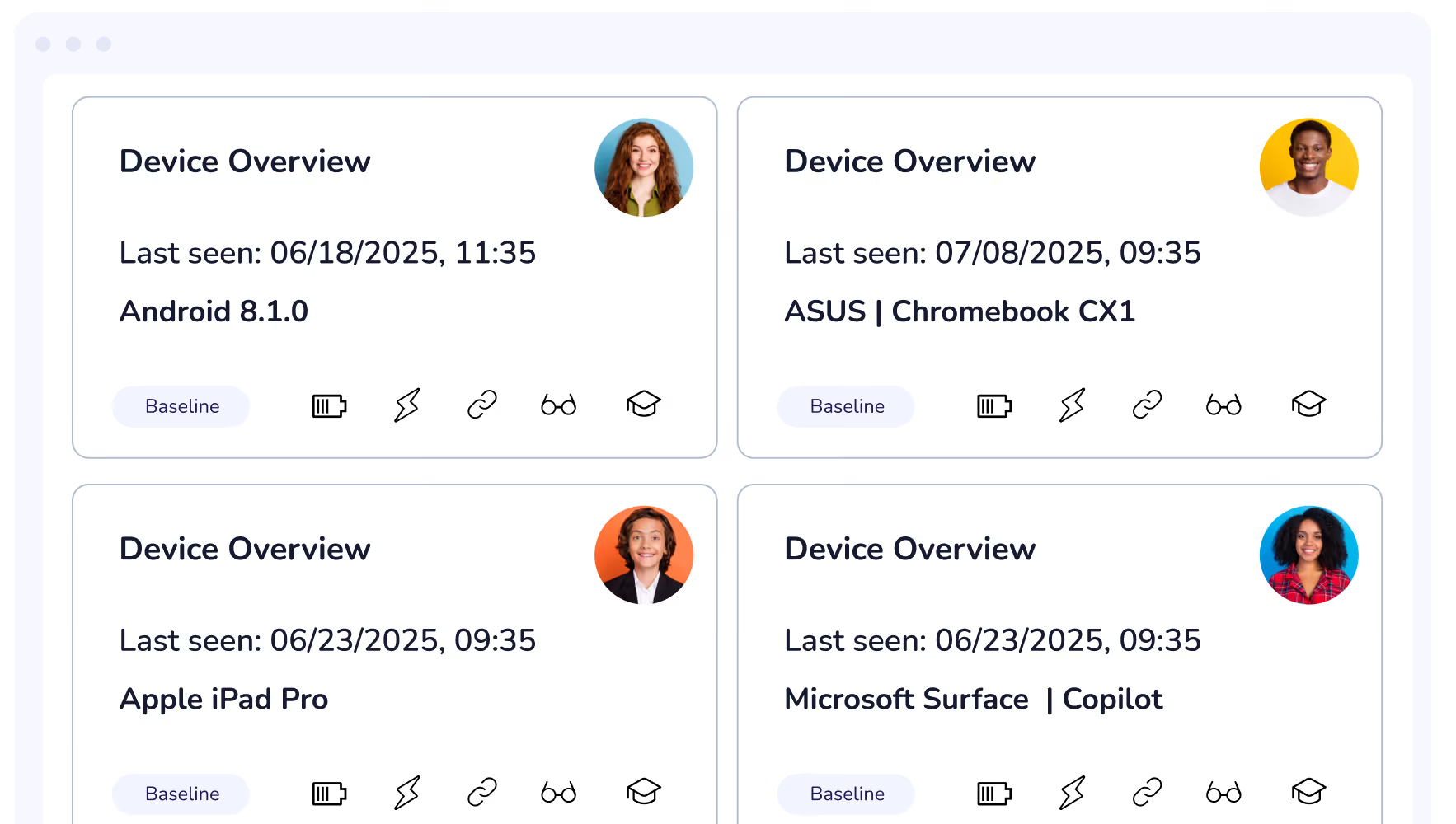
Give parents visibility and control over their child's device use at home. Mobile Guardian's Parental Controls keep filtering active when school devices leave school premises.
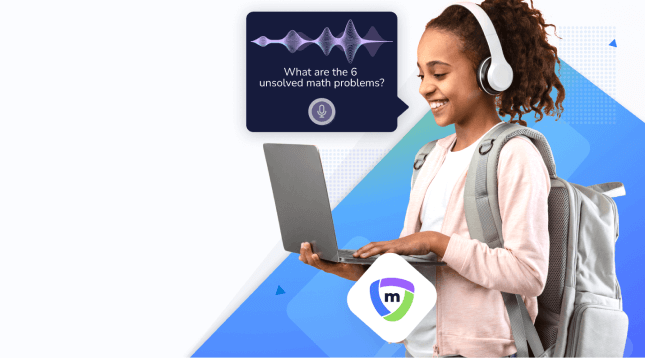
Give students safe access to the web without limiting its educational value. Mobile Guardian's filtering tools give schools precise control over online access, across every device and every location.

Filter websites by category for broad, easy coverage without managing individual URLs.
A cloud-based filter adds a critical layer of protection beyond the school campus to ensure students are safe online.
A quick and easy enrolment process to get you up and running on the Mobile Guardian platform.
Easily roll out application updates, installation, and removal from devices from your Mobile Guardian platform.
Filter uses ML powered categorisation to ensure that any new domains are immediately categorised.
Tailor the dashboard to every role, giving administrators, teachers, and leaders instant access to the information that matters to them.
Create Geofences to trigger filtering rules and policies based on location. Seamlessly switch between filtering profiles for responsive content filtering.
Set and control application access on student devices according to class needs and school device usage policies.
Integrate with Microsoft Office 365 for Education to quickly and easily set up your learning environment with Mobile Guardian.
Integrate with Google Classroom and Google Workspace for Education with Mobile Guardian to easily guide and protect students online.
Apple School Manager easily integrates with Mobile Guardian to ensure devices are ready for learning.
Set device usage rules and policies which implement device states according to the time of the day.
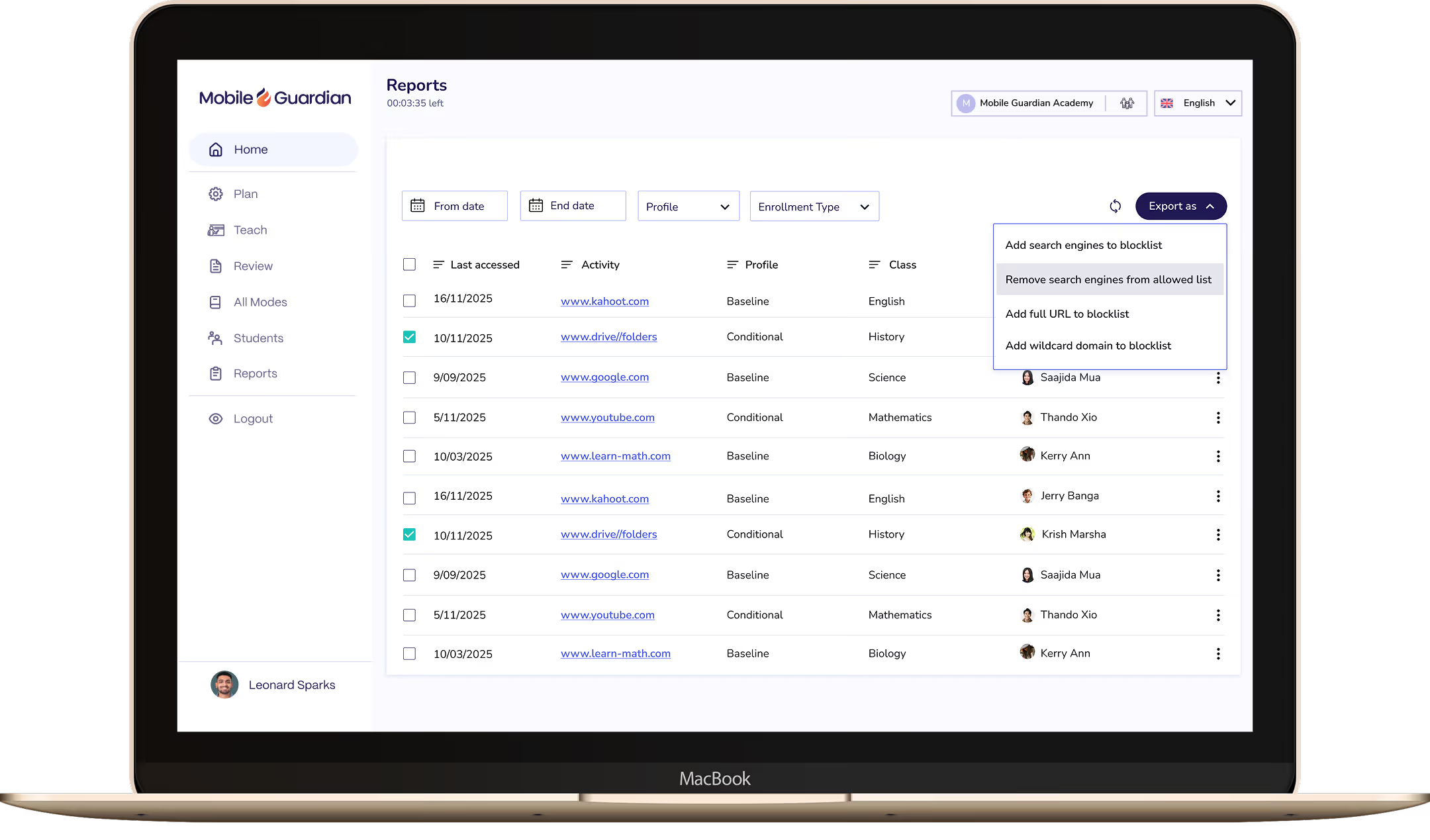
Gain insight into behaviour online and understand what content students are accessing. Assess learning behaviour and misbehaviour with report data that is directly actionable.
Punycode provides an improved method of character identification for languages beyond the ISO basic latin alphabet for multilingual filtering.
Mobile Guardian offers multiple tiered solutions, to ensure you may access the functionality you require. Select the feature set suitable for your budget and digital learning program. The only none-negotiable is a safe digital learning environment.
Start a Free TrialAs a multi-OS device management platform, Mobile Guardian is able to consolidate your device management, classroom tools, and filtering across all major operating systems in K-12 classrooms.
Find Out HowCentralise your spending and subscriptions onto a single, unified device platform to save both time and budget. Mobile Guardian provides an all-inclusive solution that ensures your time is used wisely and your budget respected.
Unify Now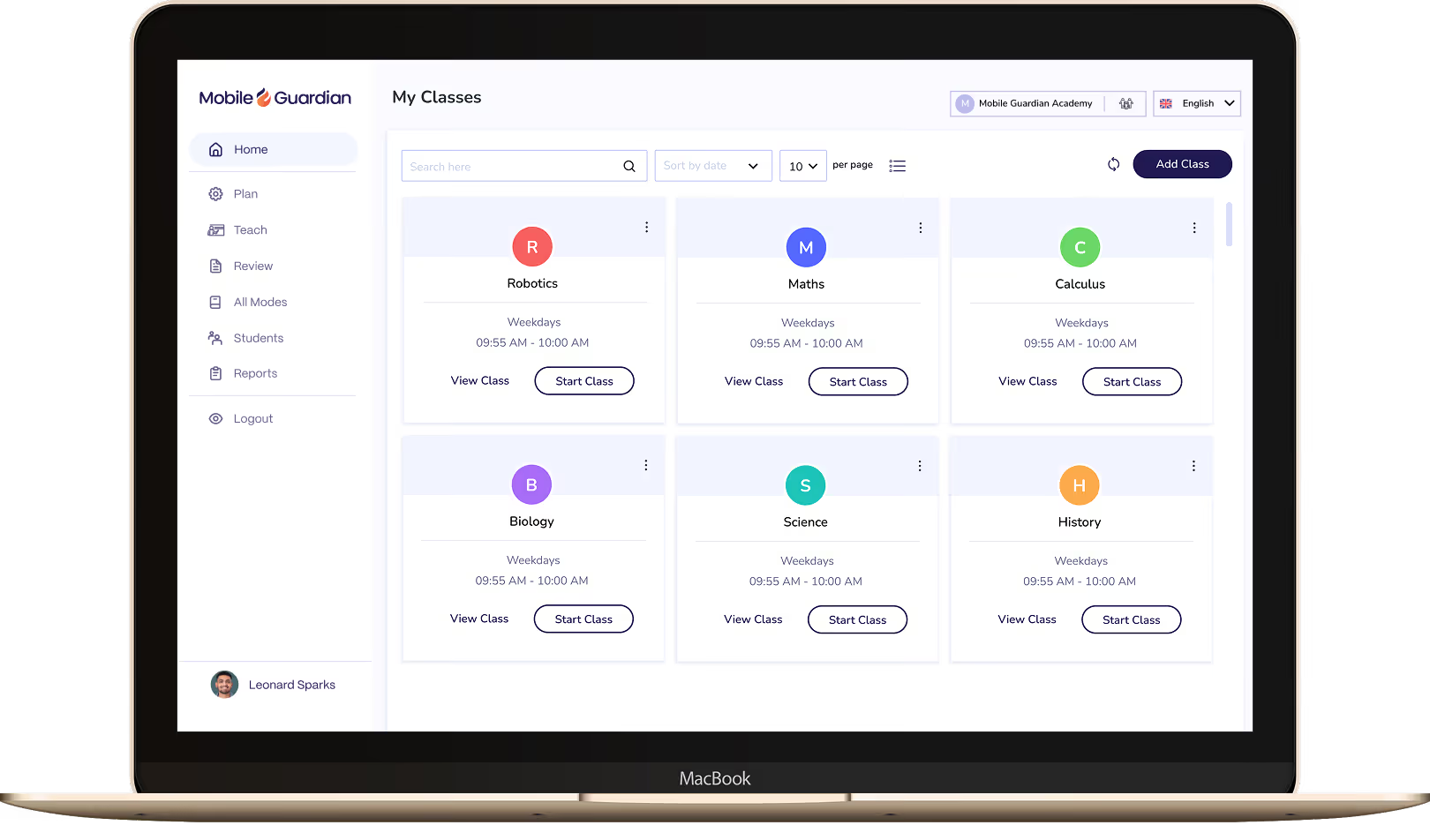

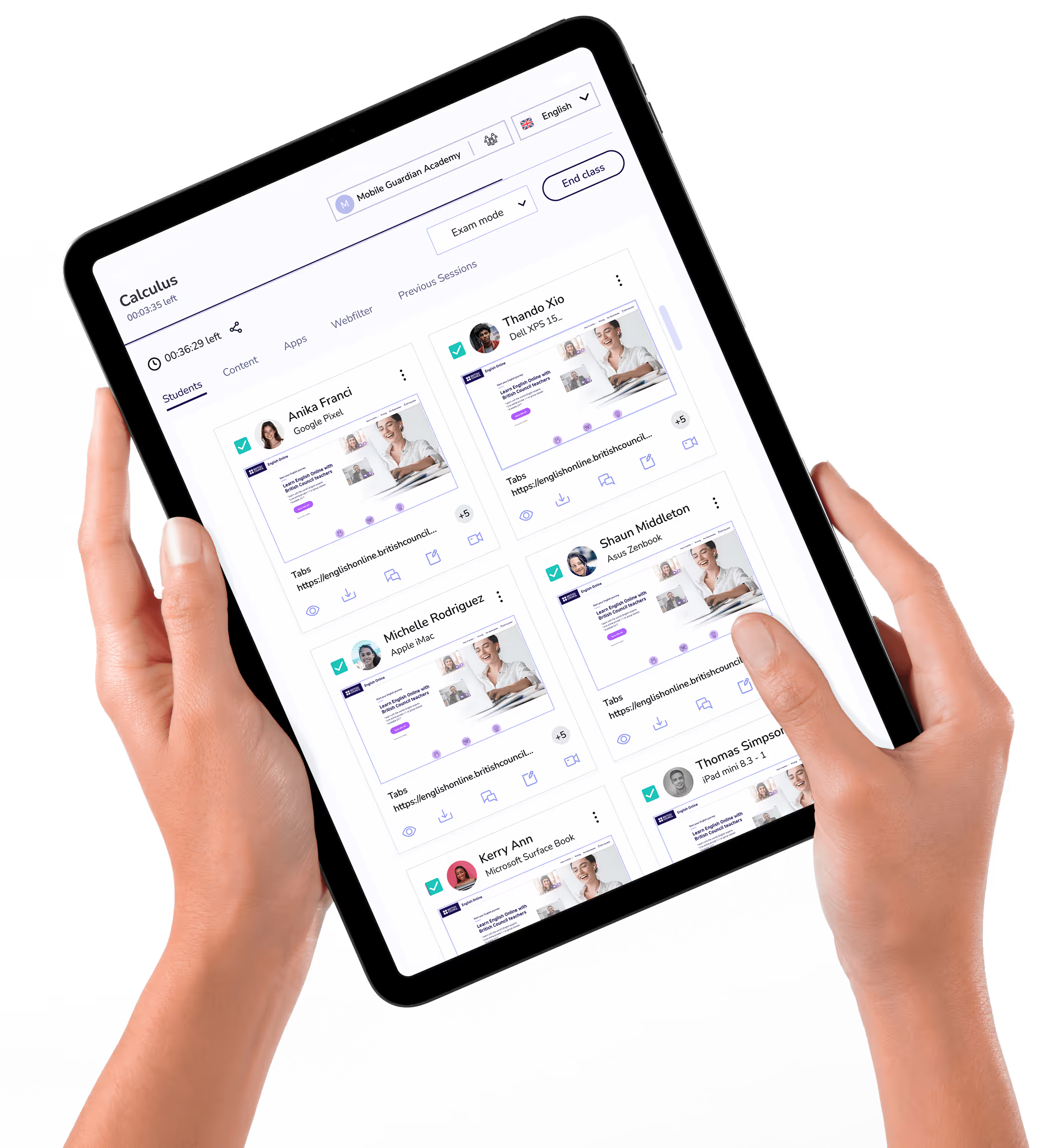
Classroom puts teachers in control of every device in the class, with tools to keep students focused and learning rather than distracted.

Filter keeps students on-task and safe online, with reports and real-time visibility to meet your school's online safety requirements.



.png "X(Twitter)")