Restrict Apps

with Kiosk & Single App Mode

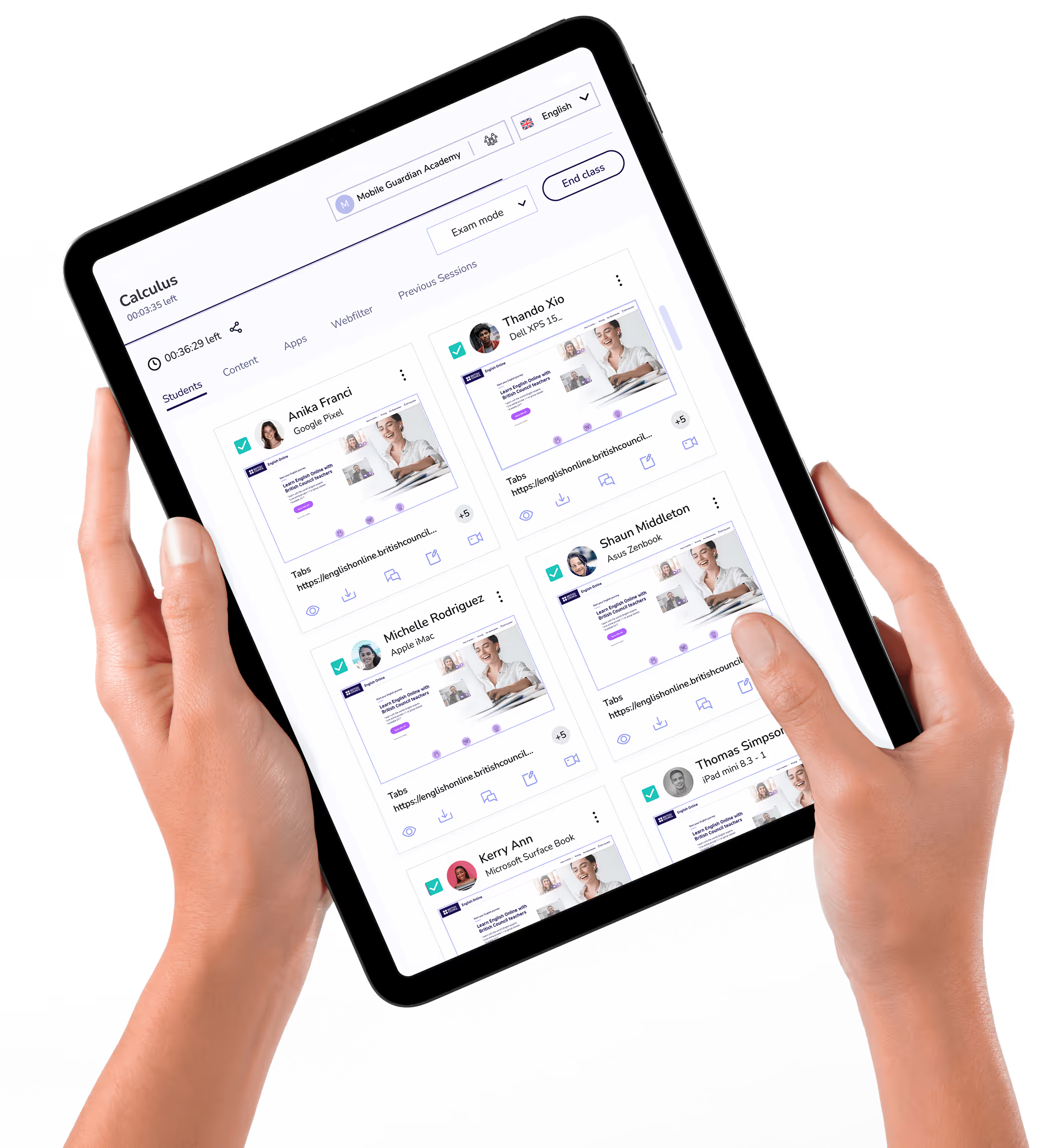
Lock student devices to a single app with Kiosk Mode and Single App Mode for focused classes.

Suitable for

Kiosk & Single App Mode

Lock a device to a single app so students see one thing to do and nothing to distract them.
One App, No Distraction

Force a device to run a single application and block access to everything else on it.
Exam and Assessment Ready

Lock devices to an assessment app to keep tests fair, focused and free of distractions.

Dedicated-Purpose Devices

Turn shared or single-purpose devices into reliable stations for one task, from sign-in to library catalogues.


Mobile Guardian clears the path for teaching by delivering a unified, safeguarded environment where every device is ready to learn from the moment it's opened.
Request demo
request demo

The Power of Single App Mode

Removing everything but the task at hand keeps students on track and devices doing exactly one job.

Set by Profile, Released in a Click

Switch Single App Mode on in a profile to lock the device to your chosen app, then release it just as quickly from the dashboard.

One Platform for every Device in your School.

Request a demo
Request a demo