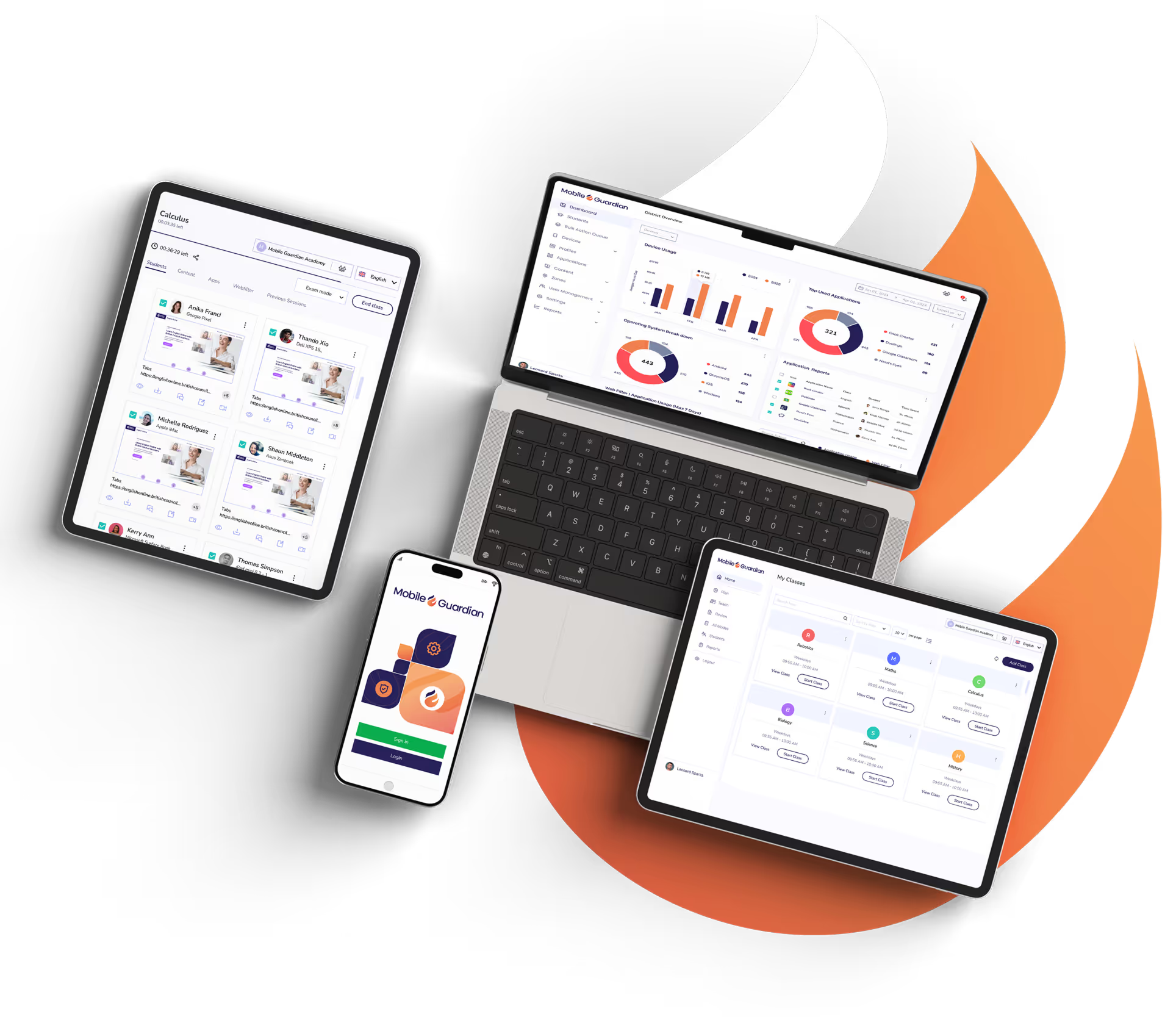
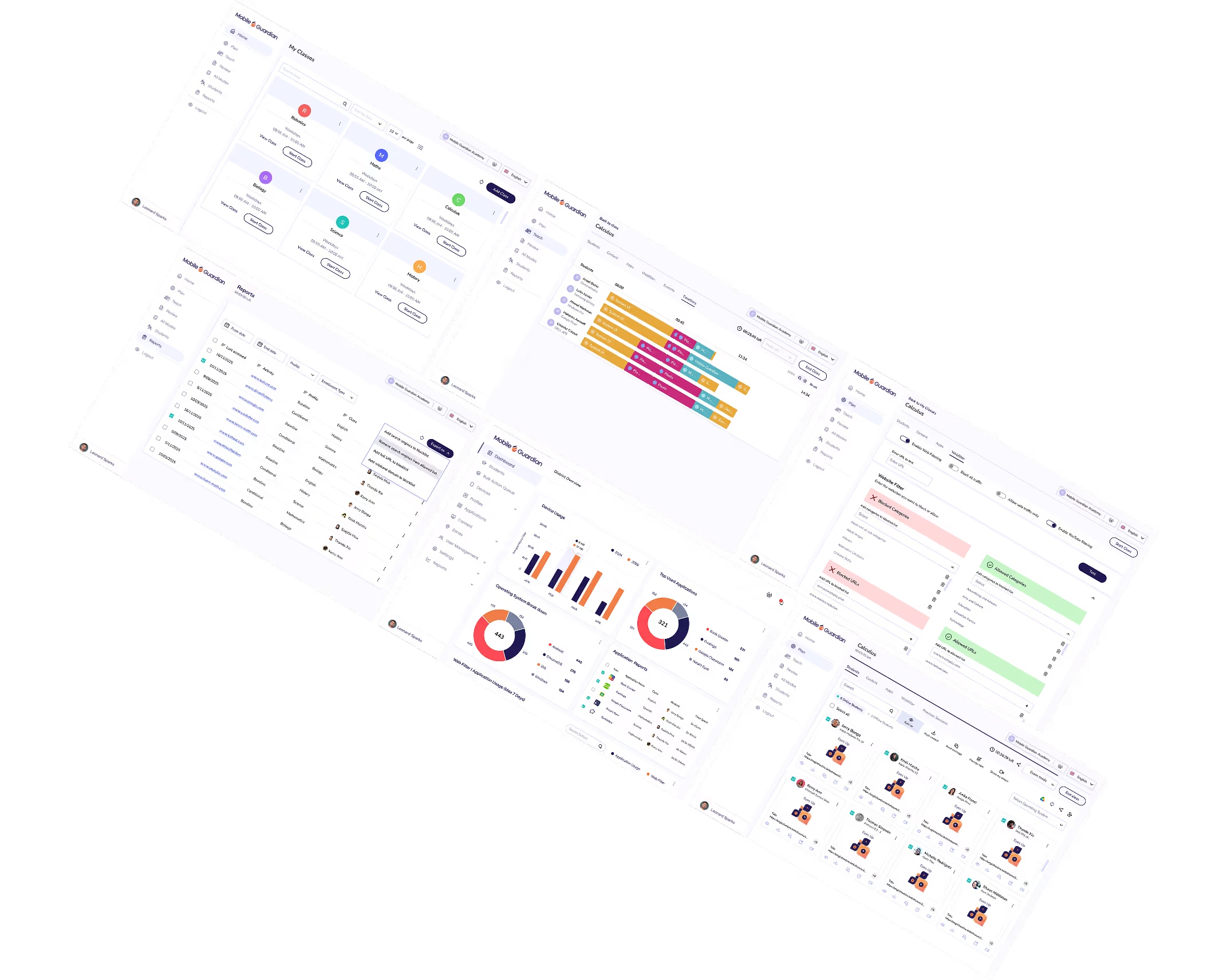
Enrol, configure and secure every student device across every school from One Platform. Built for ministries, states and education authorities running programmes at scale.
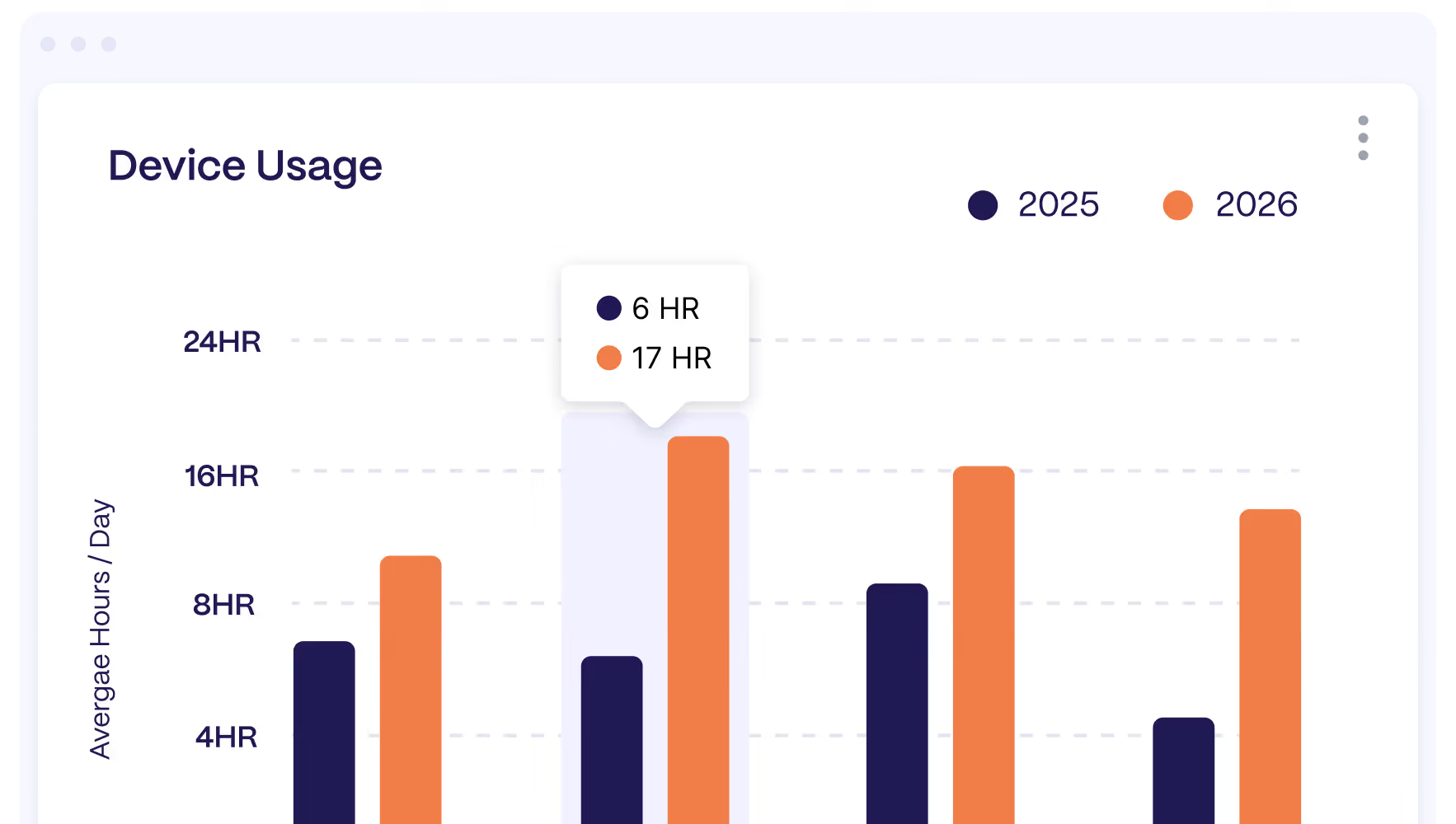
Device, usage and policy data is available whenever you need it, so programme leads can report progress to ministries and funders without chasing individual schools.
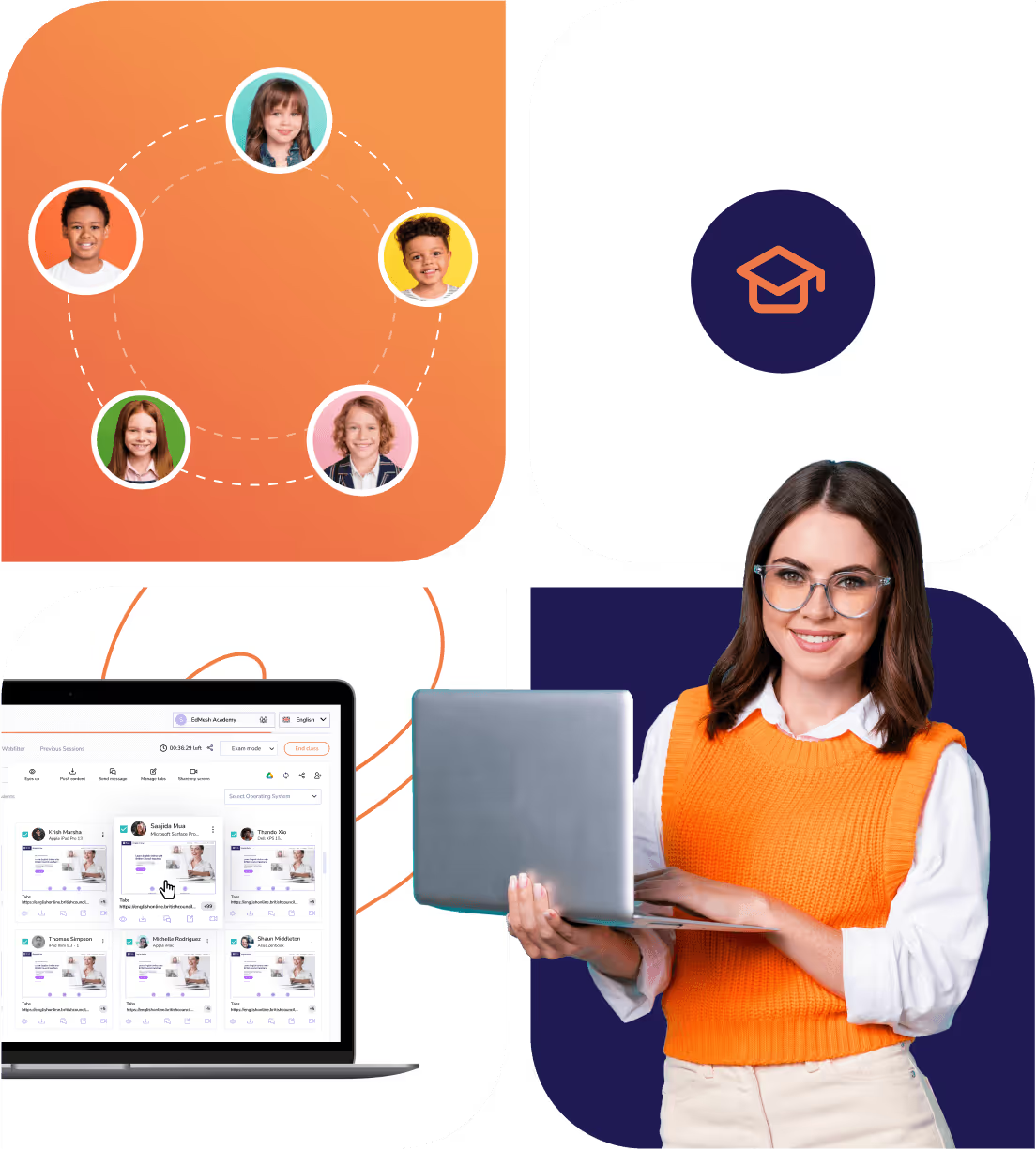
Mobile Guardian provides leaders and decision makers with the tools required to ensure students are focused, online, and learning regardless of their device type or location.

Device management covers every device in the programme. Web filtering and classroom tools can be added where your online safety and teaching plans call for them.

Enrol, configure, update and secure every device from one console, with policies set by region, school or year group.
Optional on-device web filtering that stays with the device in school and at home, with reporting for with reporting for online safety leads.
Push updates, change restrictions and adjust programme-wide policies from the cloud. Devices stay current and lesson-ready without a site visit.
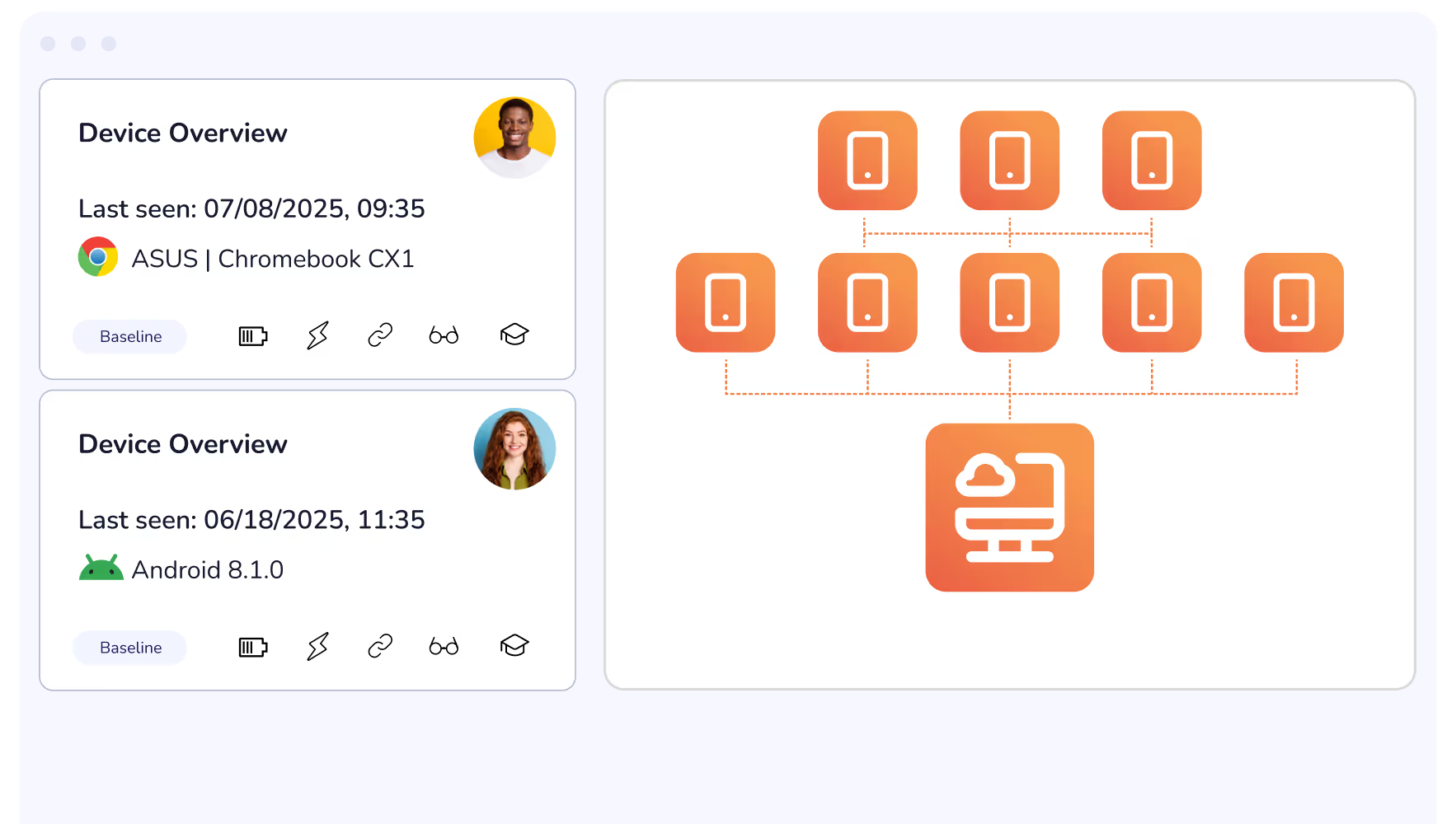
Location and time-based policies apply the right rules in school, at home and in between, and parents can be given visibility of the devices their children take home.
Enrol Android, ChromeOS, iOS and Windows devices in bulk, with enrolment options for every school setup.
Deploy, update and remove apps across every device in line with programme and school policies.
Apply restrictions to large groups of devices, triggered by time of day or location.
Lock devices to specific apps or content for exams, assessments and focused tasks.
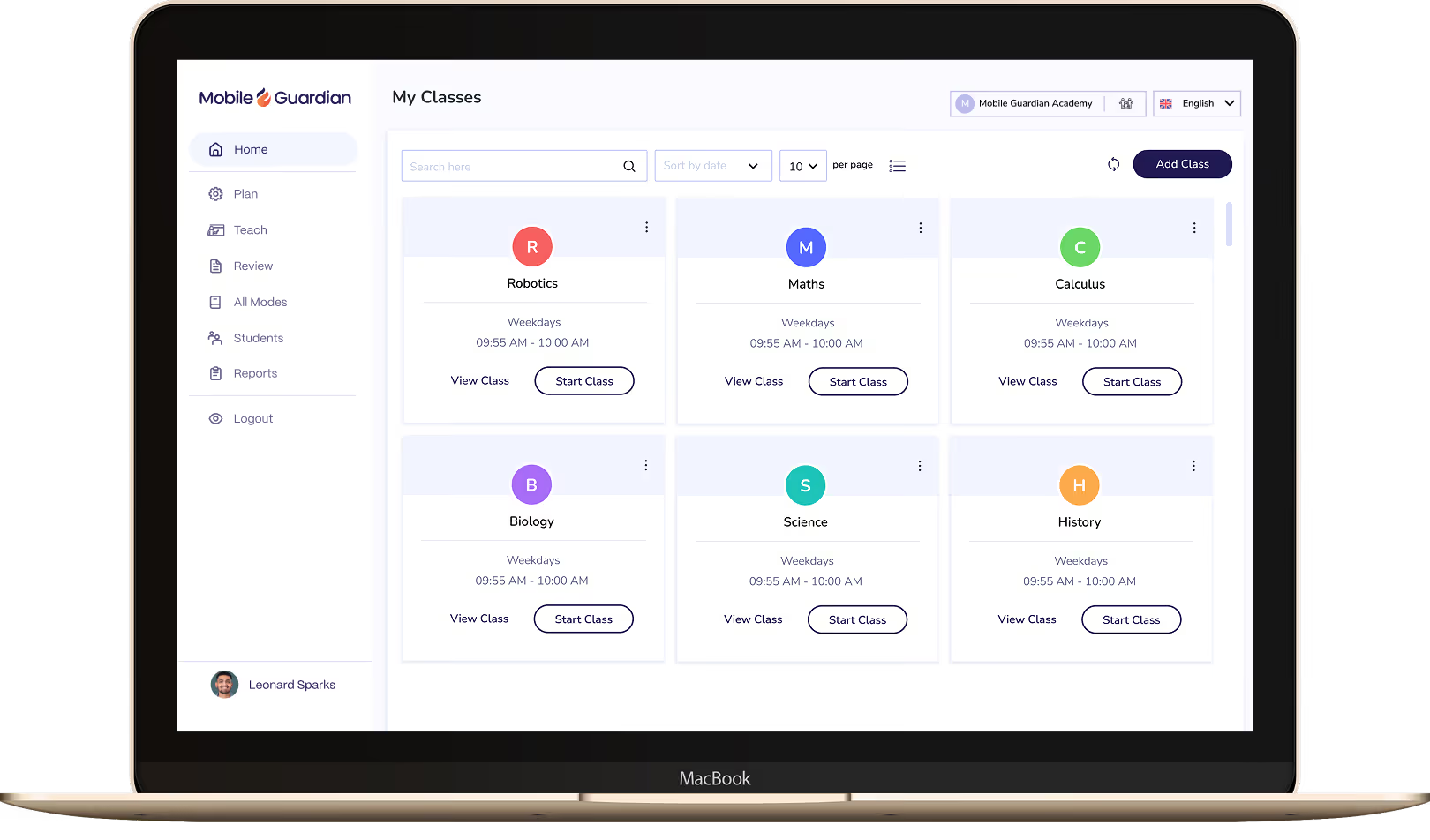
Multi-school management from one dashboard, with oversight by region, school and year group.
Per-device reporting shows how devices are used across the programme and gives leaders evidence of impact.
Keep a live record of hardware and apps, and locate missing devices with Lost Mode.
Connect Google Workspace for Education to sync users and enrol devices with the accounts students already use.
Pair Apple School Manager with Mobile Guardian to automate Apple device enrolment across every school.
Sync users from Microsoft Entra ID and work alongside Microsoft Intune, or enrol Windows devices directly into Mobile Guardian.
An optional add-on: on-device filtering that applies in school and at home, with reports for online safety leads.
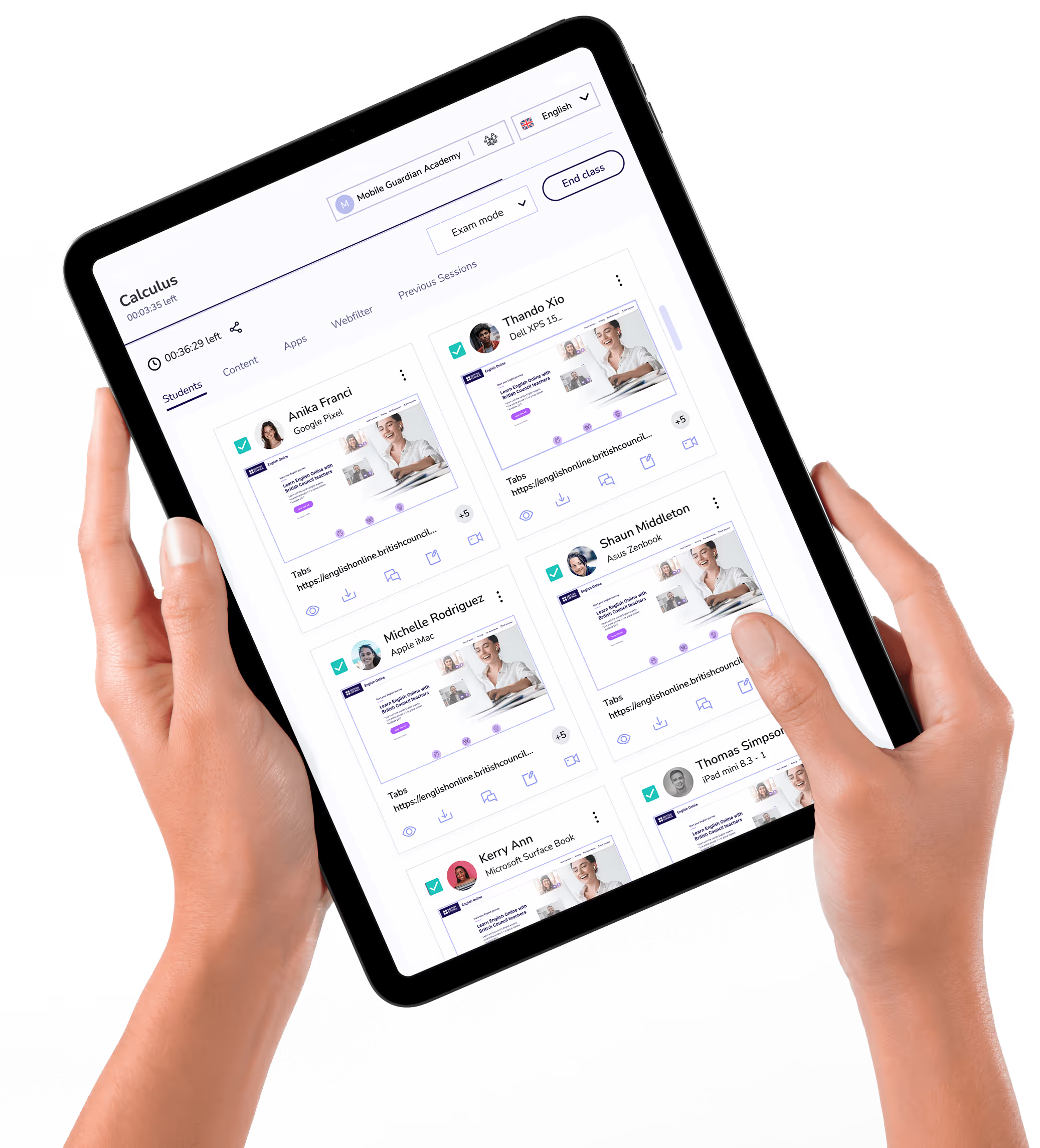
An optional add-on: Live Screen Views, Eyes Up and Modes help teachers keep lessons focused.
Sync users from Google Workspace for Education and enrol devices, including Windows, with the Google accounts students and staff already use.
Mobile Guardian connects to Apple School Manager so iPads and Macs enrol automatically and arrive at school configured for learning.
Manage devices, filtering and classroom tools across Android, Apple, ChromeOS and Windows from one console. Fewer contracts, consoles and integrations to maintain, with a modular setup that grows with the programme.
Book a consultationPolicies are enforced on the device itself, and where filtering is added it runs on the device too, so protection holds on any network, in school or at home.
Find Out HowNational programmes are rarely simple. Our team works with you through planning, enrolment and rollout, and connects Mobile Guardian with the systems your programme already runs.
Talk to our team


.png "X(Twitter)")