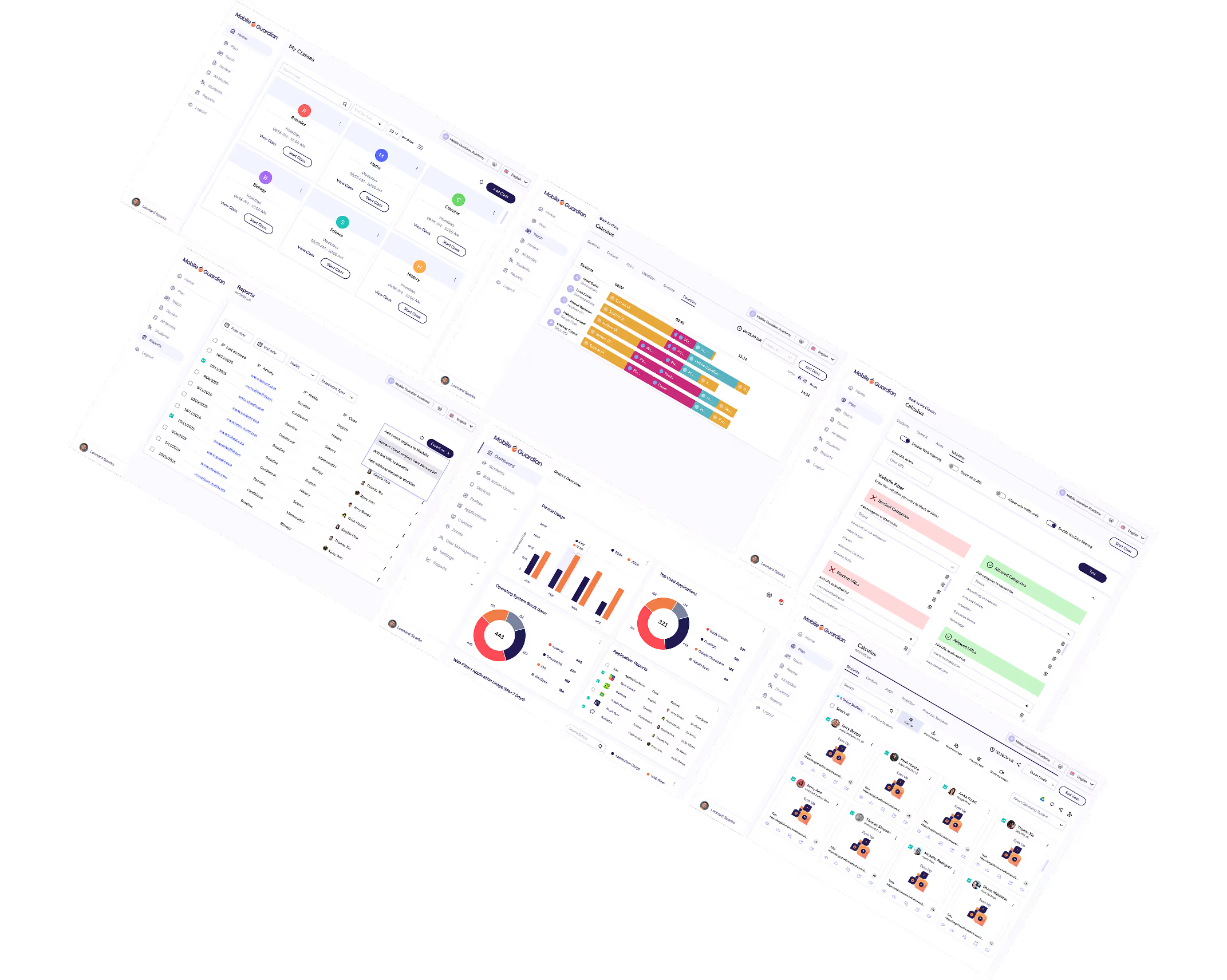
Manage which applications and content students can access, giving teachers and administrators precise control over what students see and use on their devices.
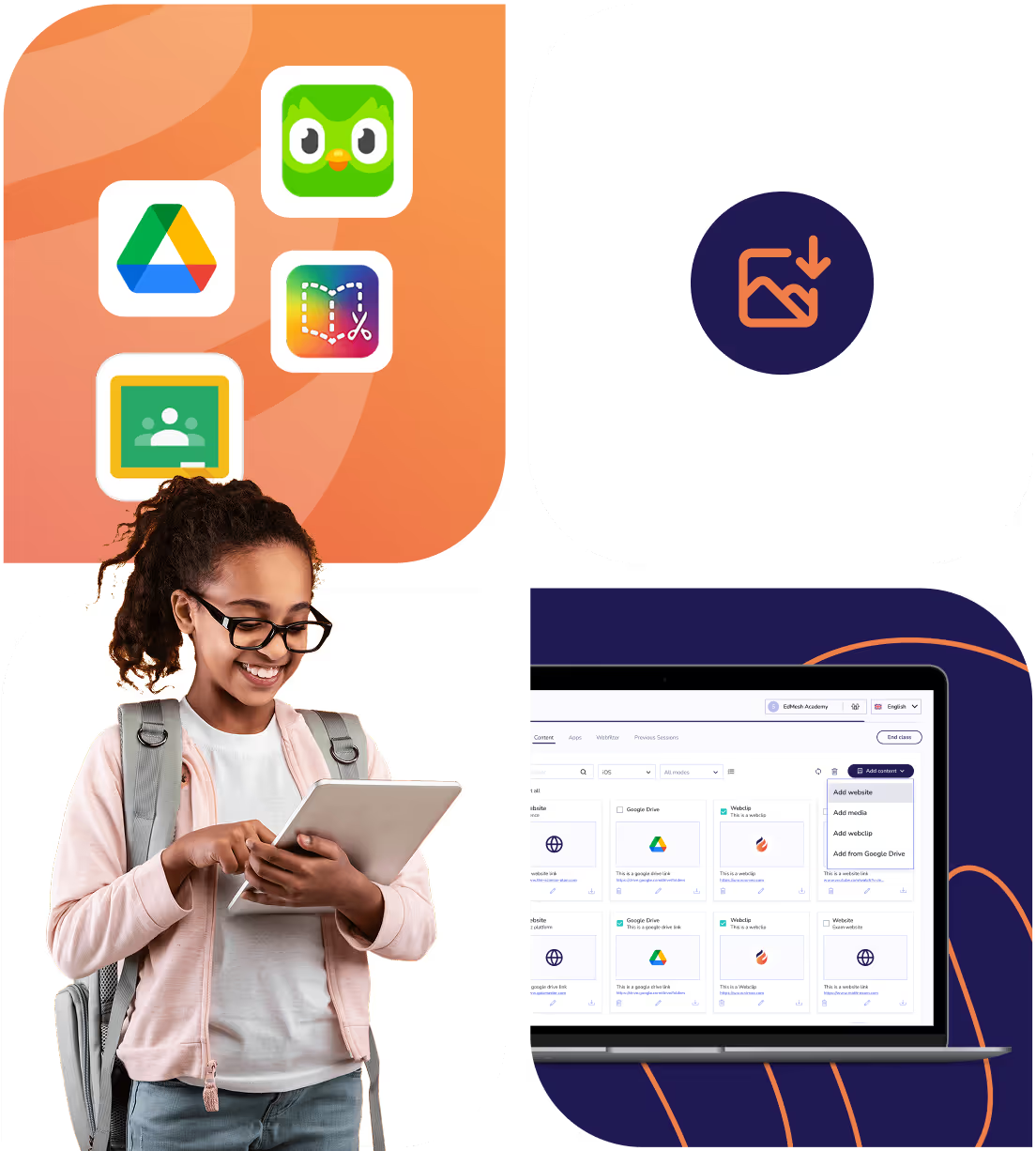
Remotely install apps on student devices. Tag and mass assign apps to school- and student owned devices. Configure key applications to auto-install when a new device is enrolled.

Advanced filtering for Websites, YouTube and Keywords with the Mobile Guardian Safe Browser.
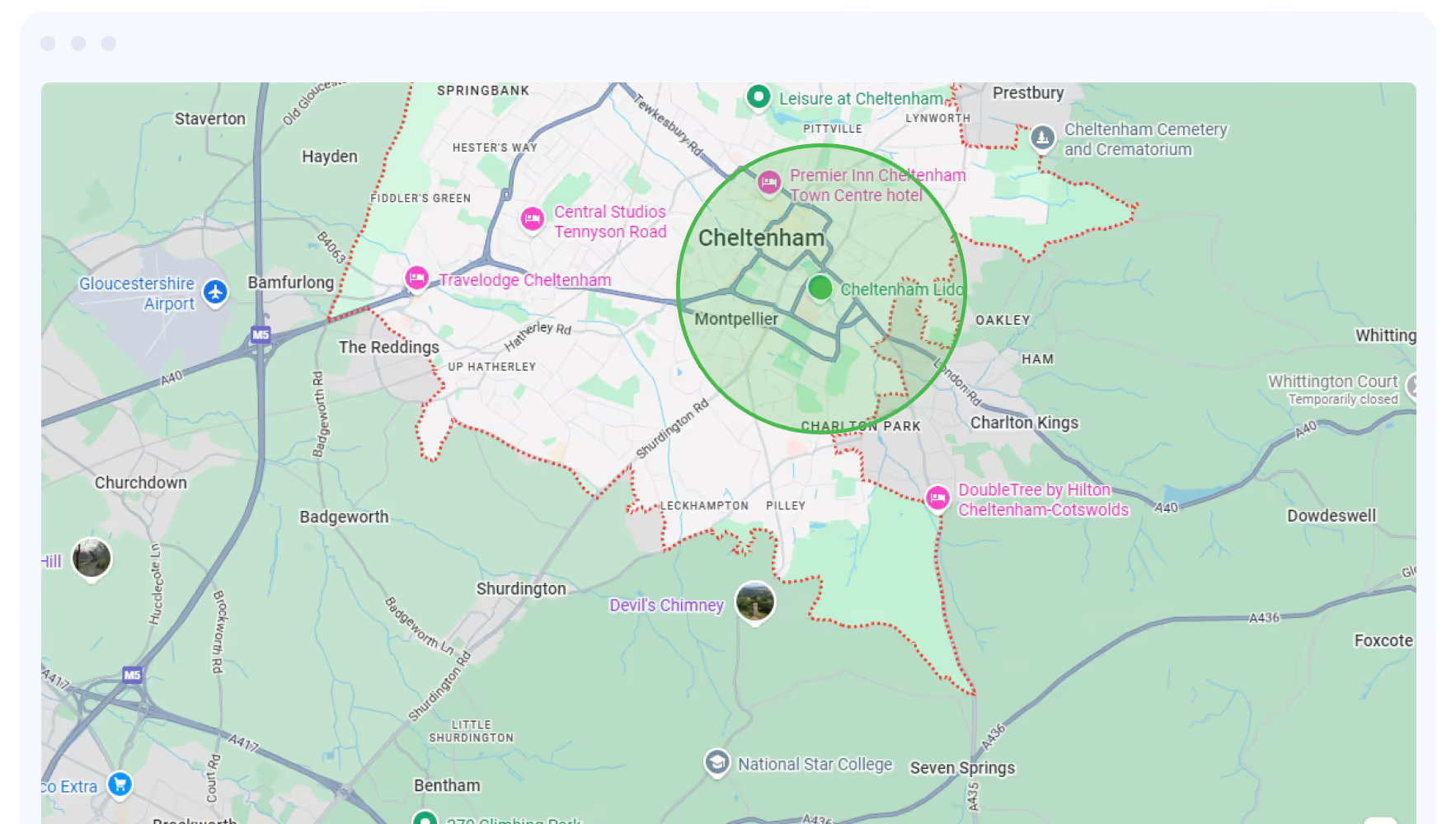
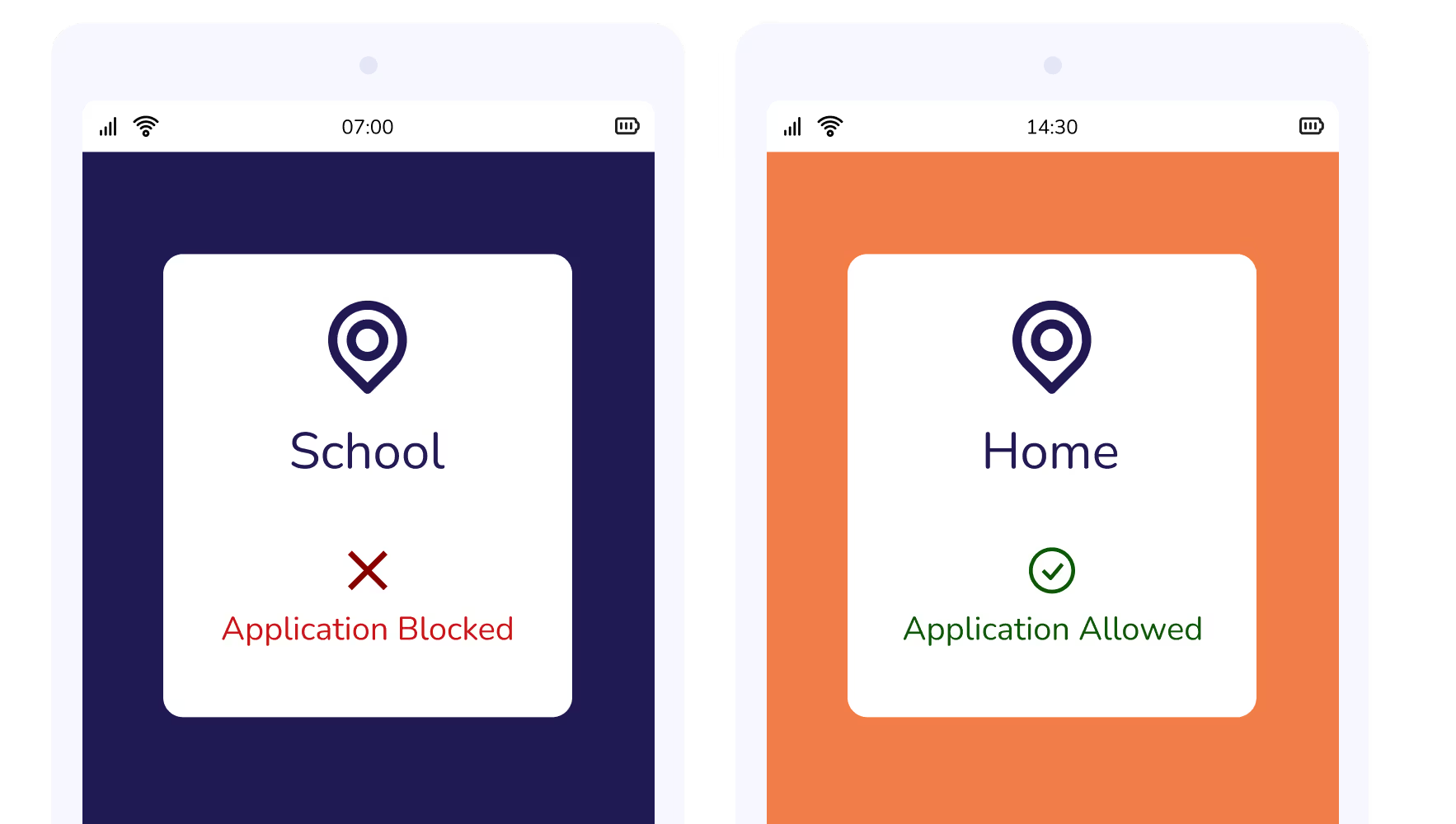
Set up your MDM to know where your devices are at all times. Create sophisticated geo-fences and schedule location-based restrictions.
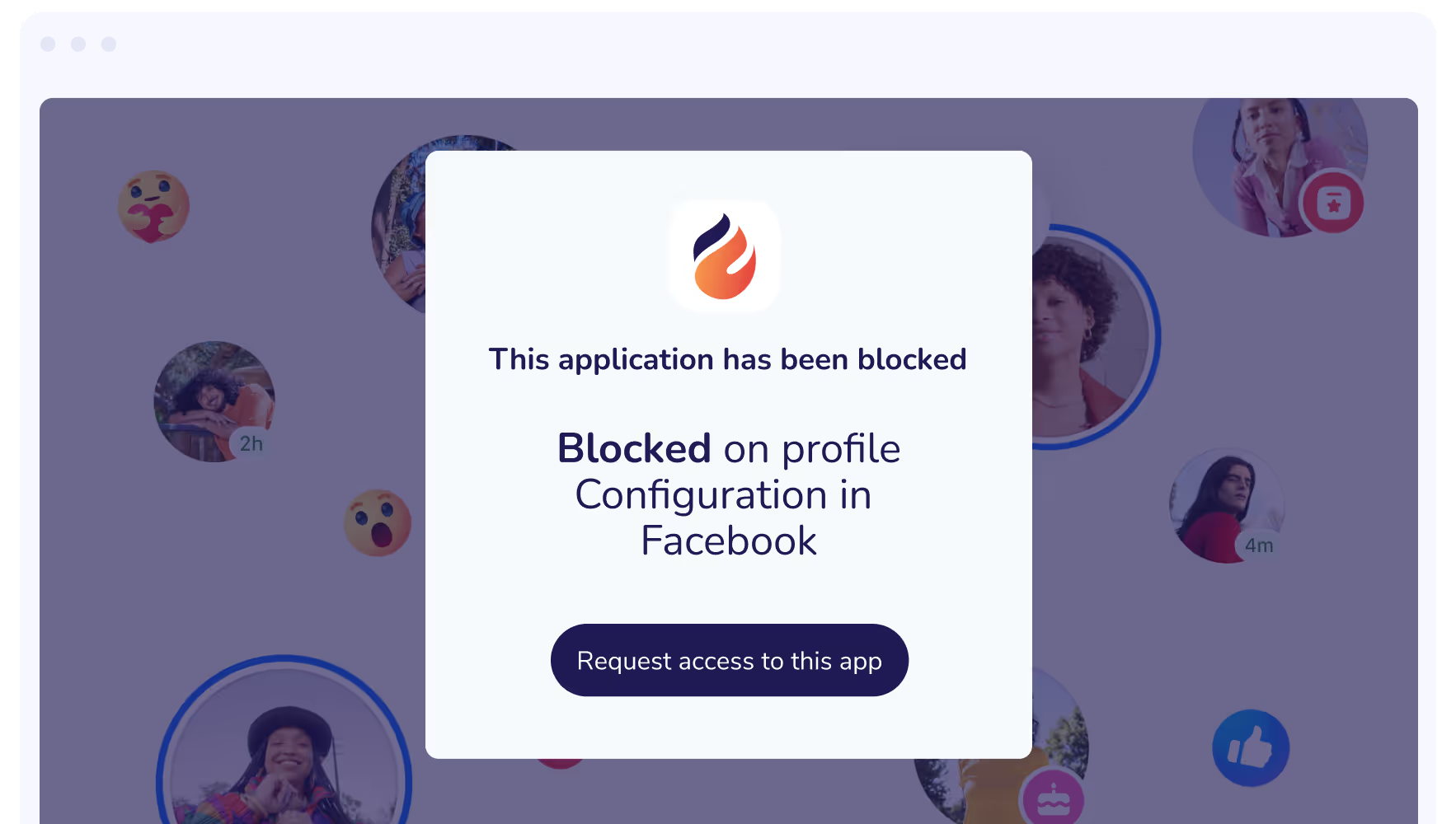
Control all app-related actions on the device. Blocklist Apps, customize device home screens, lock layouts, and set devices to single app mode for complete focus.
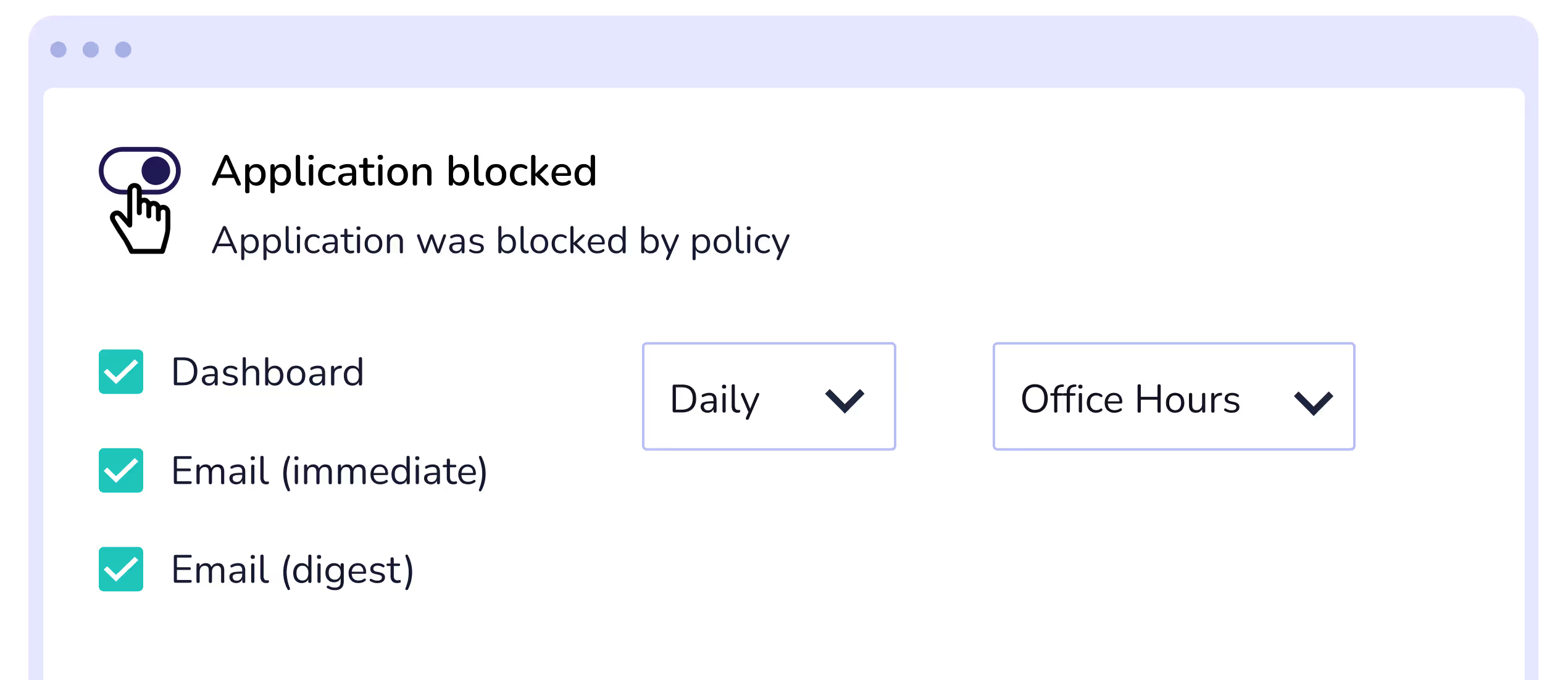
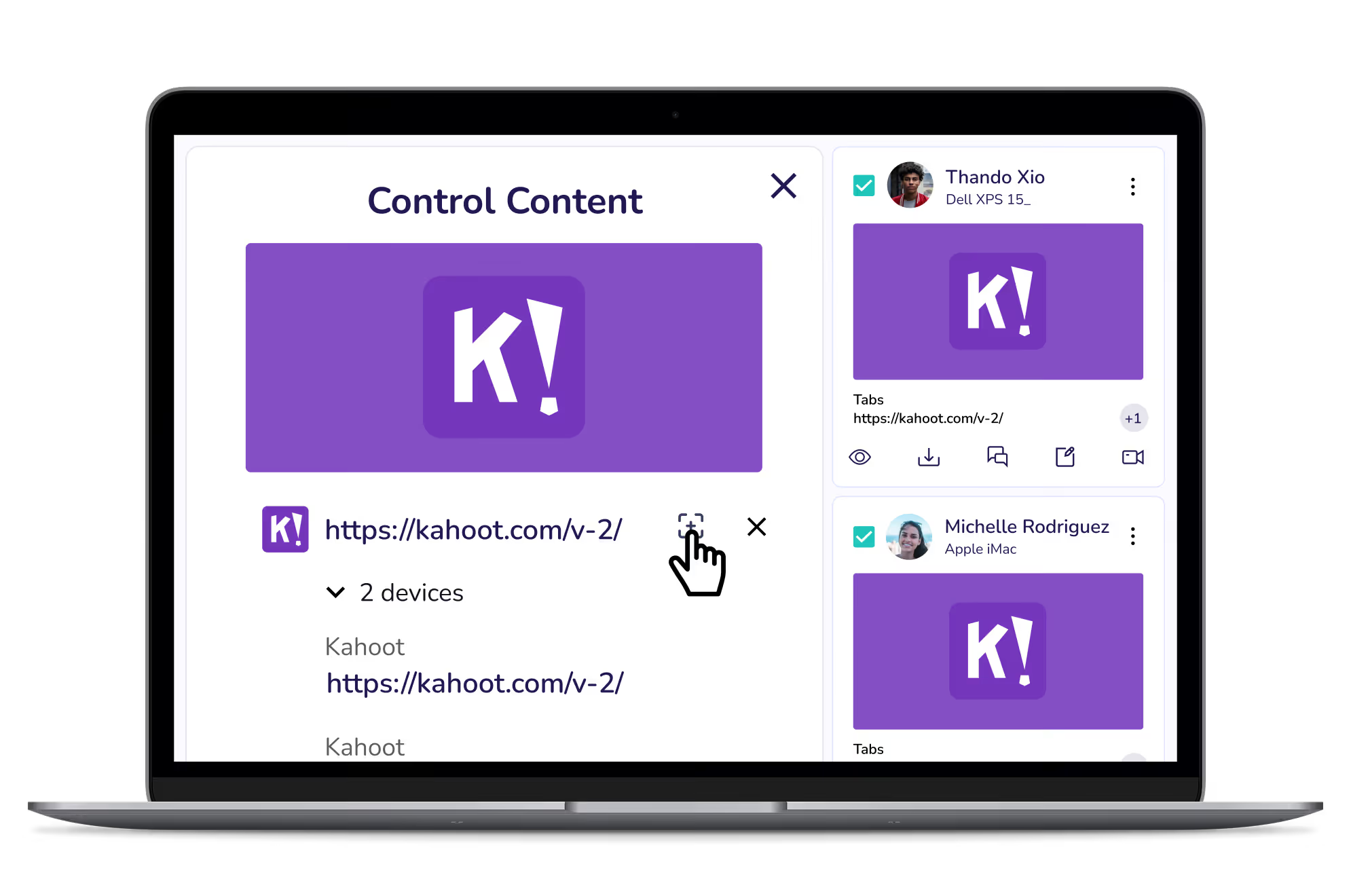
When every student has access to the right apps and content at the right time, lessons run smoother and learning stays on track. Mobile Guardian gives teachers the control to set exactly what students can see and use during class.
Automatically apply application restrictions and Wi-Fi settings based on where a device is, so students arrive at school and their devices are ready to learn without any manual setup required.
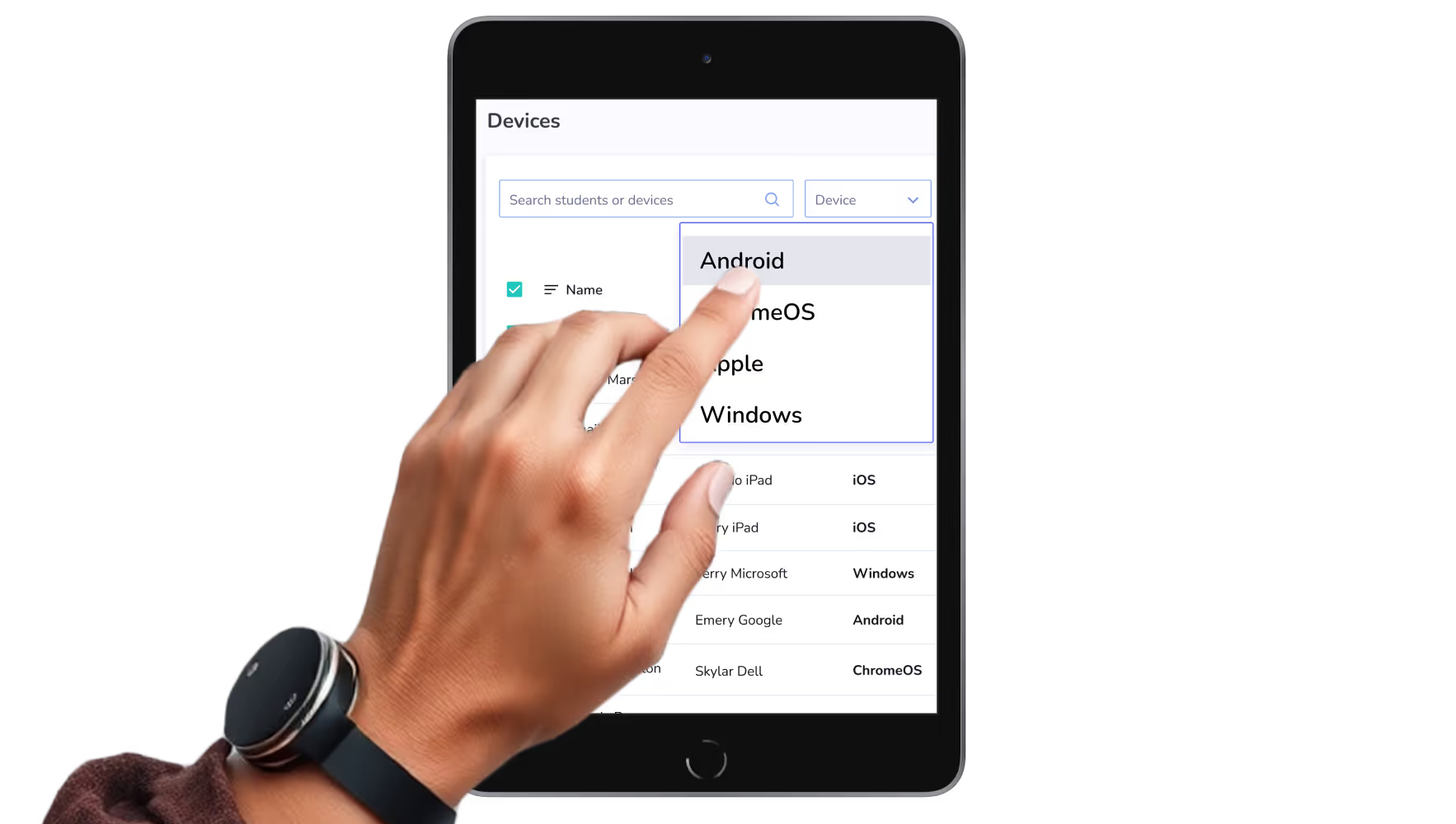
MDM and Filtering by Mobile Guardian allow administrators to set student app and content access for large sets of devices, regardless of their operating system.



.png "X(Twitter)")