Mobile Guardian supports the full range of device enrolment methods across all devices, alongside student roster management. Ensures filtering rules, app restrictions, and classroom policies follow each student automatically, from day one.
Mobile Guardian supports bulk enrolment through Apple School Manager, Google Workspace, Android zero-touch, and Windows Autopilot. Smaller deployments can be enrolled via QR code or URL in minutes.
Populate student records from your master data source. Sync from Apple School Manager, Google Organisational Units, Microsoft Entra ID, or a simple CSV import.
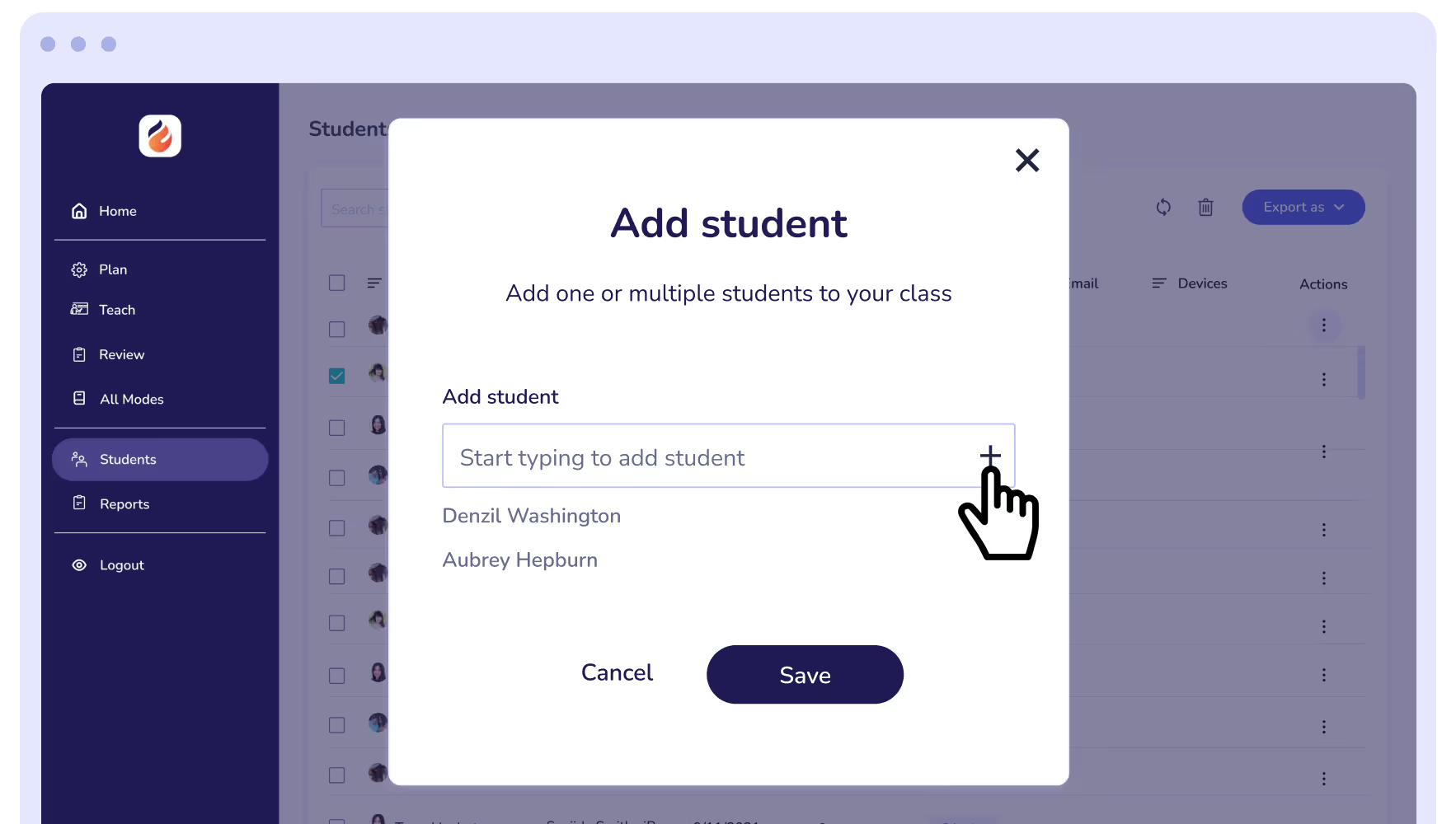
Use your student data to provide auto linking to device upon initial login. Filtering policies, activity reporting, and classroom controls apply right away.
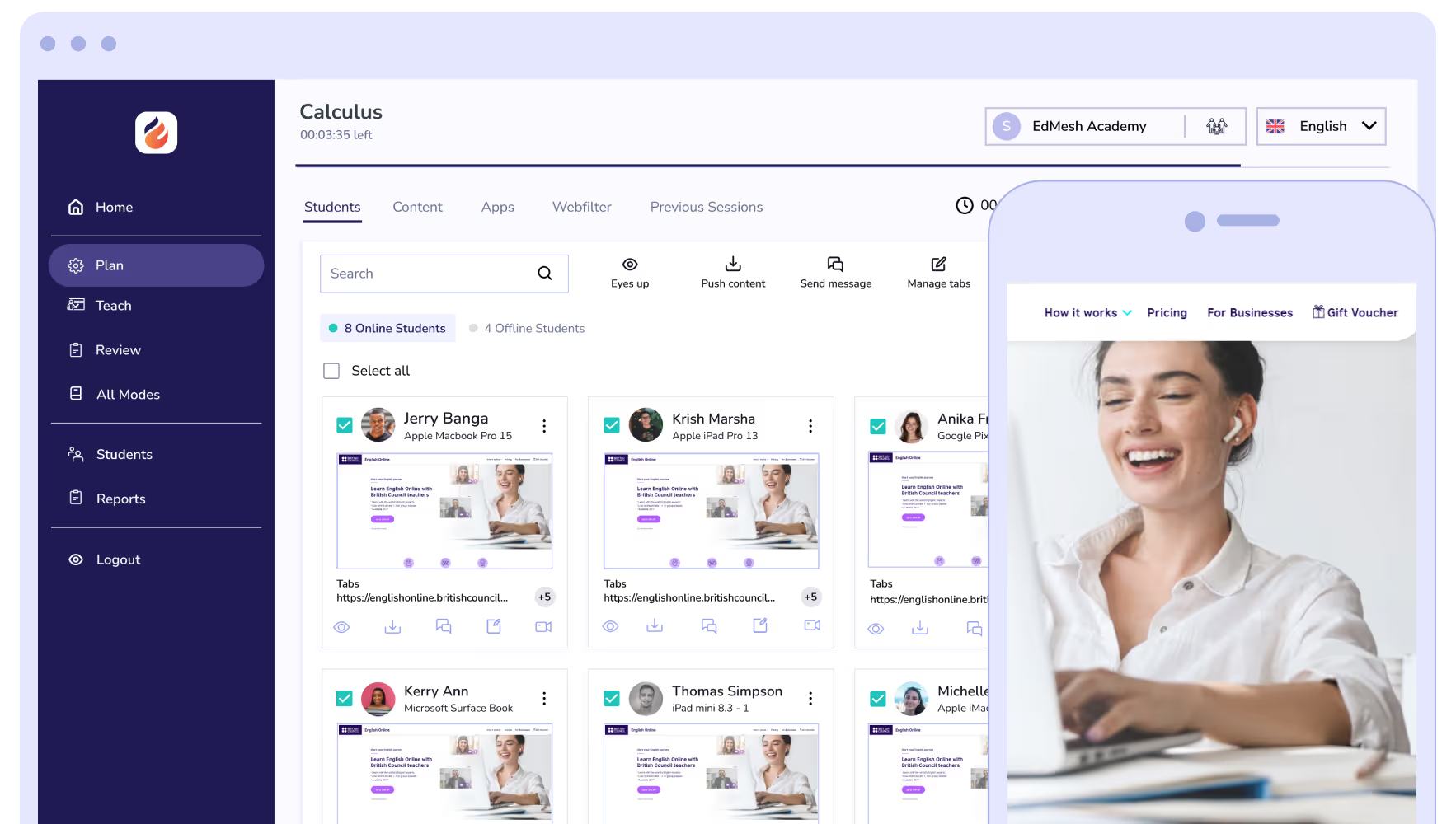
As students advance through year groups, their device usage policies, filtering levels, and app assignments update automatically to match their new year.
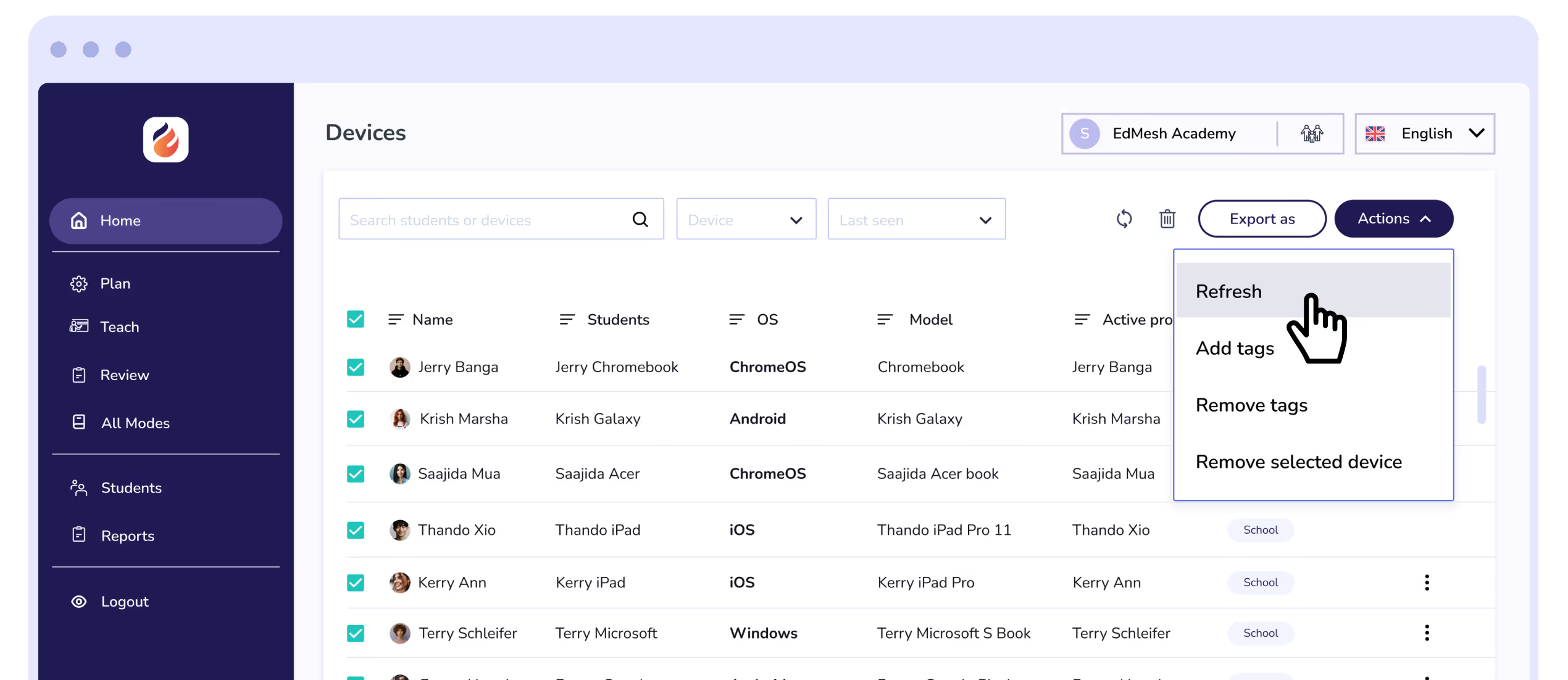
Mobile Guardian supports zero-touch enrollment across all four operating systems: Apple School Manager for iOS and iPadOS, ChromeOS Zero-Touch Enrollment for Chromebooks, Android zero-touch for managed Android devices, and Windows Autopilot for Windows.
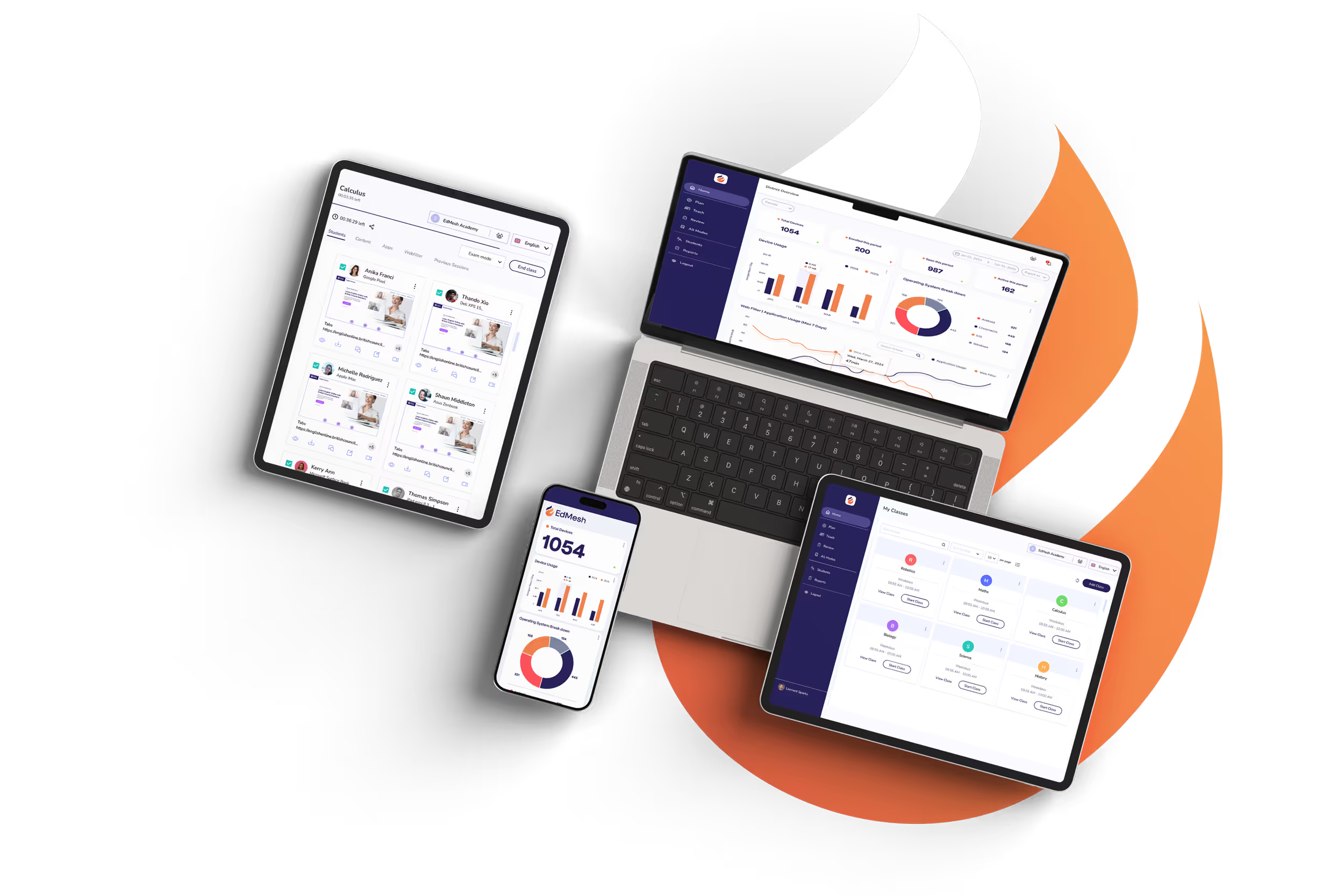
Define a naming convention once, by school, year group, device type, or student name, and Mobile Guardian applies it automatically at enrolment. Whether you're provisioning 50 devices or 5,000, every device in your fleet is consistently labelled and easy to locate.
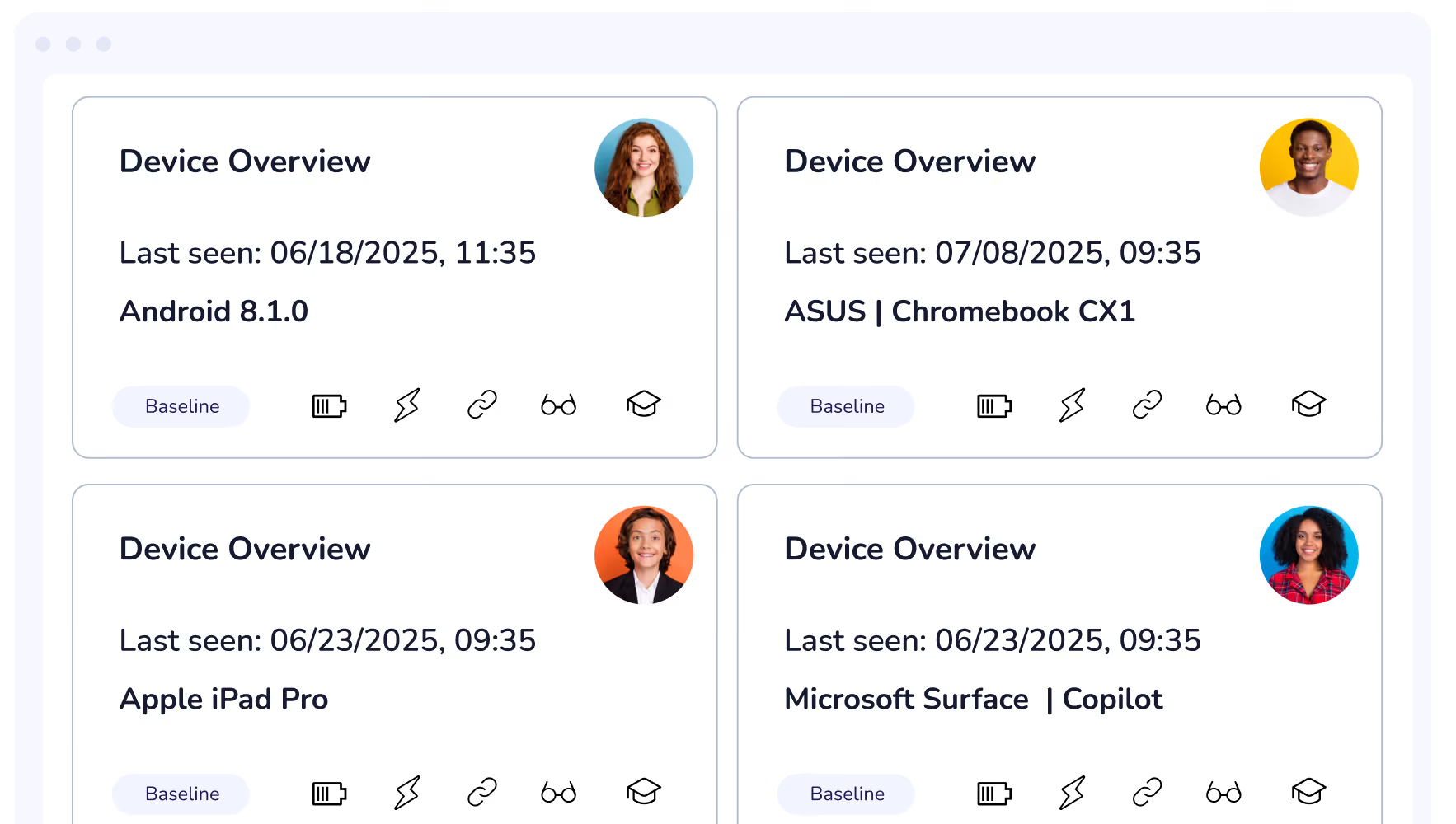
However you enrol your devices, Mobile Guardian handles configuration automatically. Connect a device to the internet and it enrols, applies the right policies, and lands in the correct group without anyone touching it individually.



.png "X(Twitter)")