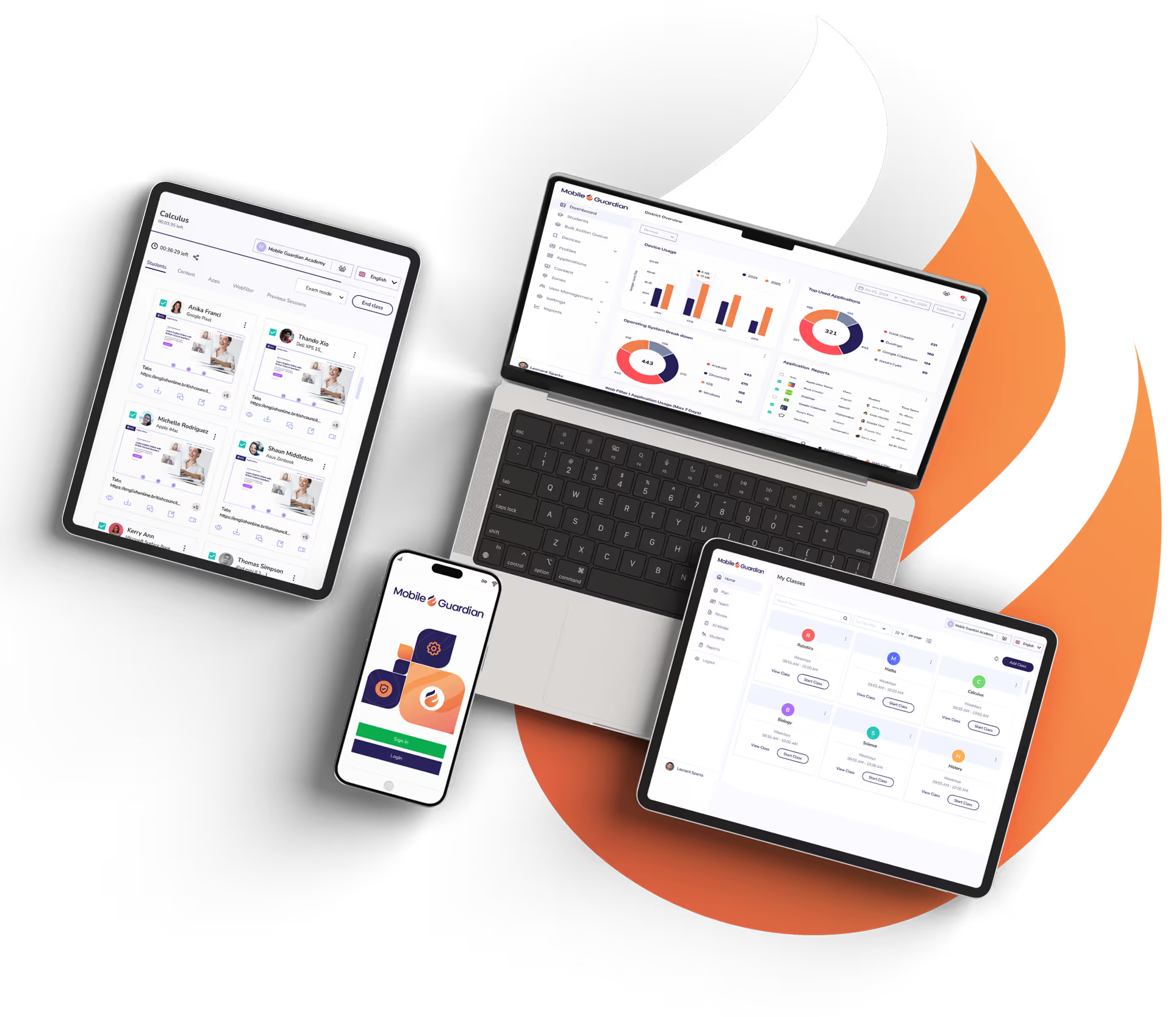
Ya estén los alumnos en el centro o en casa, todos los dispositivos se filtran en cualquier sistema operativo. El cumplimiento normativo está asegurado, con las evidencias necesarias para demostrarlo.
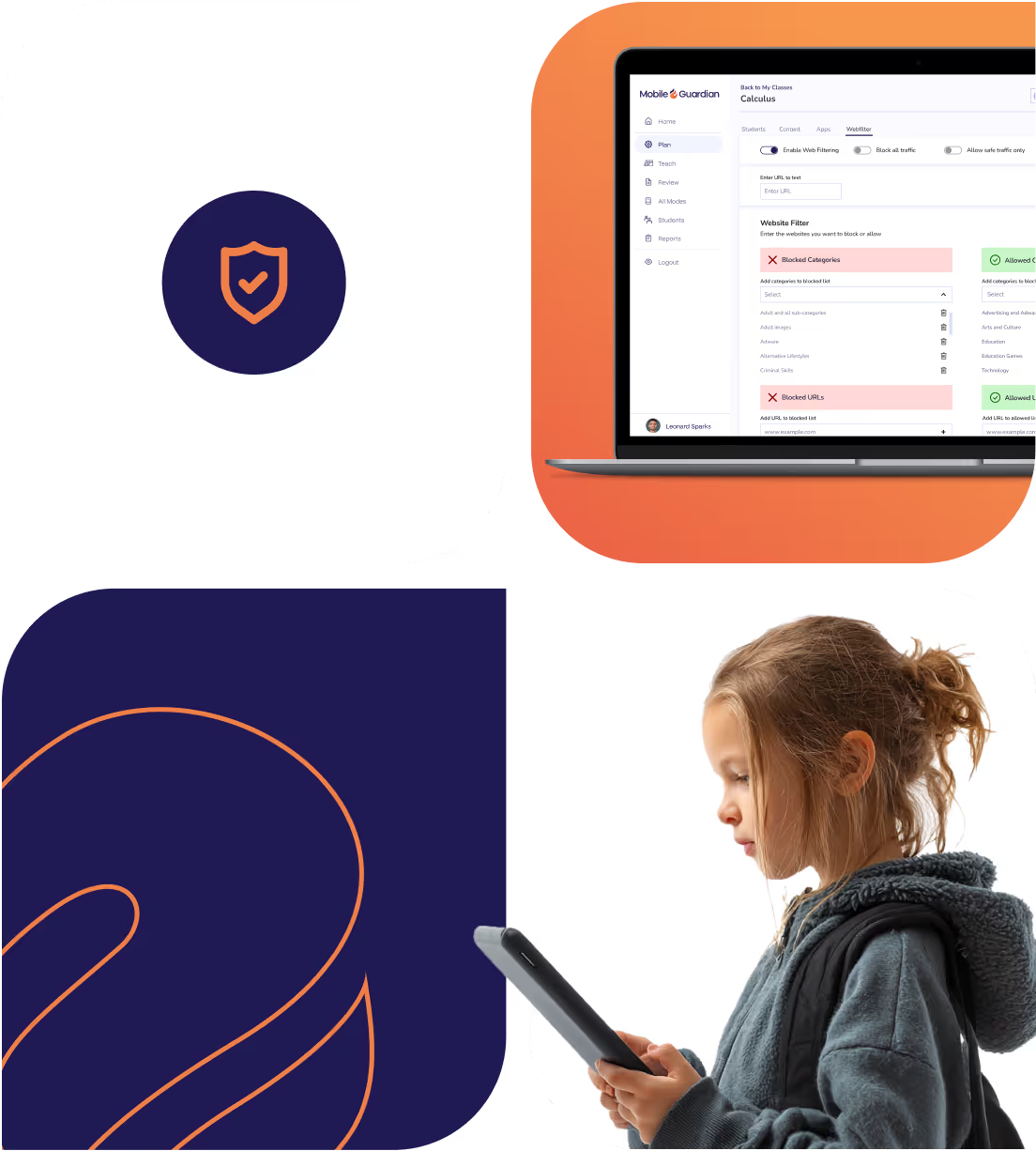
Una base de datos de miles de millones de URL, con millones de nuevas direcciones categorizadas y añadidas a diario.
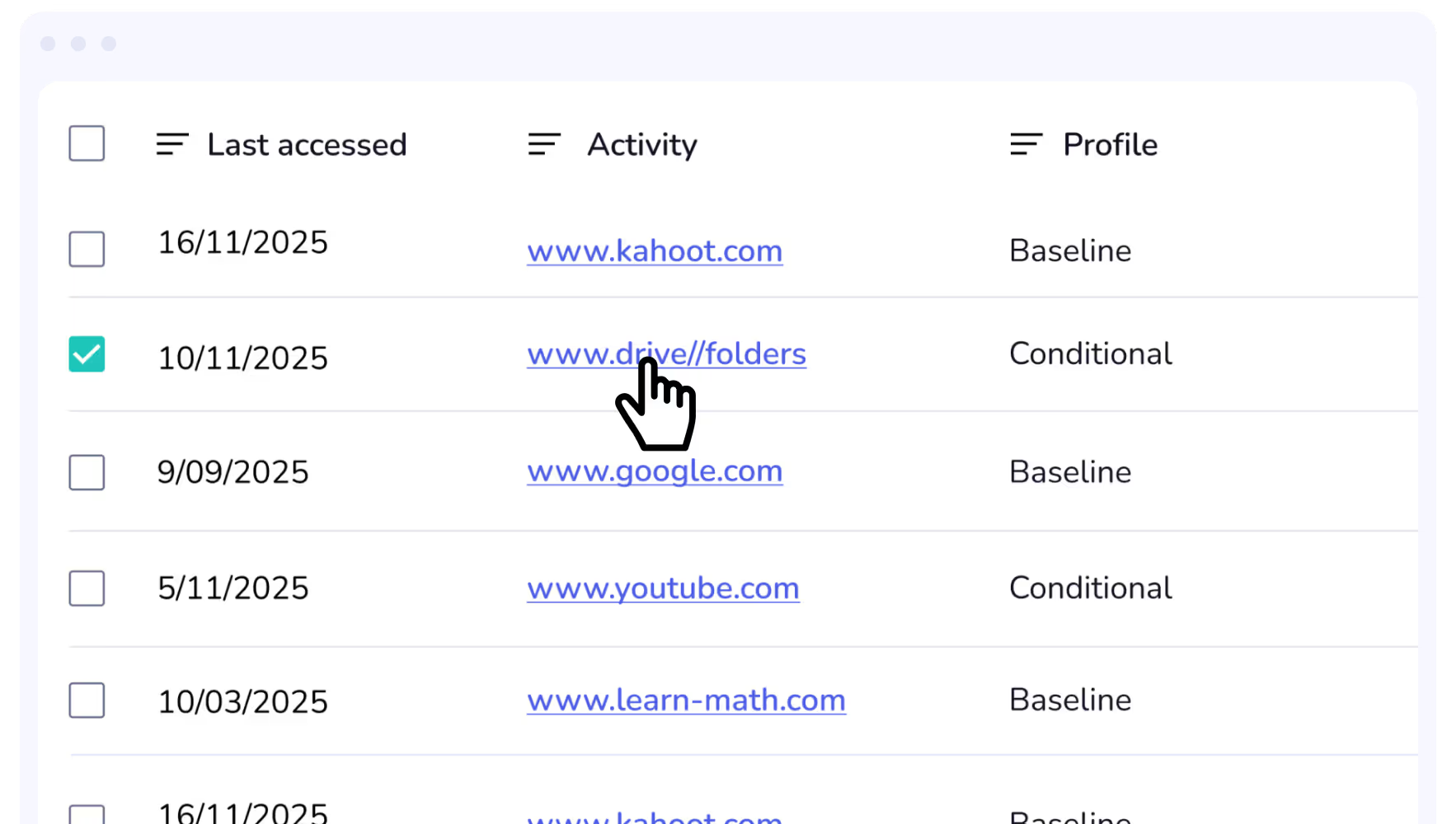
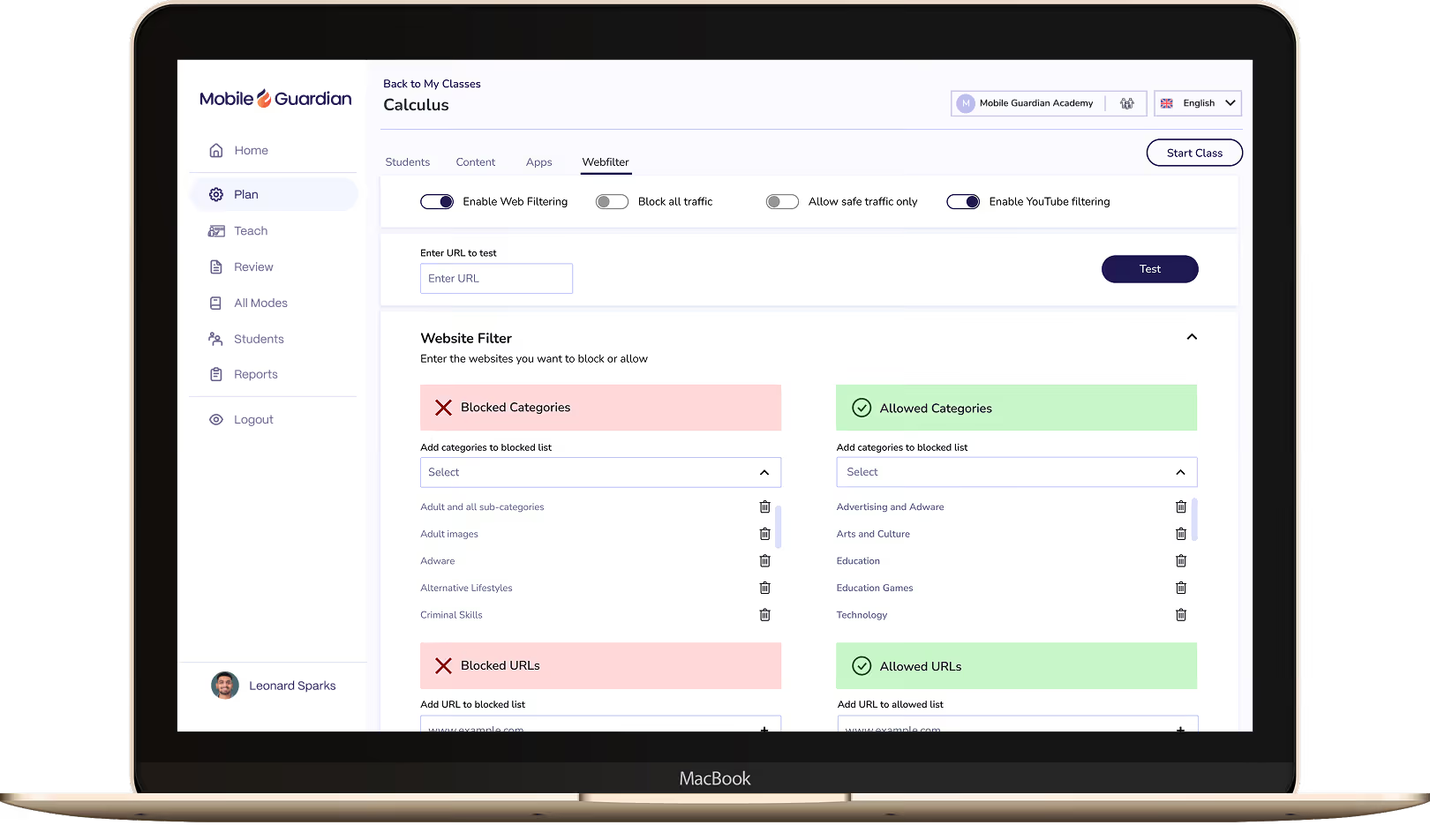
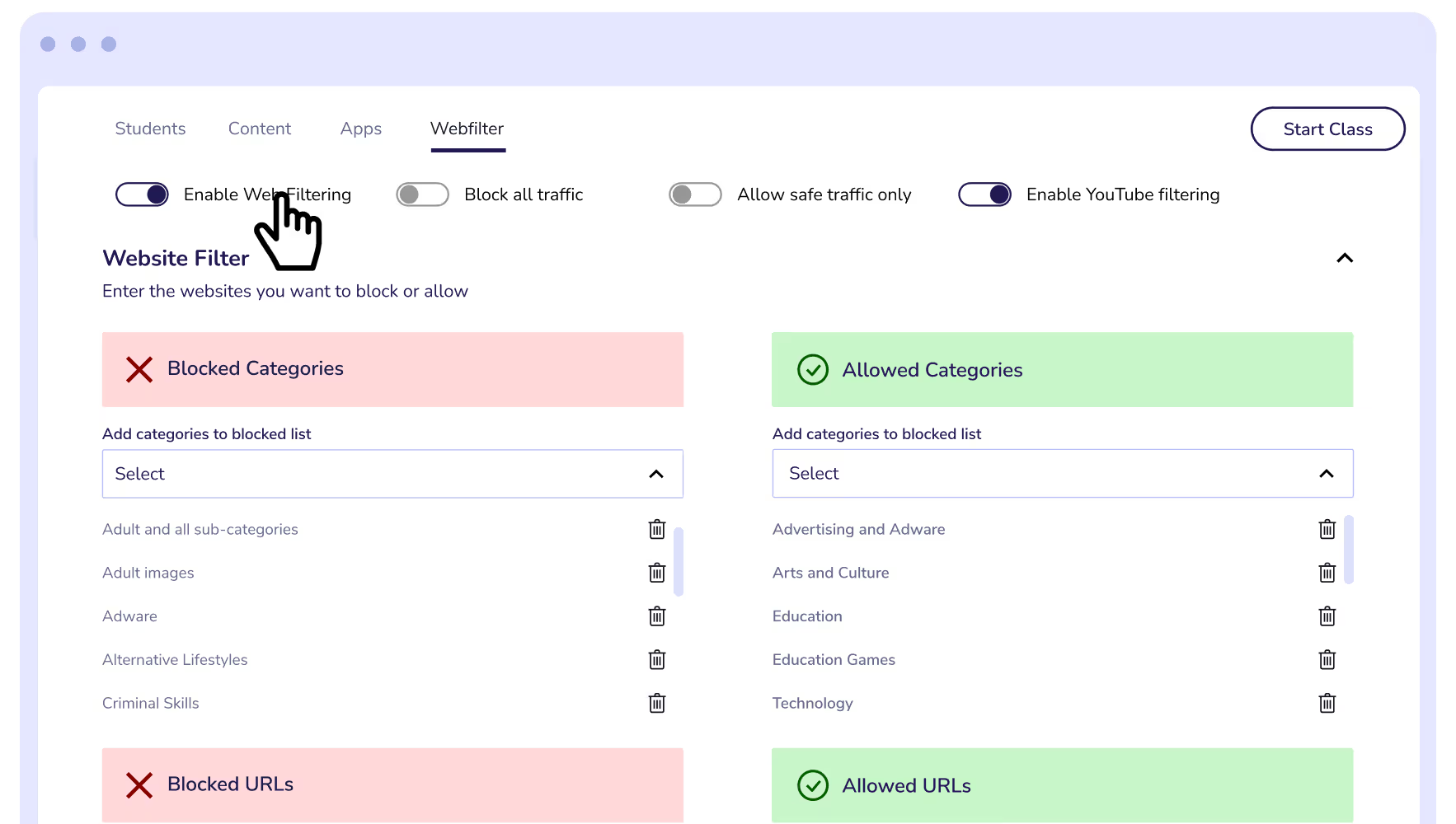
Según tus necesidades, existen varias categorías y métodos para filtrar el contenido web: desde "Solo tráfico seguro" hasta el filtrado por categoría, palabra clave, URL, canal de YouTube y mucho más.
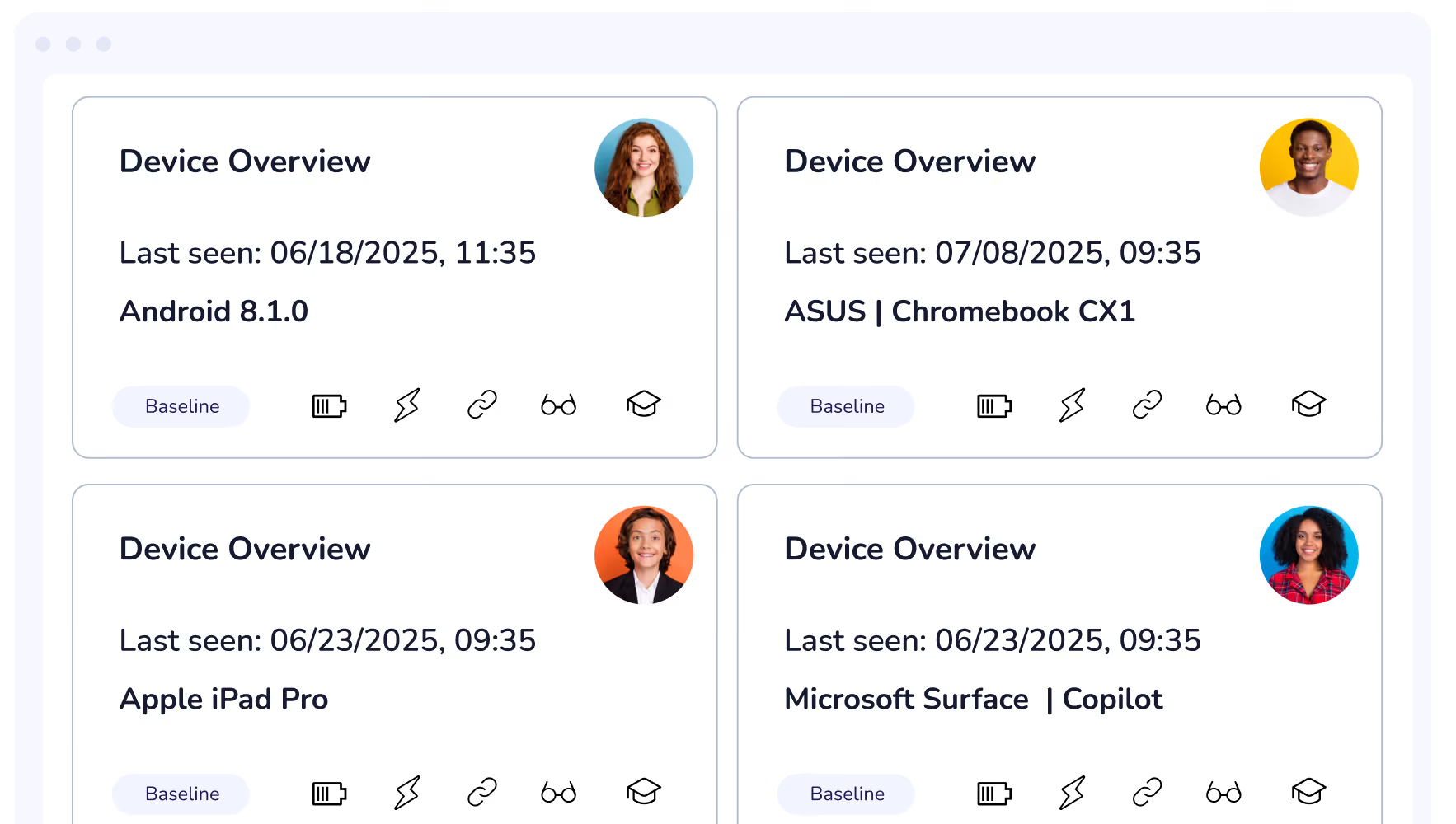
Gracias a medidas eficaces de seguridad de los dispositivos, se puede proteger activamente el bienestar de los alumnos y gestionar fácilmente la exposición a contenidos adecuados para su desarrollo.
La solución de filtrado de Mobile Guardian ofrece a los padres nuestra interfaz de controles parentales, permitiendo la gestión y restricción de los dispositivos en el hogar.
Create safe online learning environments that allow students to explore and learn online, in a safe and assured way with Web Filtering.

Filter out websites according to their categorisation, allowing for easy broad web filtering.
A cloud-based Web Filter offering a crucial layer of protection for K-12 students beyond On-Device Filtering.
A quick and easy enrolment process get you up and running on the Mobile Guardian platform.
Easily roll out application updates, installation, and removal from devices from your Mobile Guardian platform.
On-Device Filtering ensures student devices are restricted at all times, regardless of their internet connection.
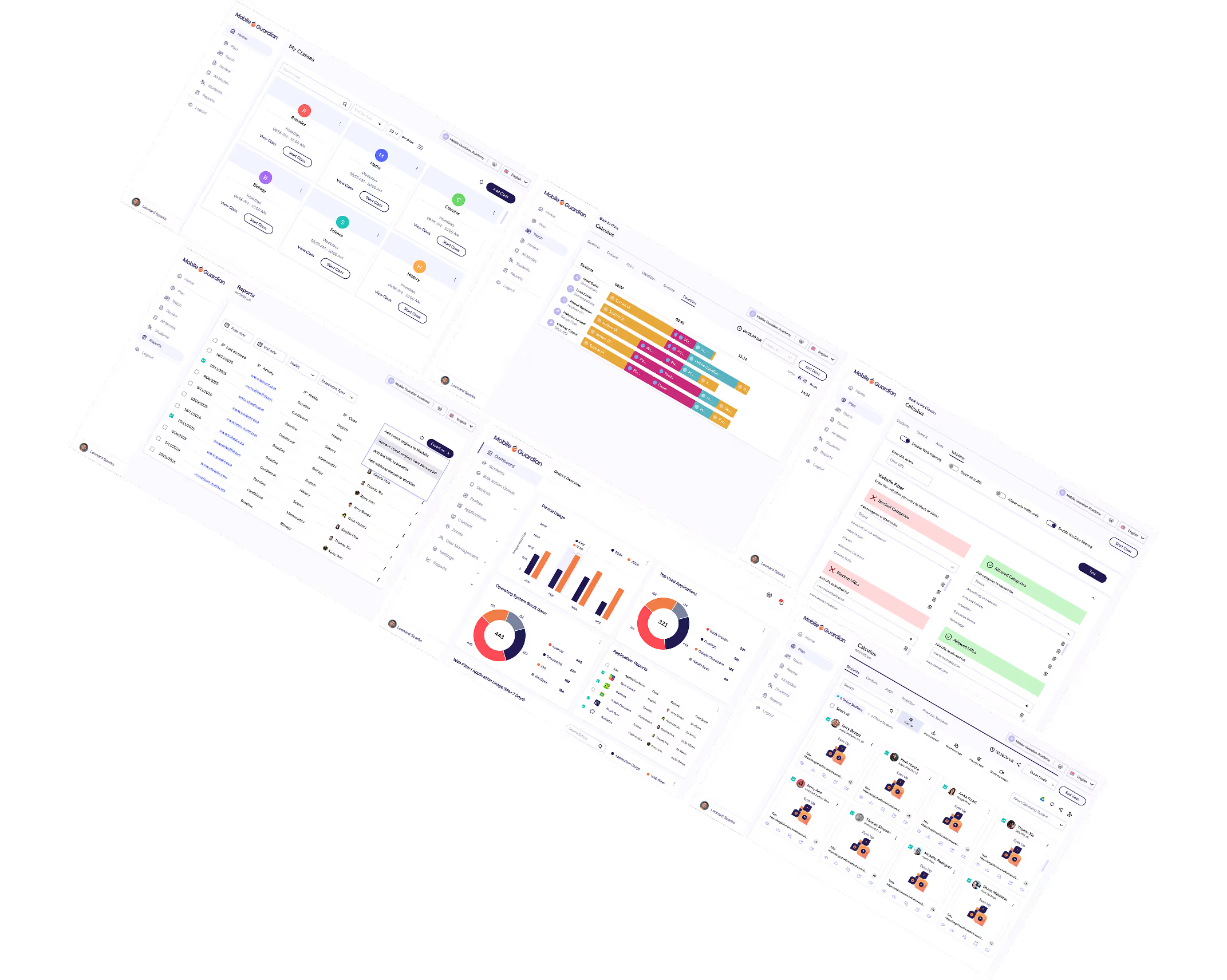
Customise device management workflows to suit your needs. Ensure a school's dashboard enables administrators, teachers and leaders to easily access information pertinent to their needs.
Create Geofences to trigger filtering rules and policies based on location. Seamlessly switch between filtering profiles for responsive content filtering.
Set and control application access on student devices according to class needs and school device usage policies.
Integrate with Microsoft Office 365 for Education to quickly and easily set up your learning environment with Mobile Guardian.
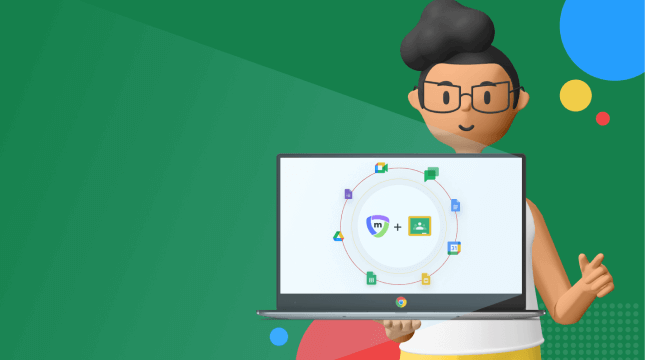
Integrate with Google Classroom and Google Workspace for Education with Mobile Guardian to easily guide and protect students online.
Apple School Manager easily integrates with Mobile Guardian to ensure devices are ready for learning.
Set device usage rules and policies which implement device states according to the time of the day.
Gain insight into behaviour online and understand what content students are accessing. Assess learning behaviour and misbehaviour with report data that is directly actionable.
Punycode provides an improved method of character identification for languages beyond the ISO basic latin alphabet for multilingual filtering.
Mobile Guardian is a modular solution. This means you're able to select exactly which features you'd like for your digital learning program. The only none-negotiable is a safeguarded digital learning environment.
Start a Free TrialA key aspect of Mobile Guardian is On-device Filtering as a standard. This ensures students experience immediate, real-time filtering for safeguarded device use.
Find Out HowAs a multi-OS platform, Mobile Guardian is ideal for consolidation of your device management, filtering, and classroom tool platforms. Bring all operating systems into a single, unified Dashboard for clear device control, visibility, and understanding.
Unify Now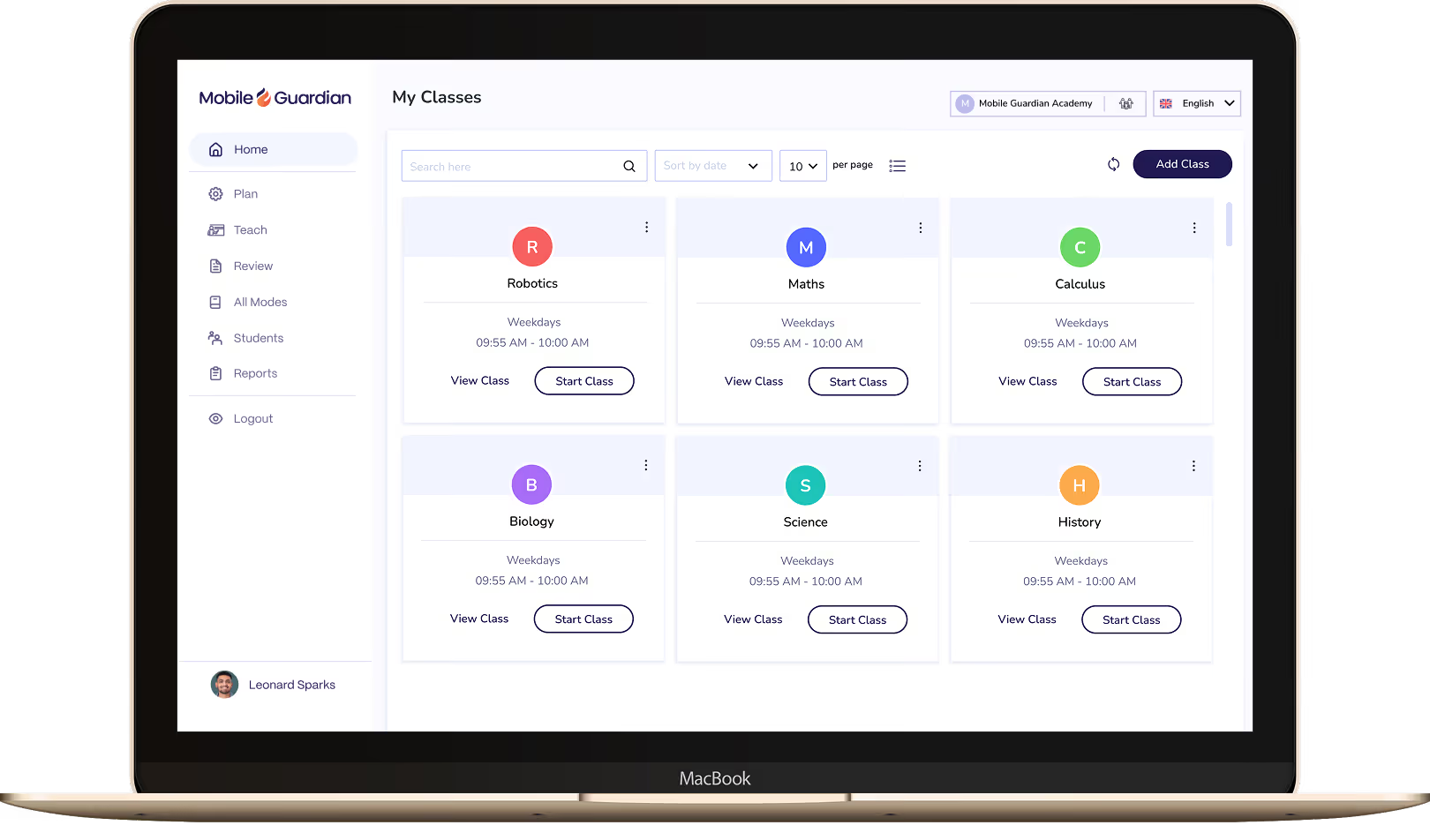
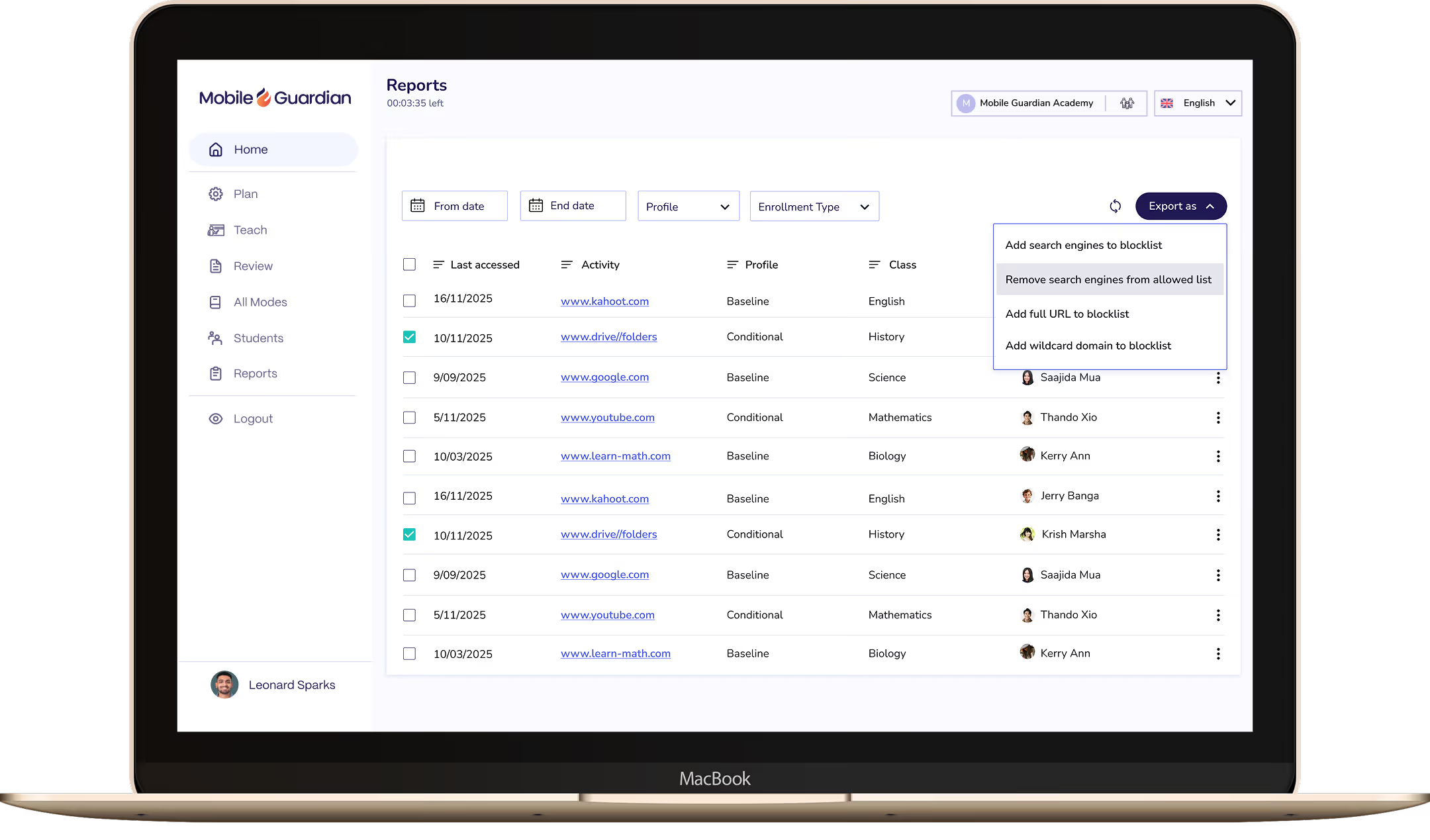

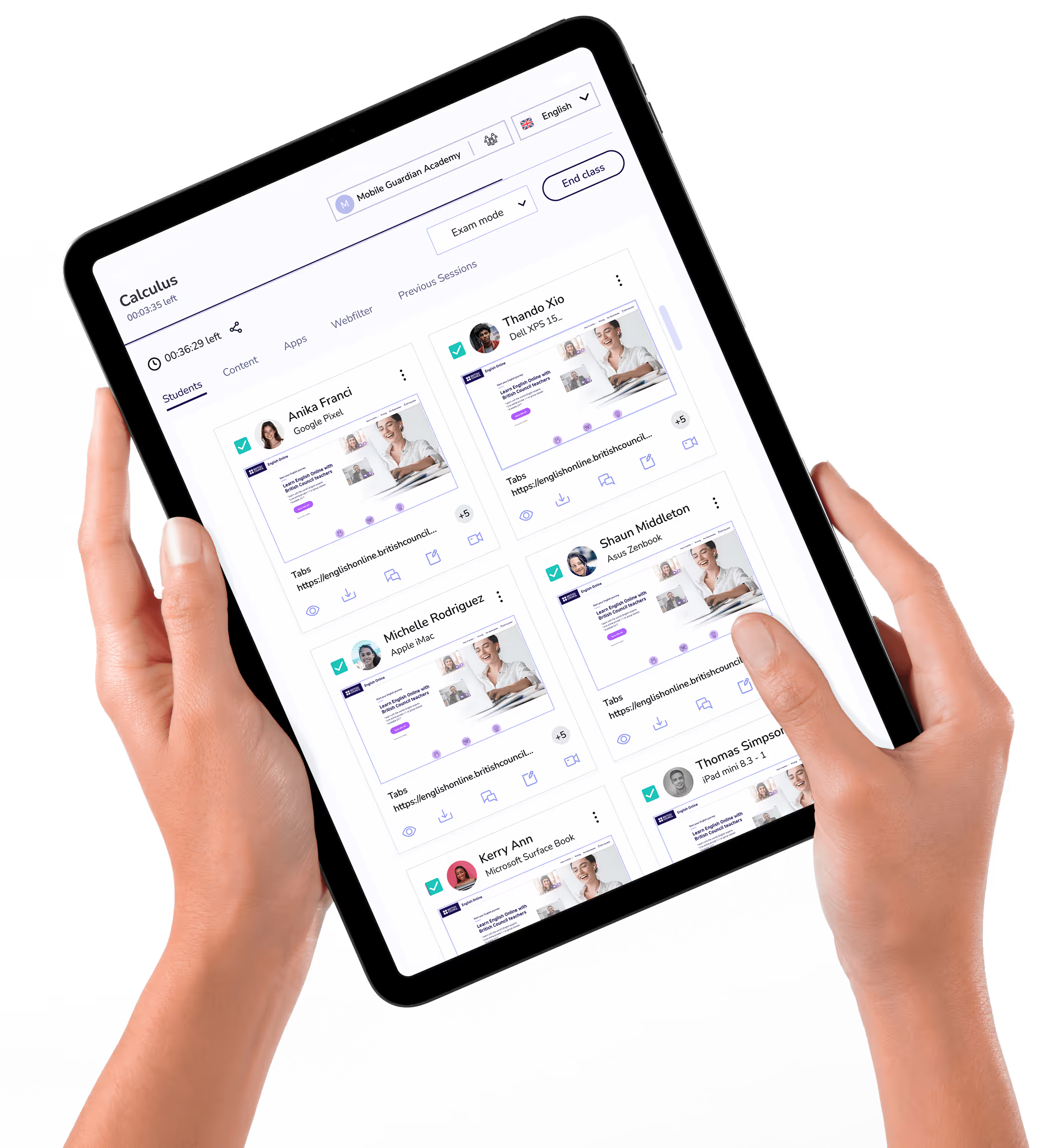
Classroom puts teachers in control of every device in the class, with tools to keep students focused and learning rather than distracted.

Filter keeps students on-task and safe online, with reports and real-time visibility to meet your school's online safety requirements.



.png "X(Twitter)")