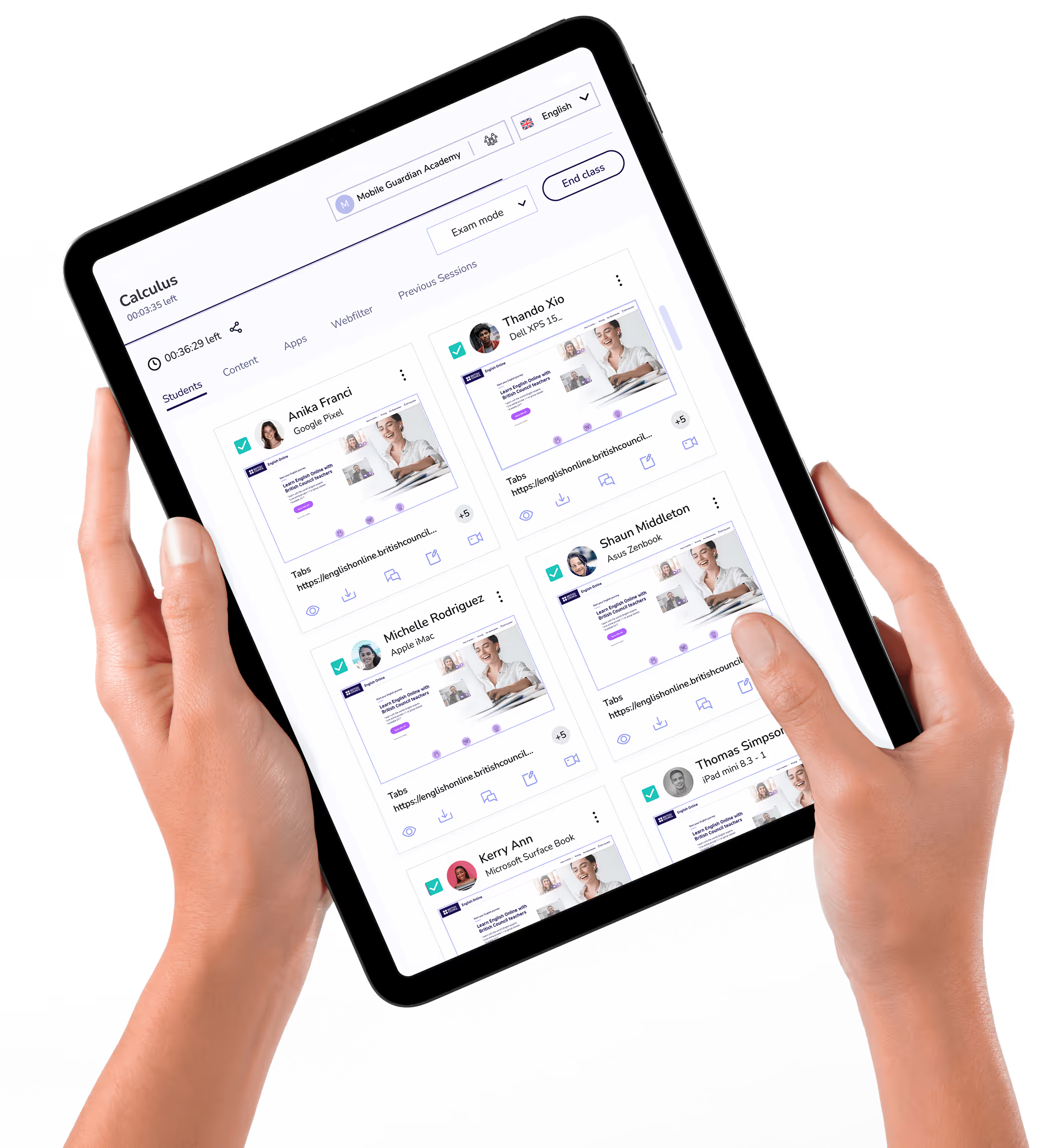
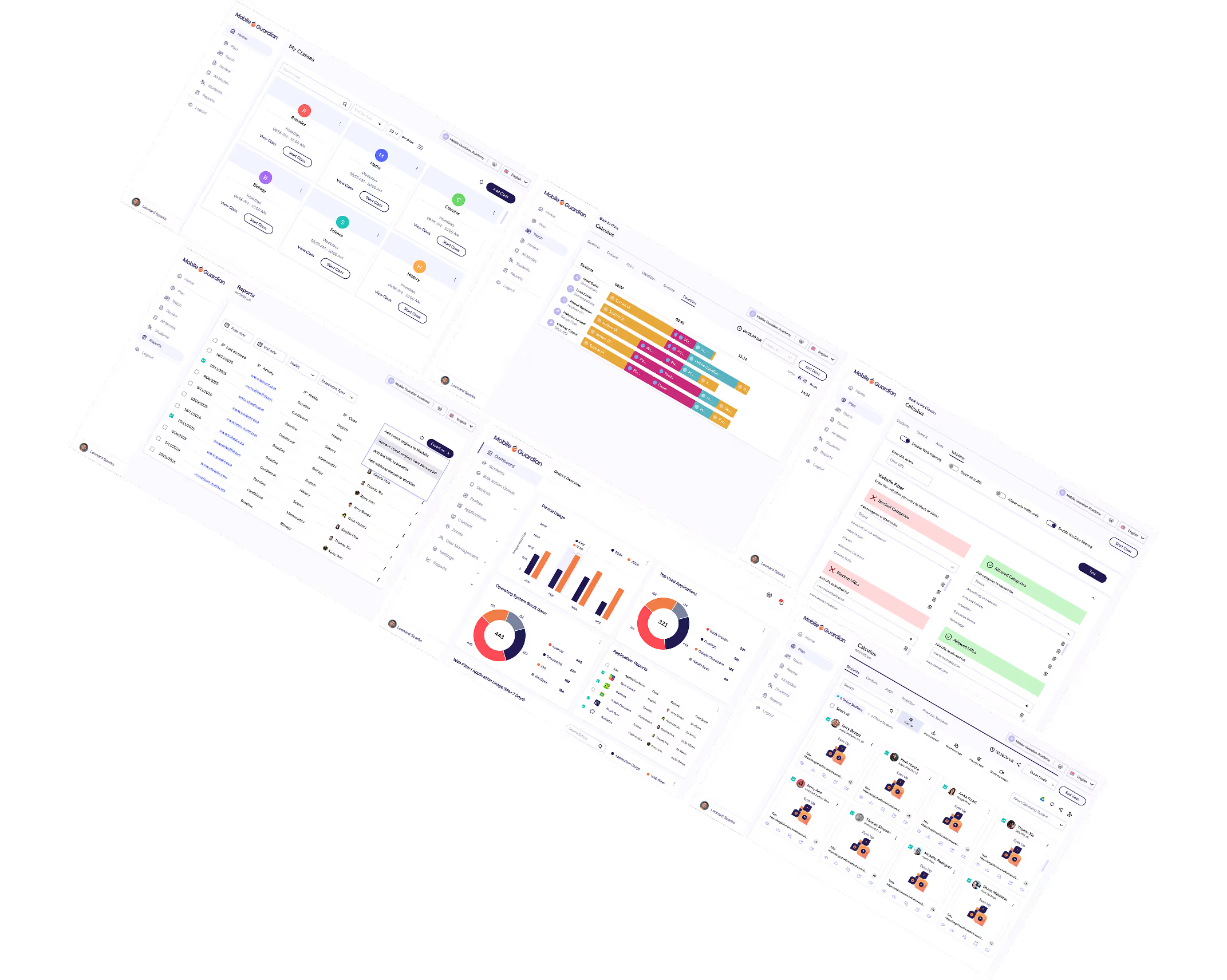
A device management application suite which includes device management, easy-to-use classroom management tools, secure web filtering and linked parental controls.


Enrol Android, ChromeOS, iOS, and Windows devices quickly with enrolment options built for every school setup.
Deploy, manage, and control applications across student devices, aligned to school needs and usage policies.
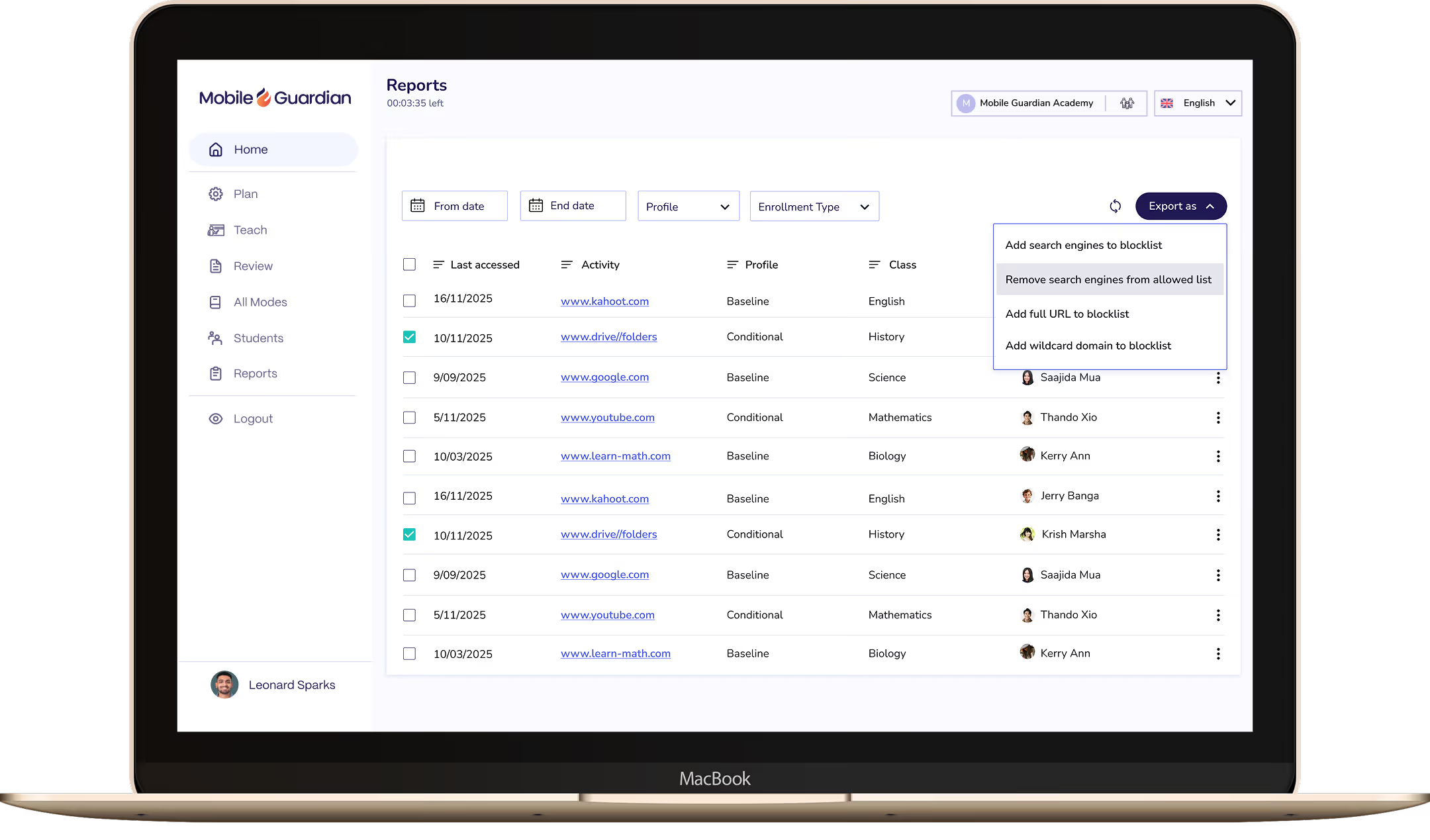
Per-device reporting gives leaders clear visibility into how devices are used across the program and the evidence to demonstrate usage.
See which sites and apps students visit most, with the data needed to identify risk and support your reporting requirements.
See every student screen in real time during class, instantly spotting who's off-task and who needs support.
Set and control application access on student devices according to school needs and school device usage policies.
Bring Windows 365 into Mobile Guardian to deploy and manage Windows devices alongside every other OS from one place.
Connect Google Workspace for Education with Mobile Guardian to manage devices and keep students safe from a single platform.
Pair Apple School Manager with Mobile Guardian to streamline Apple device enrolment and management across your school.
Close distracting tabs or push relevant URLs to every student device in one action, keeping the class on track without breaking flow.
Eyes Up instantly blocks all student screens, pulling attention back to the teacher the moment it's needed.
Manage multiple schools across districts, and MATs from a single dashboard with insights across every school and year group in one place.



Set device usage restrictions with Mobile Guardian and Google for Education to optimise learning environments wherever students may be learning from.
Mobile Guardian integrates with Apple School Manager to benefit both I.T Administrators and Teachers.
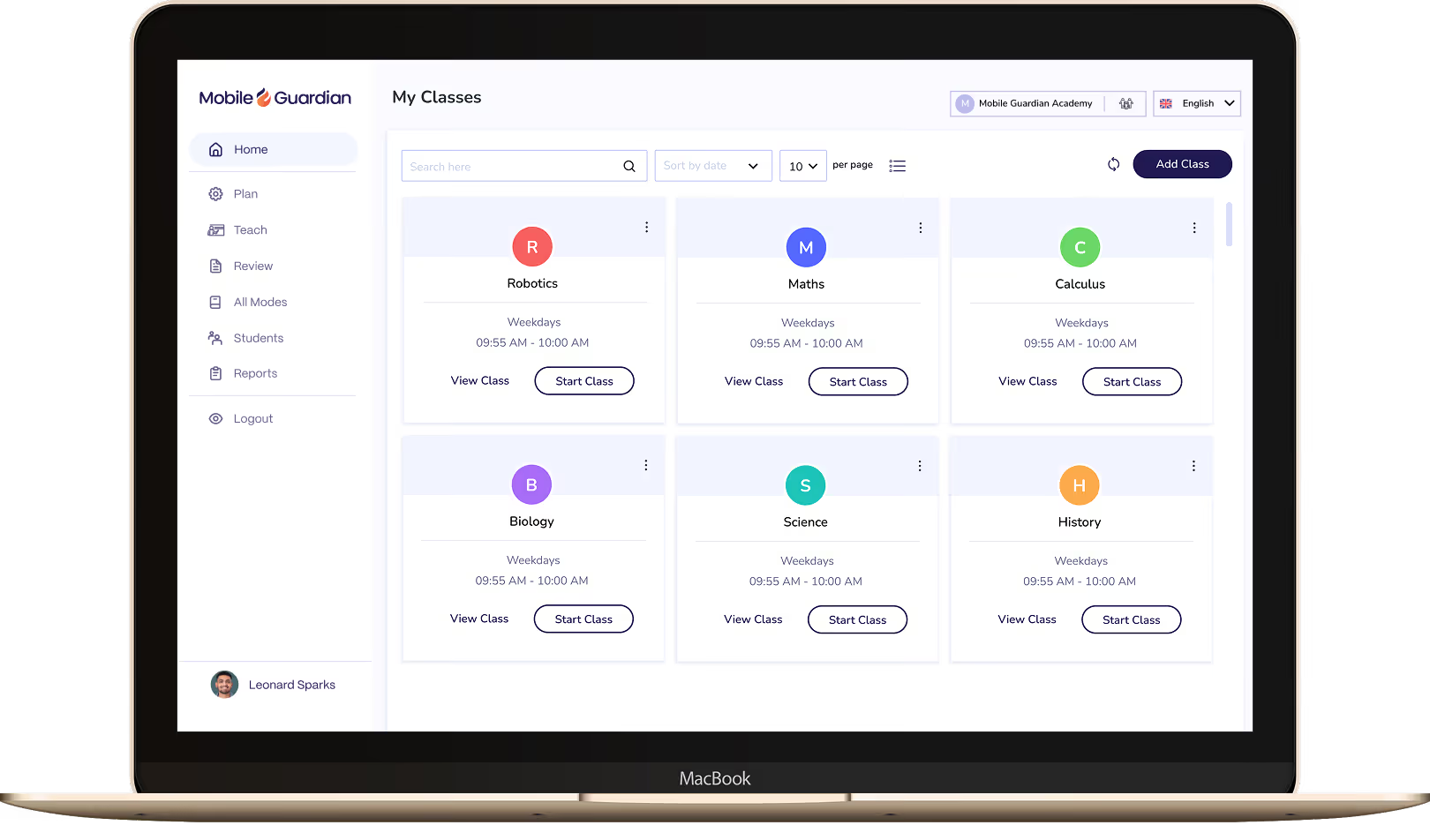
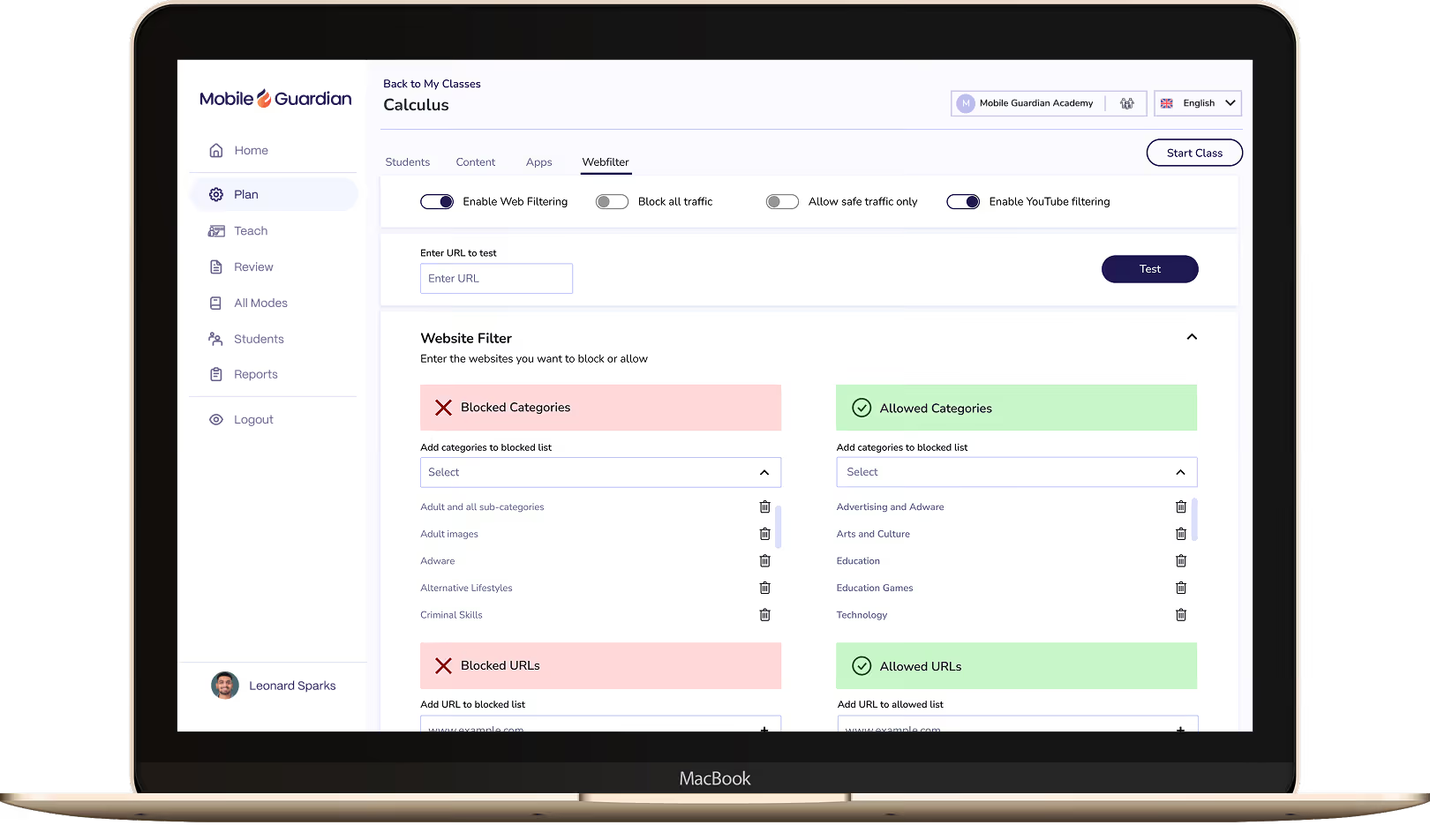

Classroom puts teachers in control of every device in the class, with tools to keep students focused and learning rather than distracted.

Filter keeps students on-task and safe online, with reports and real-time visibility to meet your school's online safety requirements.

Deploy and manage 1:1 devices across every OS from a single dashboard. Grant your IT team the control and visibility to manage thousands of devices without the complexity.

Artificial intelligence (AI) is rapidly transforming industries worldwide, and education is no exception. While the concept may spark mixed emotions, from excitement about its potential to concerns about implementation, AI offers a powerful opportunity to enhance learning experiences around the world. Lets explore the benefits of AI in education.

In this blog, we’ll explore how educators can leverage AI tools to personalise learning, improve student engagement, and ultimately, empower them to transform digital learning and achieve their full potential.
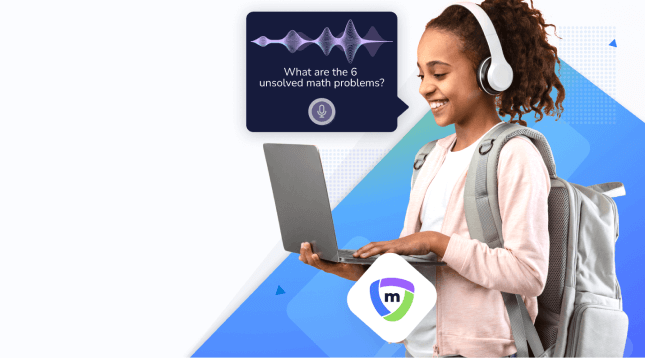
The education landscape is on, or possibly just within, the cusp of a revolution, driven by the ever-evolving power of Artificial Intelligence (AI). This technology holds immense potential to transform how we teach and learn, prompting excitement and trepidation.

In today's fast-paced digital world, ensuring the quality and reliability of software applications is paramount. While Shift Left has gained popularity for early-stage testing, a complementary approach, Shift Right, focuses on continuous testing and monitoring in production-like environments.



.png "X(Twitter)")